Barber Shop Website: Prices, Barbers and a Book Button
Price list, photos, Book button: everything else is extra
Keep it short
A client choosing a barber wants three things: the cuts, the prices and a free slot. A long story about the shop can wait further down the page, or skip the page altogether. The best barber websites are short and quick to read on a phone, standing outside the door.
The three things to get right
- A price menu. Fade, skin fade, beard trim, hot towel shave, kids' cut, each with a price. No "ask in store".
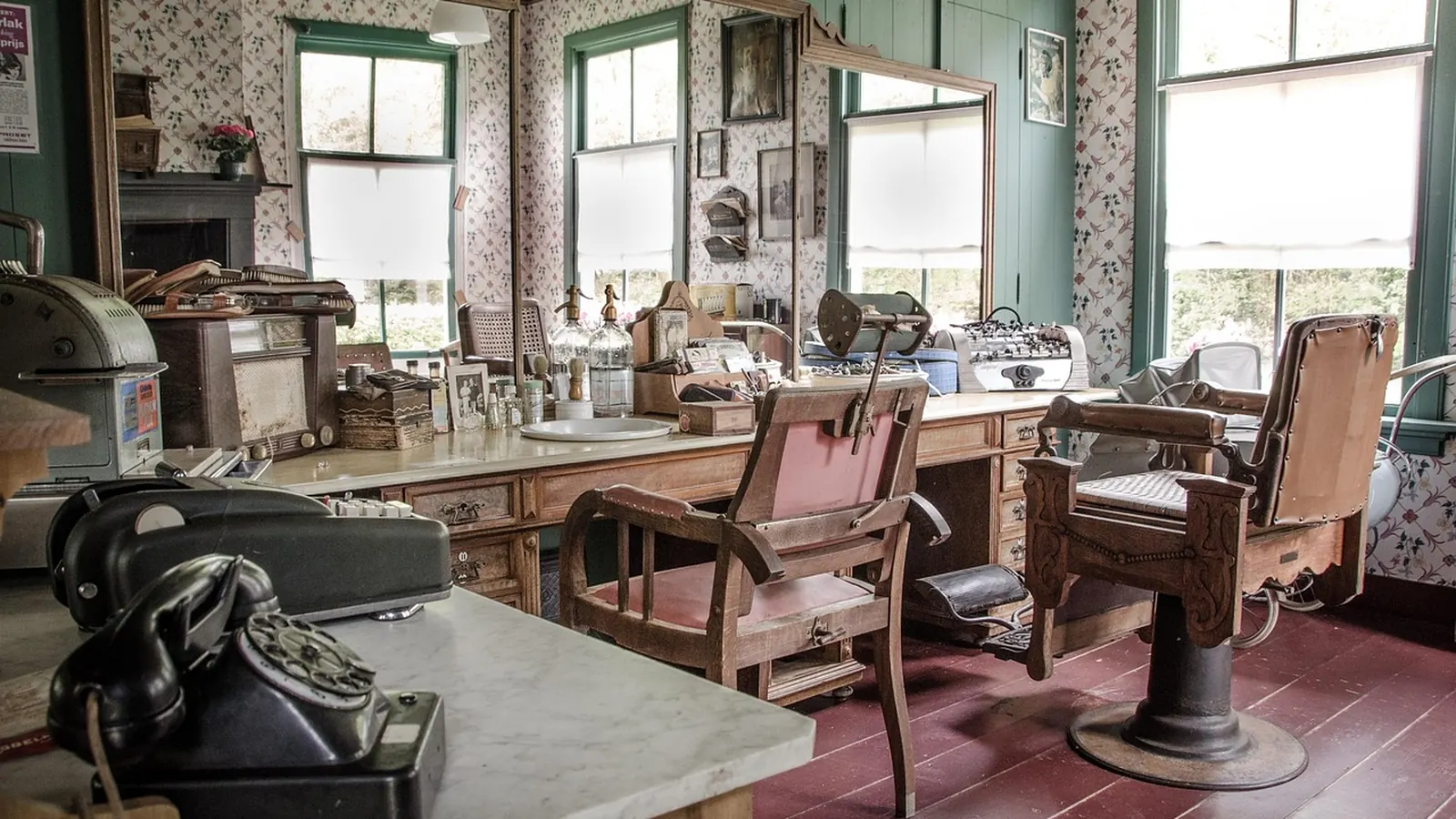
- Photos of your shop and your cuts, plus a line in your About text naming your barbers, so regulars know who is in.
- A Book button, or Call us if you prefer walk-ins and phone calls.
Booking on your terms
When online booking is on, clients pick a service and a time from each barber's availability, so the chair you see as free is really free. Every barber can share a personal booking link on their own profile. When booking is off, the button reads Call us and dials the shop. Plenty of barbers mix both: walk-ins welcome, bookings for busy Saturdays.
Prices from the till
Your services and prices come from your SaleFlowPoint account, the same list the till uses. Change the price of a beard trim once and the website matches it. Add a new service and it can appear on the page without retyping.
The Sharp Fade template
Sharp Fade is dark and minimal, made for barbers. In order it has a minimal header, a full-width photo, a services menu with prices, a photo grid, a full-width map and a thin footer. It is available on every plan, including the free one. Look at the Sharp Fade template, or browse all 187 templates in the website templates guide.
Use your own photos
The template comes with pictures, but nothing beats your own: the chairs, the street front and a few fresh cuts (ask the client first). Upload them, then choose Keep my own under the template gallery, and they show instead of the template's pictures. Your name and logo always come from your account. Give each service its own picture too (a skin fade, a beard trim): add it under Service pictures, and it shows beside that service instead of a sample photo. A template picture that does not suit your shop can go on its own: press Hide on it under Gallery, then Save.
Swap the samples
If your account has no phone, email or hours yet, the template fills in samples such as (555) 555-0100 and hello@example.com. They are marked in the editor and stay hidden on your public site until you replace them. Applying a template never publishes it, so you can finish everything first.
An example
"Eastside Cuts", an invented two-chair shop in Chicago, applies Sharp Fade, uploads photos of its two chairs and recent cuts, checks that the fade and beard-trim prices on the page match the till, and types its real Saturday hours. It publishes with walk-ins noted in the about line and booking on for Saturdays.