

Features / Point of sale
Point of sale
POS software that keeps selling when the internet drops
A till that stops when the connection stops costs you sales and leaves a queue at the counter. SaleFlowPoint is web-based POS software that runs in your browser and can be installed as an app on the till. If the internet goes, it keeps taking cash sales and uploads them when the connection returns.
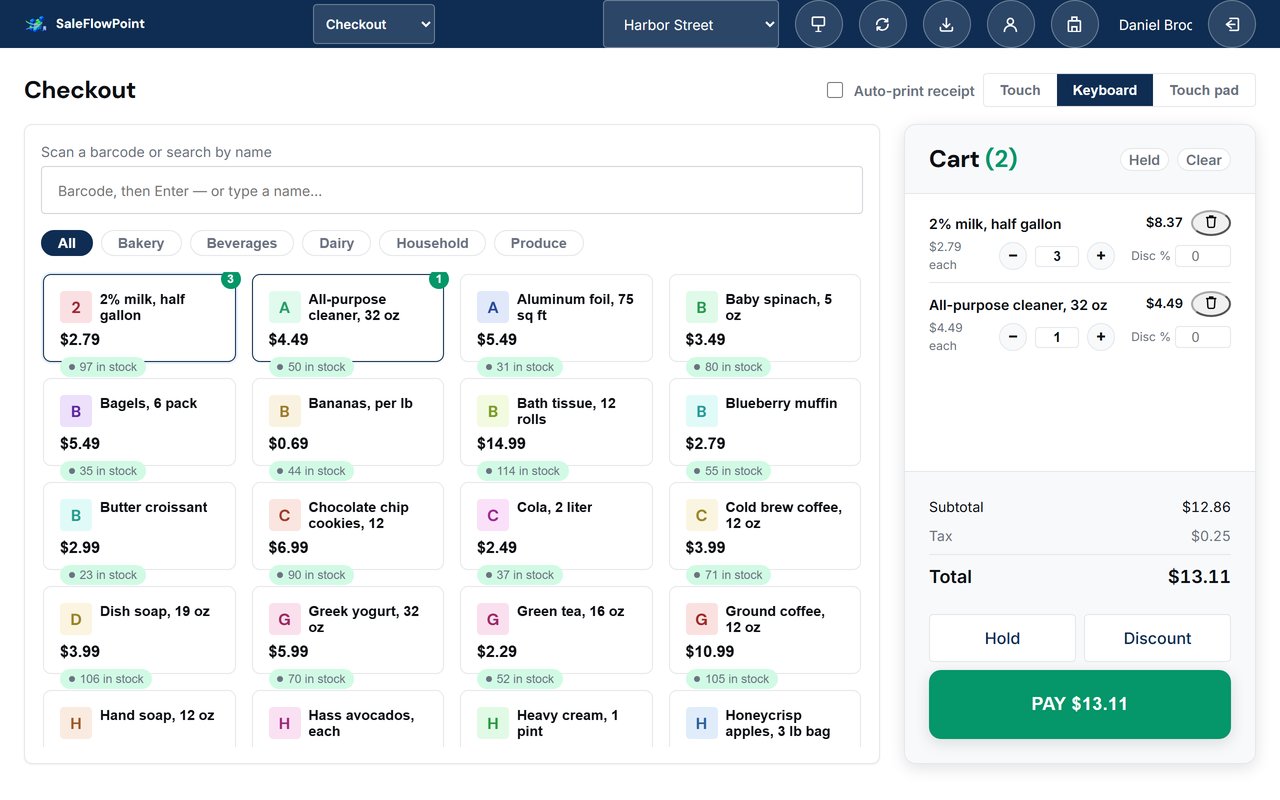
Three ways to ring up a sale
Different counters work differently, so the till has three layouts.
- Touch: tap products from a grid, suited to tablets and touchscreens.
- Keyboard: scan a barcode or type to search, suited to a busy retail counter.
- Touch pad: a layout built for a compact touch workflow.
Search finds products by name, SKU or barcode. Any barcode scanner that types into the screen works.
Selling offline
Register a device as a till and it keeps a local copy of your catalogue, which updates by itself. When the connection drops:
- Cash sales, held carts and refunds queue on the till.
- Staff unlock with an offline PIN.
- Everything syncs when the connection returns, and each sale is recorded once, even if the upload repeats.
- Any sale that needs a second look is flagged in Sales History, and it is always kept.
Offline selling has limits. It takes cash only, and Sales History and switching cashier need a connection. You also see alerts if a till holds sales it has not synced.
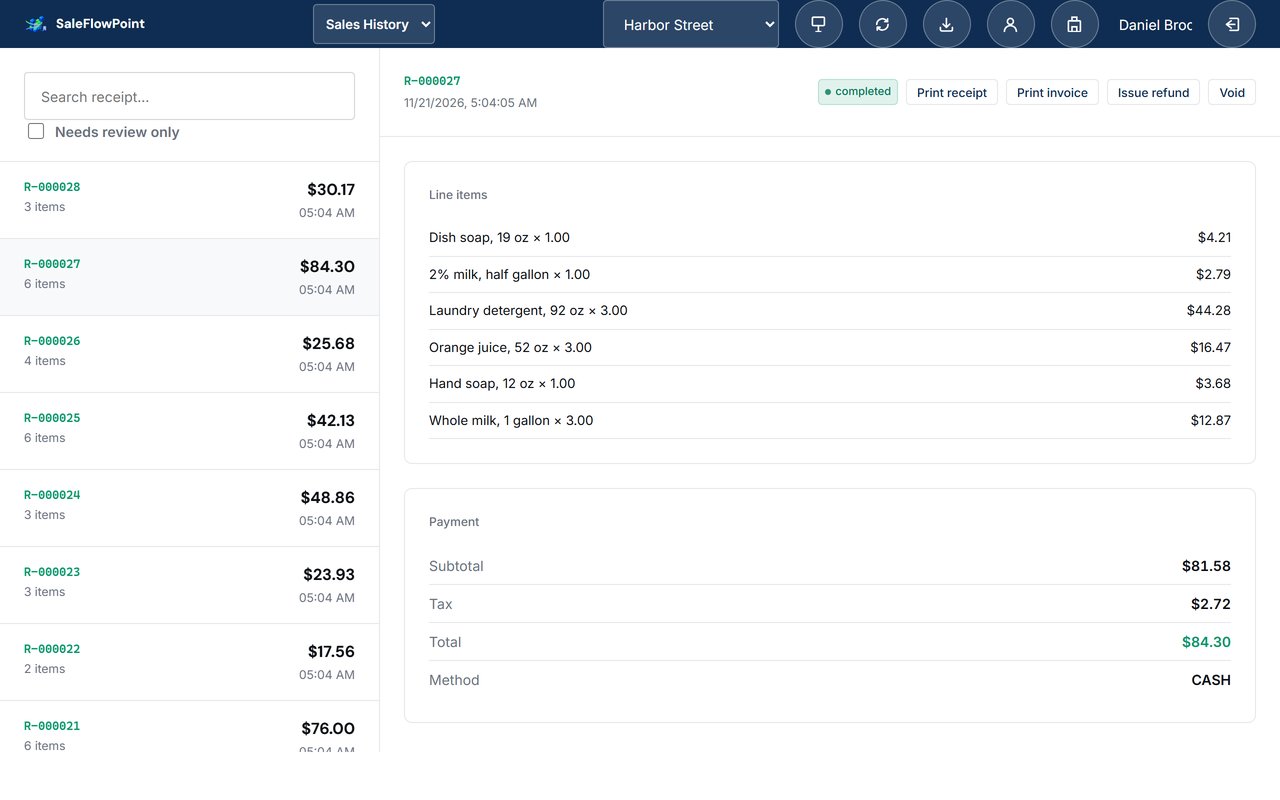
A checkout that matches your day
- Payments: cash, card, bank transfer, cheque, mobile wallet or other, and split one bill across several. SaleFlowPoint records how a sale was paid. It does not process cards itself, so card sales go through your own card machine.
- Discounts: line and whole-bill discounts, capped by each person's limit. Product discounts apply by themselves and show by name on the cart line.
- Hold and resume: park a cart while a customer fetches one more thing.
- Tax: set rates once and attach them to products. Several can stack.
- Receipts: narrow thermal receipts or A4 invoices, with automatic printing as an option.
- Custom sales: invoice a named customer for items typed by hand, printed as an A4 invoice.
Shifts, cash and control
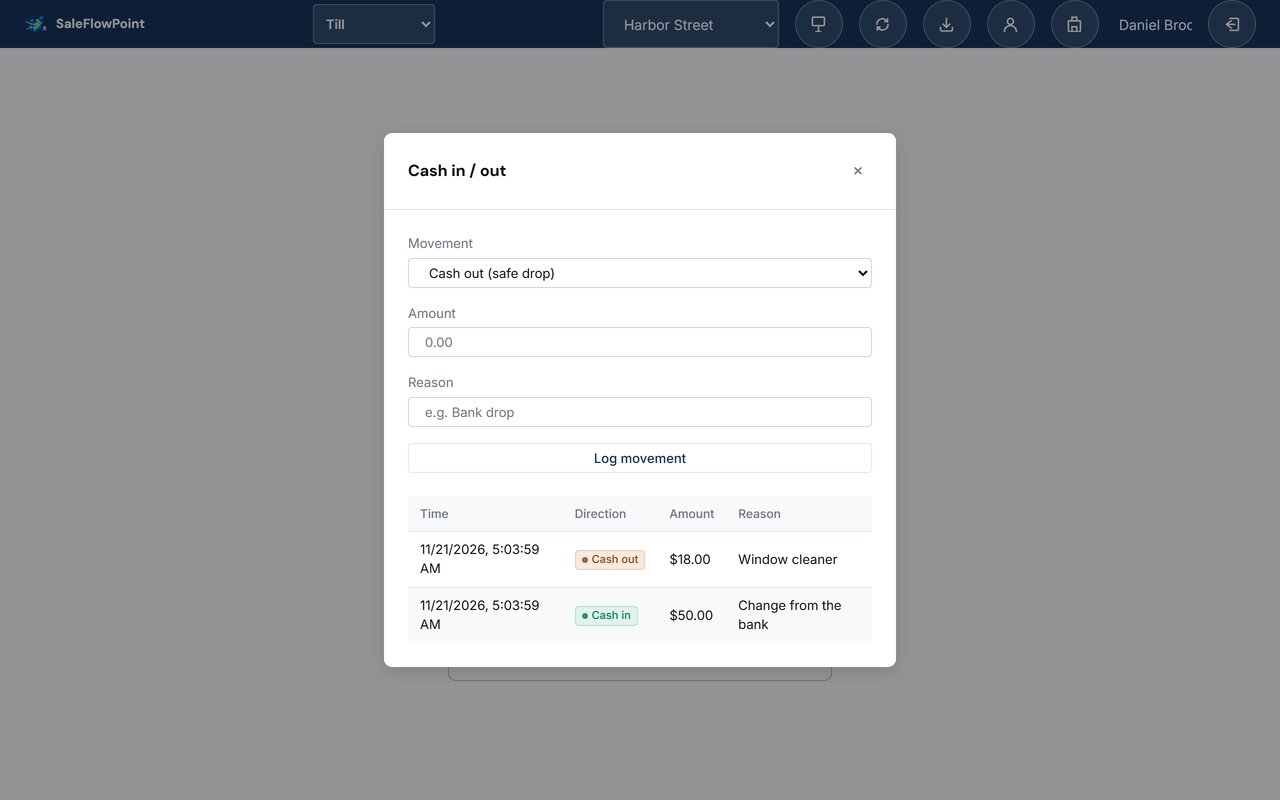
Open a shift with a cash float, record cash in and out, and close with X and Z reports. On a shared till, staff switch by PIN and the header shows who is selling. Roles decide who can refund, void or give a larger discount. If a customer double-clicks or the connection fails, the sale is not charged twice, because the server works out the price and rejects the copy.
Who it suits
Retail shops, boutiques and electronics shops
Variants, SKUs, barcodes (your own or generated), refunds and per-branch stock.
Pharmacies
Batch and expiry tracking is available as an option, along with supplier returns.
Grocery stores
Fast scanning, reorder points and slow-moving stock reports. Quantities are whole numbers, so check how you would sell loose goods before you commit.
Cafes and restaurants
Quick tills, held carts and cash-up by shift. There is no table plan or kitchen screen, so it suits counter service.
Questions
What hardware do I need?
Any computer, tablet or phone with a modern browser. Receipts print on 58mm or 80mm thermal printers or as A4.
Is this a cloud POS system?
Yes. Your data is kept online and you reach it through a browser, while a registered till can keep selling offline.
Can it take card payments?
You can record a card payment, but the till is not connected to a card machine. The customer pays on your own terminal.
Can I use it with more than one till?
Yes. The number of branches and till devices depends on your plan. See pricing.
Can I import my products?
Yes. Import a CSV with a preview, or use AI-assisted import for a messy file.
How does it handle refunds?
Find the sale in Sales History, refund it, and choose how to pay the money back.
Related pages
Guides, videos and examples
Try it at your counter
No card is required to register. Every company starts in review and goes live on approval.