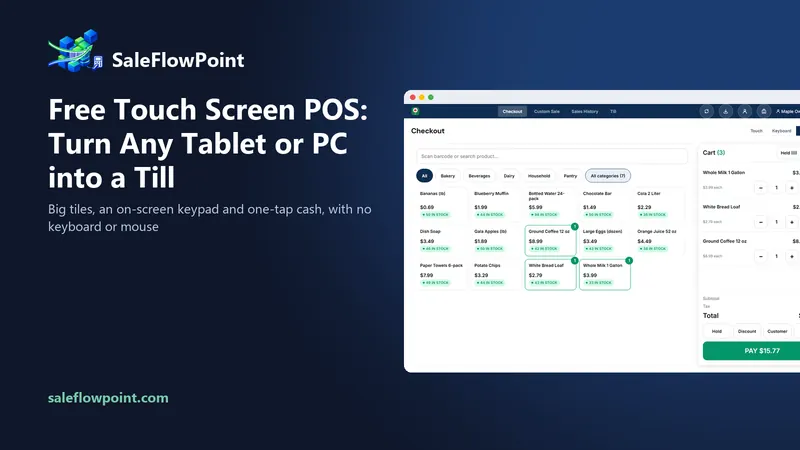
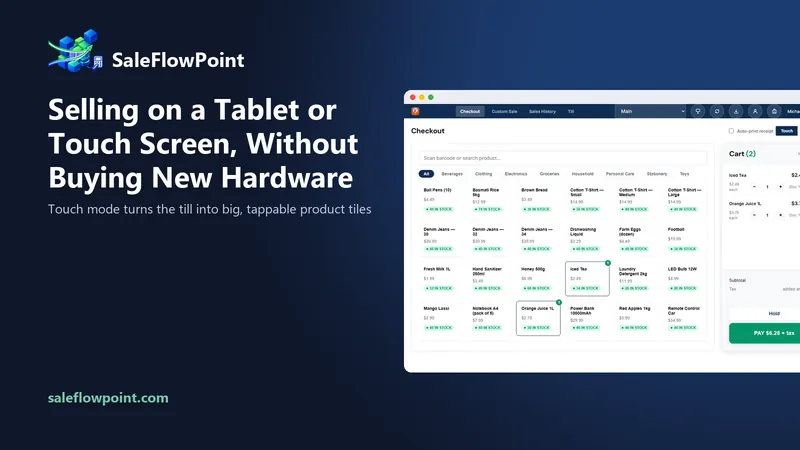
A Faster POS Checkout Screen: Products, Cart and PAY in One View
Keyboard mode now shows your products first - free on every plan
Products first
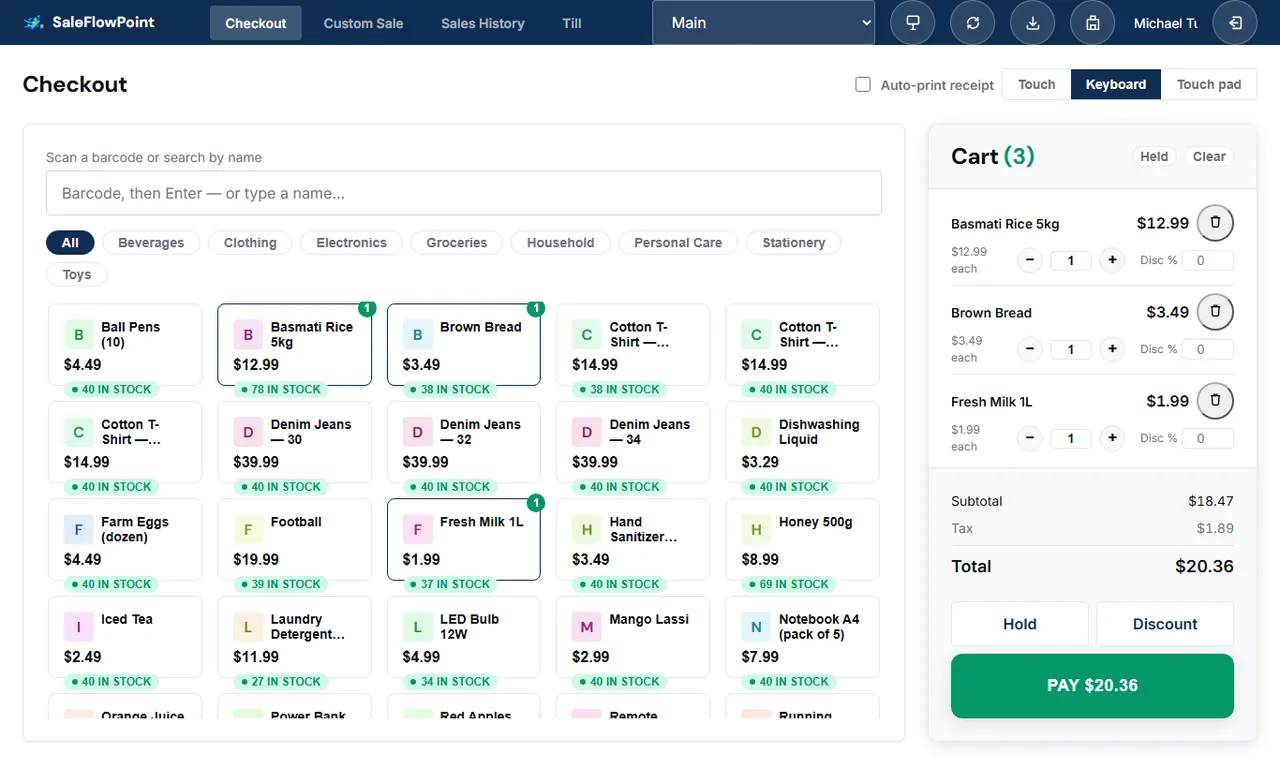
Keyboard mode used to open on an empty search box. Now it shows your products and categories straight away, each with its price and stock, so a cashier can tap, type or scan - whichever is quickest.

Watch on its own page, with a written summary
Everything on one screen
On a till-sized screen the products and the cart fill the window. Totals and PAY stay at the bottom, Hold and Discount sit side by side above PAY, and Held and Clear are small buttons at the top of the cart.
Free on every plan
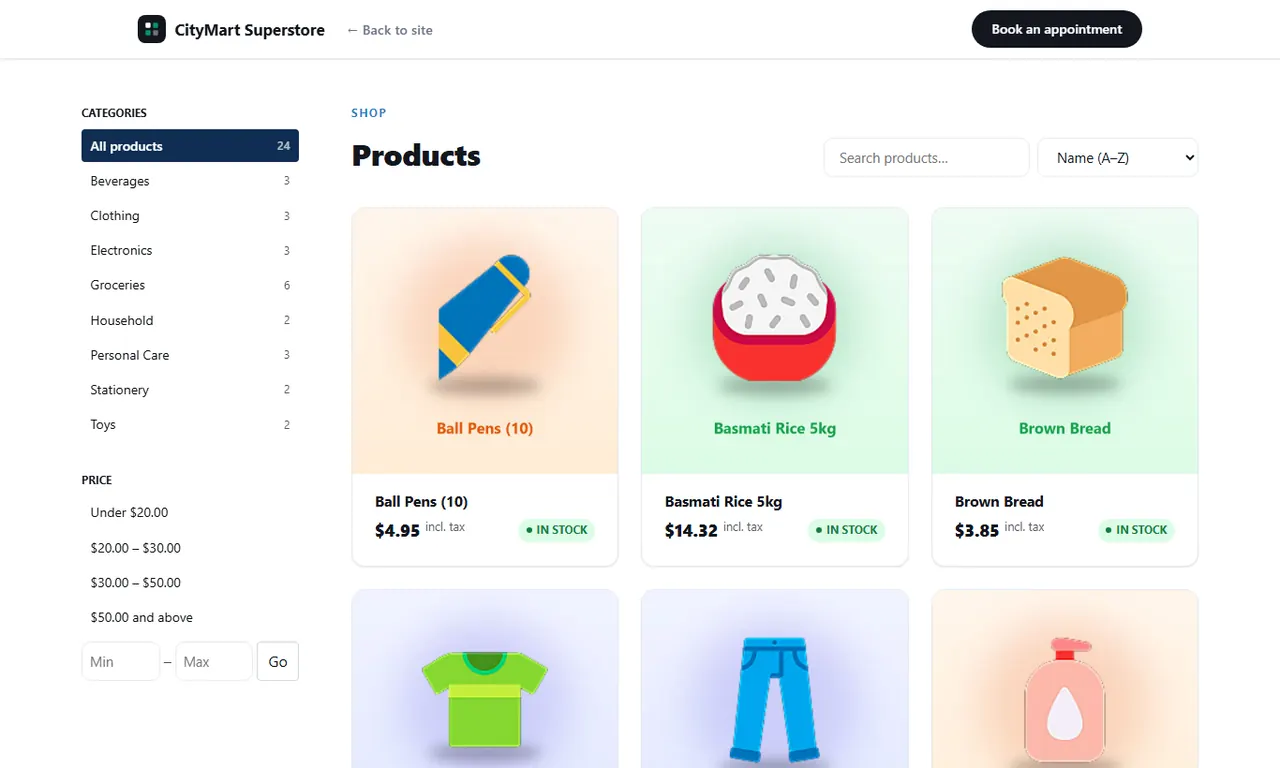
The checkout is part of the free plan, with no time limit: Touch, Keyboard and Touch pad modes, barcode scanning, discounts, hold and split payments.