
Point of sale
Door and Bar Sales at an Event Venue Till
Entry at the door, drinks at the bar and snacks at the interval: how a venue, club or small cinema rings everything up on one till and sees each night's total.


Blog
The till, checkout, shifts and selling offline.
Entry at the door, drinks at the bar and snacks at the interval: how a venue, club or small cinema rings everything up on one till and sees each night's total.

Turn your best photographs into prints people can buy at a market stall, a studio or a show, with prices and stock on your website and every sale on one till.
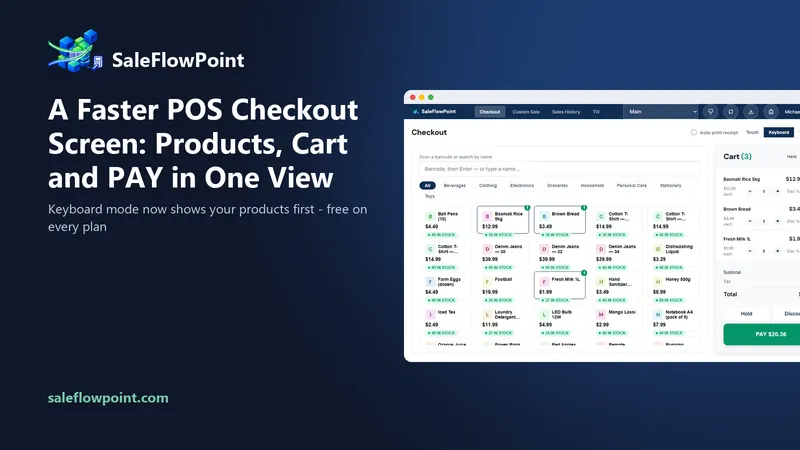
Products, the cart and the PAY button in one view, so a sale takes a few taps or key presses. Keyboard mode now shows your products first, free on every plan.
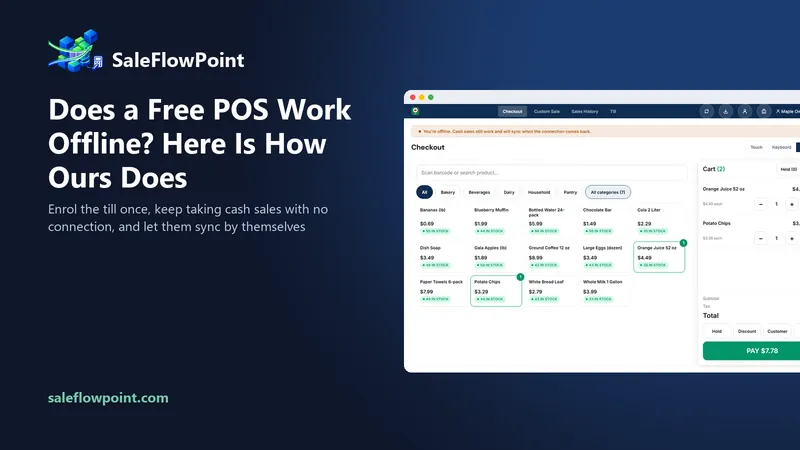
Enrol the till once, keep taking sales with no internet connection, and let them sync by themselves when it is back. How the free till works offline today.
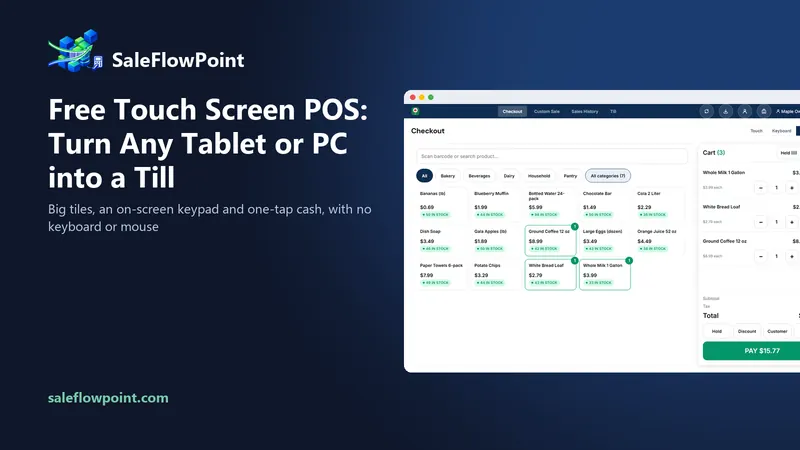
Turn any tablet or touch PC into a till: big tiles, an on-screen keypad and one-tap cash, with no keyboard or mouse. Free for one shop and one till, always.
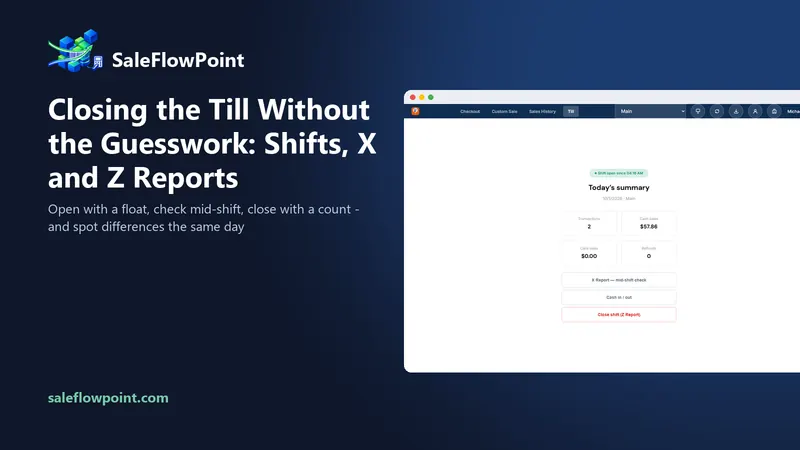
Open the till with a float, check mid-shift with an X report, close with a count and a Z report, and spot any cash difference the same day it happens.
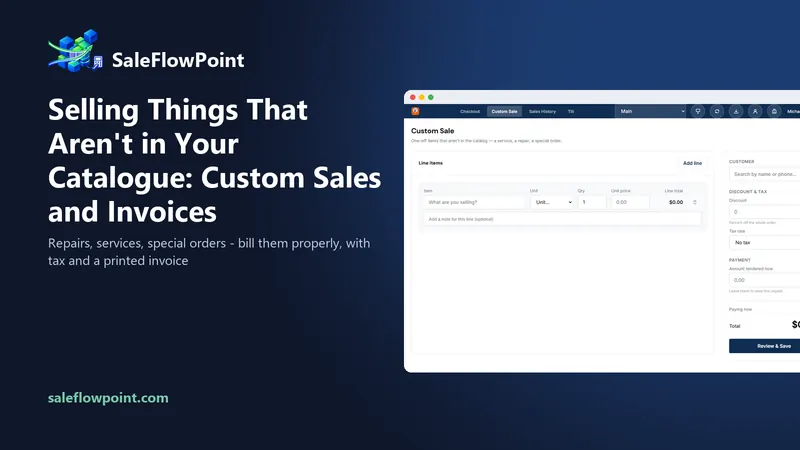
Repairs, services and special orders that are not in your catalogue: bill them properly with tax and a printed invoice, and keep them in the same sales history.
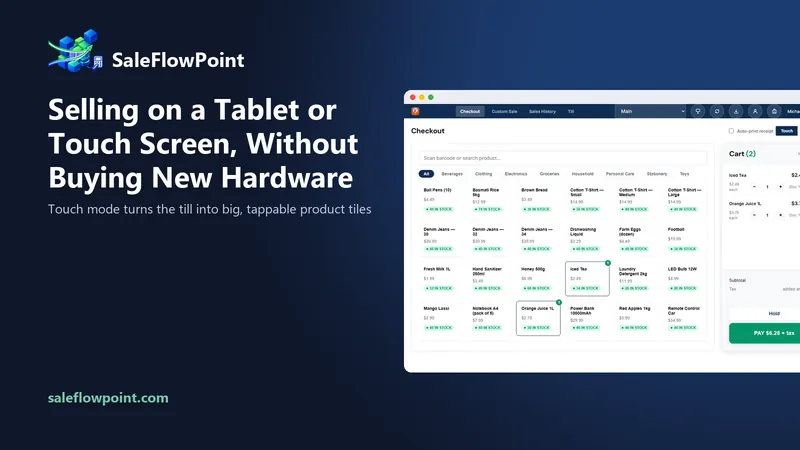
Touch mode turns the till into big, tappable product tiles, so any tablet or touch screen you own becomes a fast till. No new hardware, nothing to install.
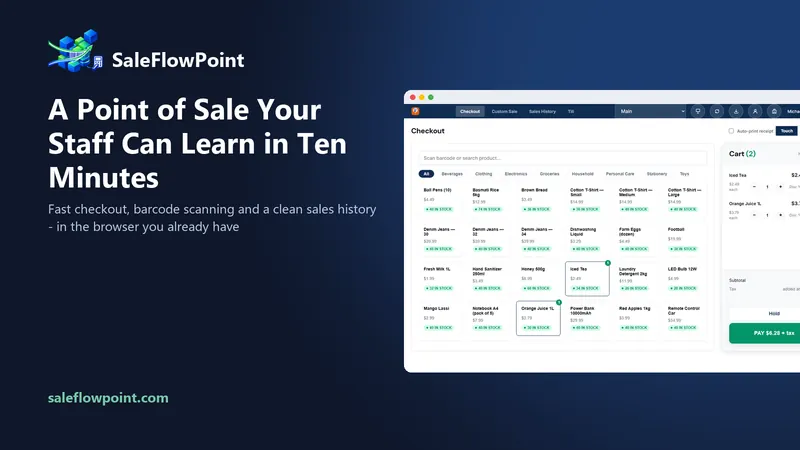
Fast checkout, barcode scanning, refunds and a clean sales history in the browser you already have. See how the SaleFlowPoint till works from the first sale.
One shop and one till free, with no time limit and no card to sign up.