Closing the Till Without the Guesswork: Shifts, X and Z Reports
Open with a float, check mid-shift, close with a count - and spot differences the same day
Small cash differences become big ones
A few dollars missing from the drawer once is a mistake. A few dollars missing every week is a pattern - and without a daily count, nobody can say when it started. A proper shift routine fixes that, and it only takes a couple of minutes.
1. Open the shift with a float
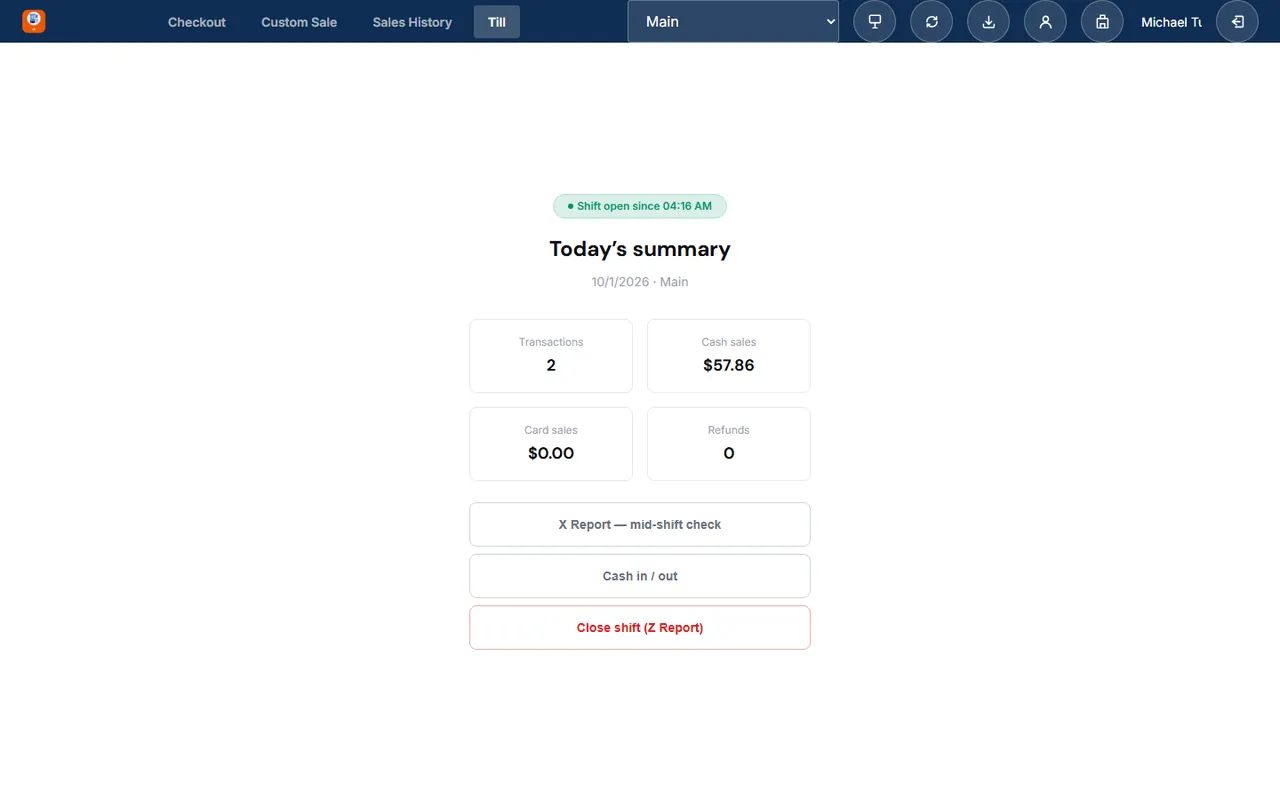
At the start of the day, the cashier opens a shift and enters the cash already in the drawer. From that point, every cash sale, refund and movement is counted against that shift.
2. Record cash in and out
Paid the window cleaner from the drawer? Took cash to the bank at lunch? Record it with Cash in / out and a reason, so the drawer still adds up at closing.
3. X report for a mid-shift check
An X report shows the shift so far without closing it - handy at a shift change or before a cash drop.
4. Close with a Z report
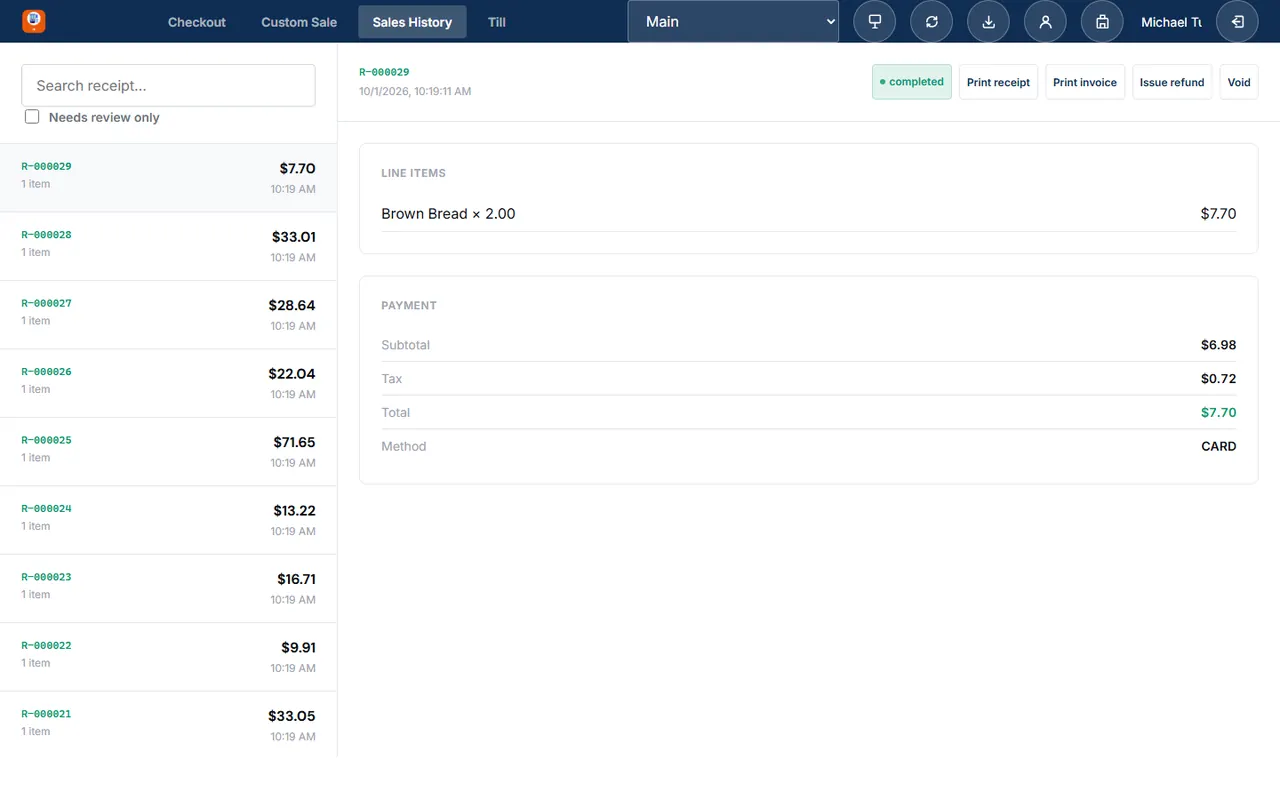
At closing, count the drawer and close the shift. The Z report shows what should be there, what was counted and the difference. Because it happens every day, any difference is a single day's problem - easy to trace through Sales History.
- Transactions, cash sales, card sales and refunds for the shift
- Expected cash vs counted cash
- Over / short, recorded every day