Free Touch Screen POS: Turn Any Tablet or PC into a Till
Big tiles, an on-screen keypad and one-tap cash, with no keyboard or mouse
You do not need a special till
A free touch screen POS should run on the screen you already have. SaleFlowPoint runs in a web browser, so a tablet, a touch laptop or an all-in-one touch PC becomes a till the moment you sign in.
Built for fingers
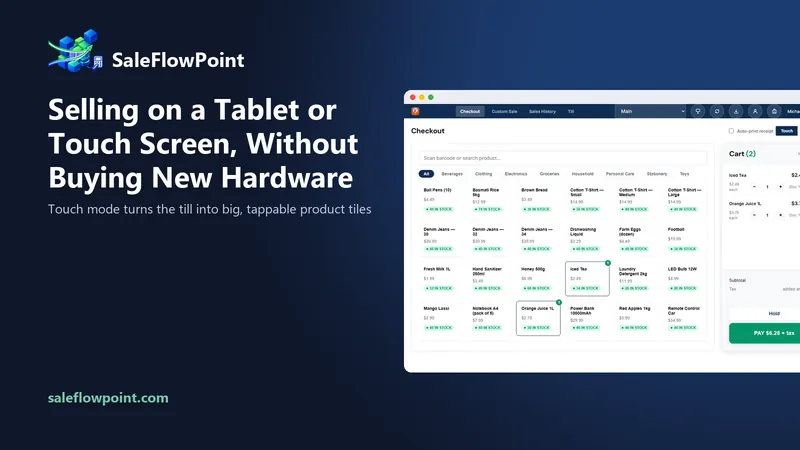
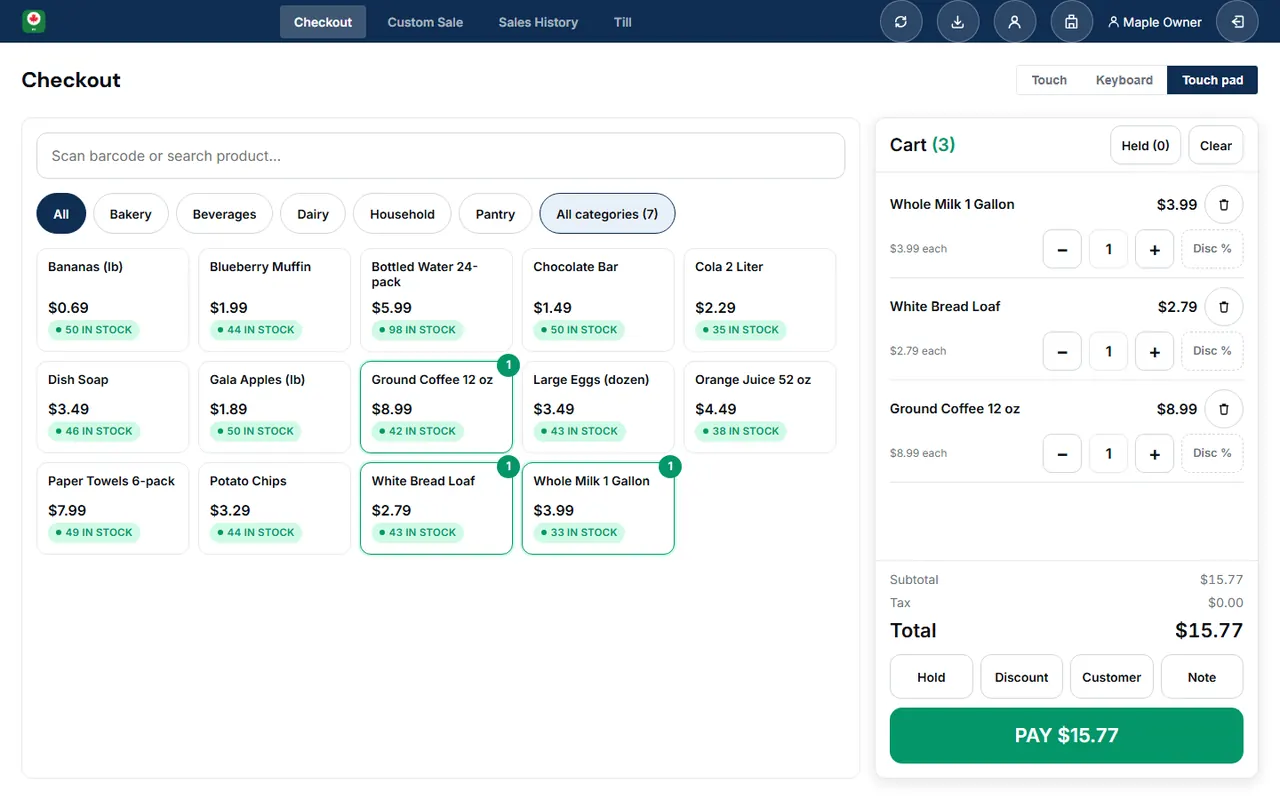
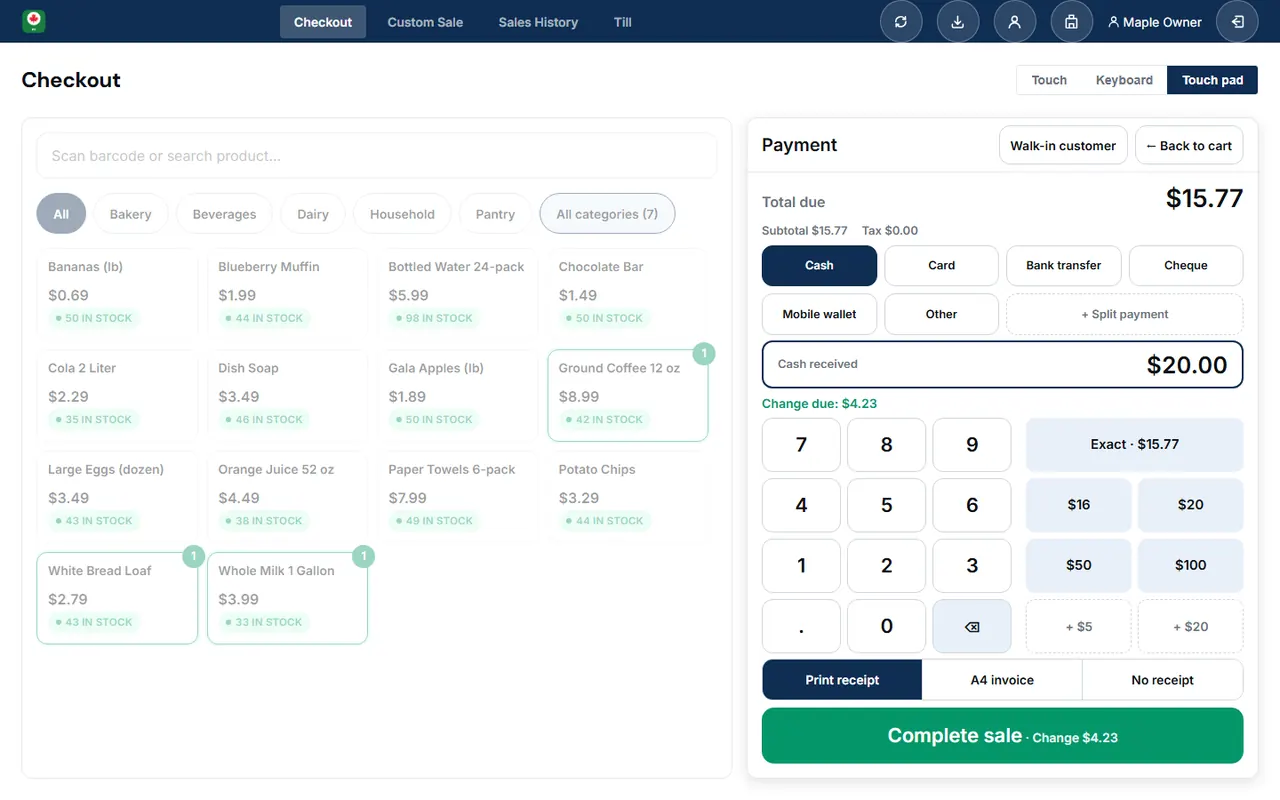
Checkout has a Touch pad mode made for a screen with no keyboard. Every product is a large tile. Categories are buttons across the top. Search opens a keyboard on the screen.
- Tap a tile to add it; tap again for a second one
- Tap the quantity to type a number on a keypad
- A discount on one line or on the whole bill
- Hold a sale and serve the next customer
Cash in one tap
At payment, the buttons are your own currency's notes. The customer hands over a twenty: tap 20. The change is shown large, so it is right every time, even with a queue.
Card, split and receipts
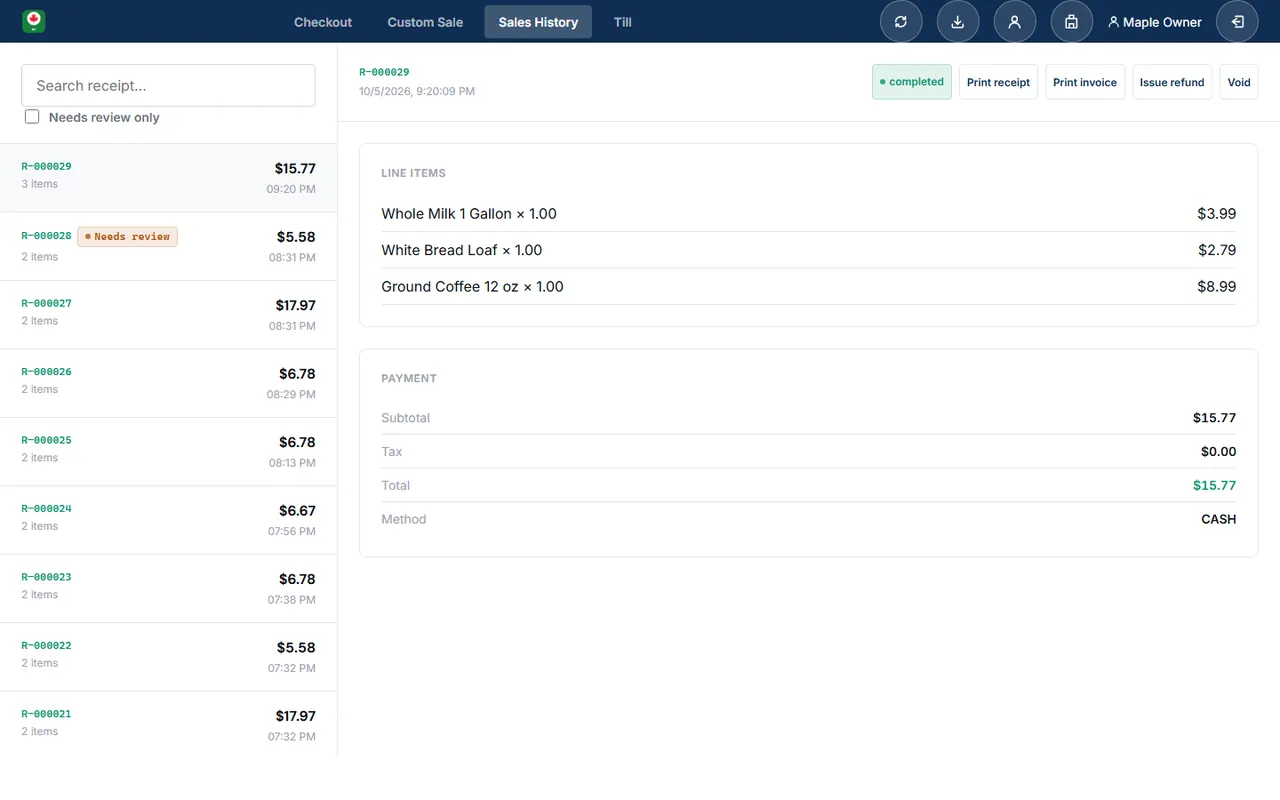
Choose card, bank transfer or another method, or split one bill between two. Then choose a printed receipt, a full page invoice or no paper. The till remembers what you chose.
Which screen should you use?
A free touch screen POS that runs in a browser gives you a choice of hardware, so pick by how your counter works.
- A tablet on a stand - cheap, small, good for a cafe or a market stall
- A touch screen laptop - useful if the same machine does the office work
- An all-in-one touch PC - the closest to a traditional till, and the easiest to read
- An ordinary PC with a mouse - Touch pad mode works with a mouse too
A larger screen shows more product tiles at once. A screen about the size of a laptop or bigger is comfortable for a shop with a few dozen products on the first screen.
Finding a product among hundreds
Tiles are quick for the things you sell most. For everything else there are three ways in.
- Categories: one tap narrows the tiles to that group
- All categories: opens the full list, with its own search and keyboard
- Search: tap the box and type a few letters on the on-screen keyboard
A barcode scanner works in this mode as well. Scan, and the item is in the cart.
Discounts without a keyboard
Each line in the cart has a discount button. Tap it for ready-made percentages, or type any figure on the keypad. The Discount button under the totals does the same for the whole bill. The discount appears as its own line in the totals before the customer pays.
What a cashier cannot do from the till is change the selling price of a product. Prices are set in the admin area, which keeps them consistent.
Training a new cashier
Because everything is a tap, a new member of staff can be selling in a few minutes. Show them three things: tap the products, press Pay, tap the note they were handed. Holds, splits and discounts can wait until the second day.
What the free plan covers
Touch pad mode is not an extra. It is part of the point of sale, which is free for one shop and one till with no time limit.
Common questions
Does it work on an iPad or an Android tablet? It runs in the tablet's web browser, so there is no app to install from a store.
Can I use a barcode scanner with a tablet? Yes, if the scanner connects to the tablet as a keyboard, which USB and many Bluetooth scanners do.
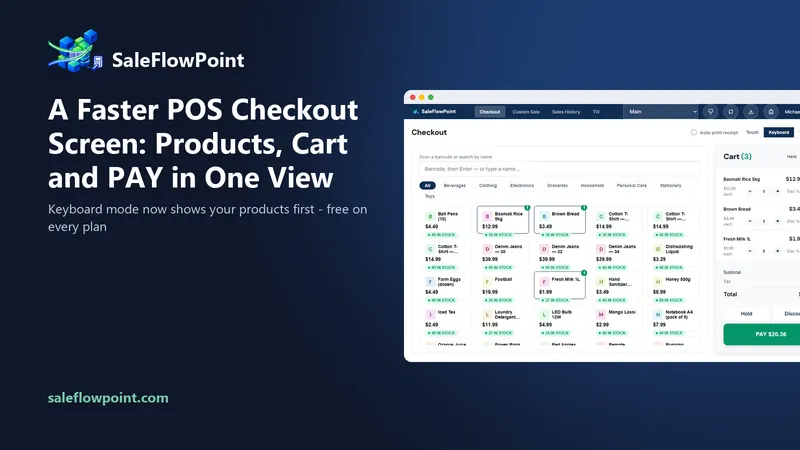
What if I have no touch screen? Touch pad mode works with a mouse as well. You can also switch to Keyboard mode, which is built for a scanner and a keyboard.
Can I print receipts from a tablet? The till prints through the device's own print function, so it prints to whatever printer the tablet or computer can use.
Can two people sell at once? The free plan includes one till. More tills at the same time is part of the paid plans.
Is the price shown on each tile? Yes, with the stock for that product.
It keeps selling offline
Enrol the till once and it carries on taking cash sales when the internet drops, then sends them up by itself when the connection returns.