Selling on a Tablet or Touch Screen, Without Buying New Hardware
Touch mode turns the till into big, tappable product tiles
Keyboards are not made for counters
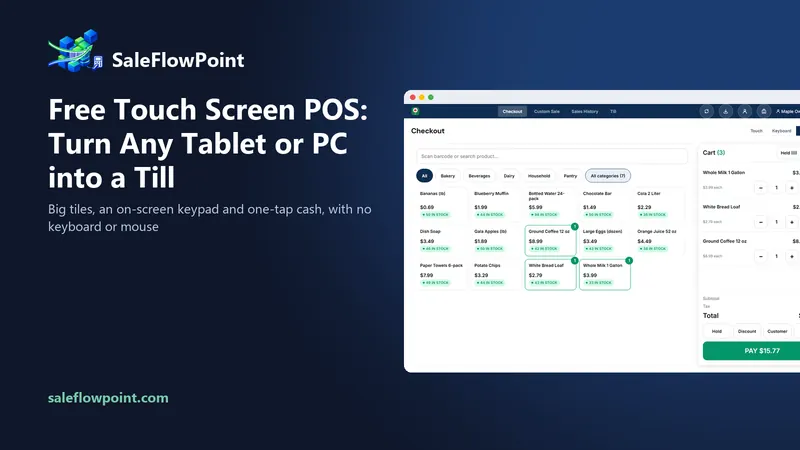
Cafes, bakeries, salons and market stalls rarely have room for a keyboard and mouse. Staff want to tap. SaleFlowPoint's checkout has a Touch mode made for exactly that - and it works on the tablet or touch monitor you already own.
How Touch mode works
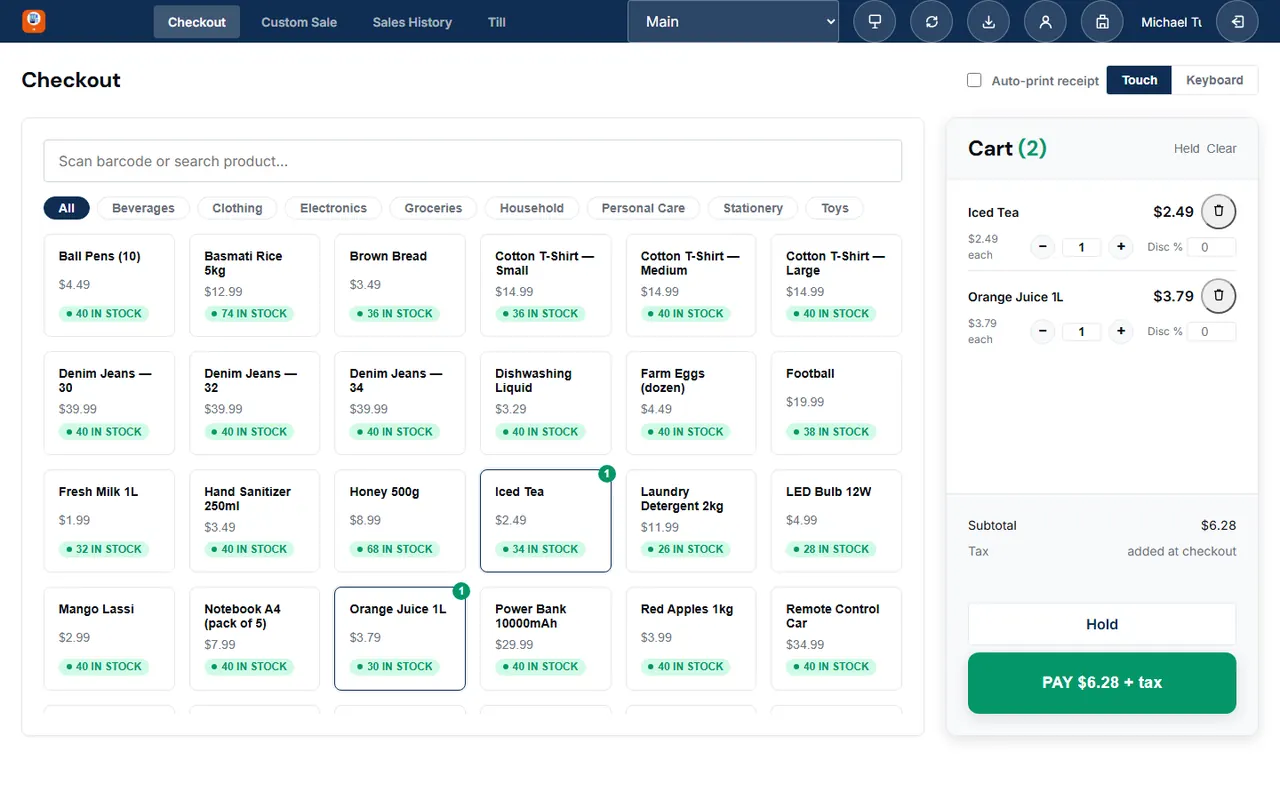
Press Touch at the top of the checkout. Every product becomes a big tile showing its name, price and how many are in stock. Category chips across the top narrow the tiles down - Beverages, Groceries, Clothing, whatever your categories are.
- Tap a tile to add it; tap again for another
- Sizes and variants pop up as large buttons
- Plus and minus buttons in the cart for quantities
- Low or zero stock is visible on the tile before you sell
Switch back any time
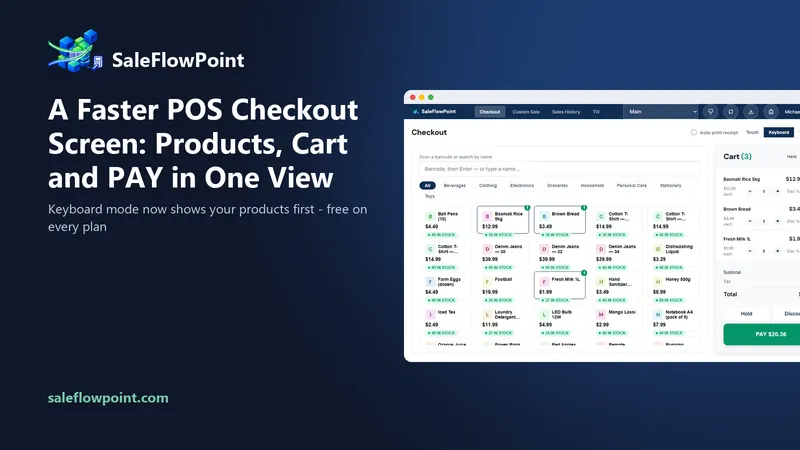
Touch and Keyboard are two views of the same till. A cashier with a barcode scanner can use Keyboard mode at one counter while a tablet at the coffee bar uses Touch mode - same products, same stock, same sales history.
Payment is touch-friendly too
PAY opens a large dialog: choose the method, type the cash handed over, and the change is shown in big numbers. One more tap confirms the sale.