A Point of Sale Your Staff Can Learn in Ten Minutes
Fast checkout, barcode scanning and a clean sales history - in the browser you already have
Why the till matters more than any other screen
Your till is where your business actually earns money. If it is slow, confusing or crashes at the busiest hour, nothing else in your software matters. That is why SaleFlowPoint's point of sale is built to be the simplest screen in the product.
It runs in a web browser on the computer, laptop or tablet you already have. There is nothing to install, and new staff can be ringing up sales after a few minutes of watching someone else do it.
Ring up a sale in seconds
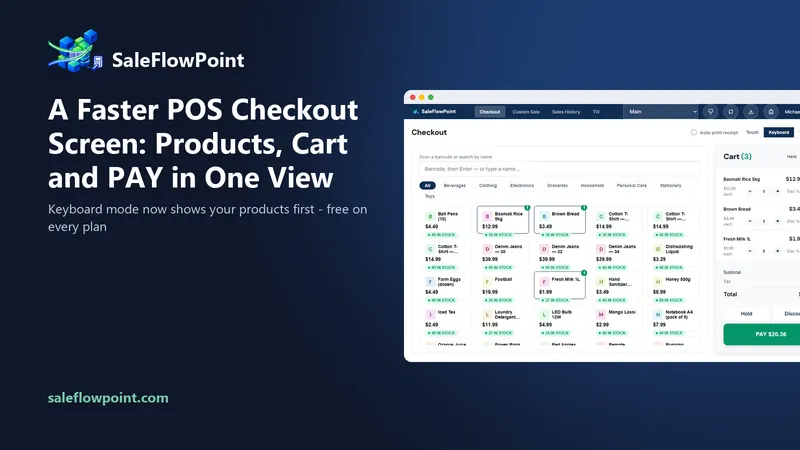
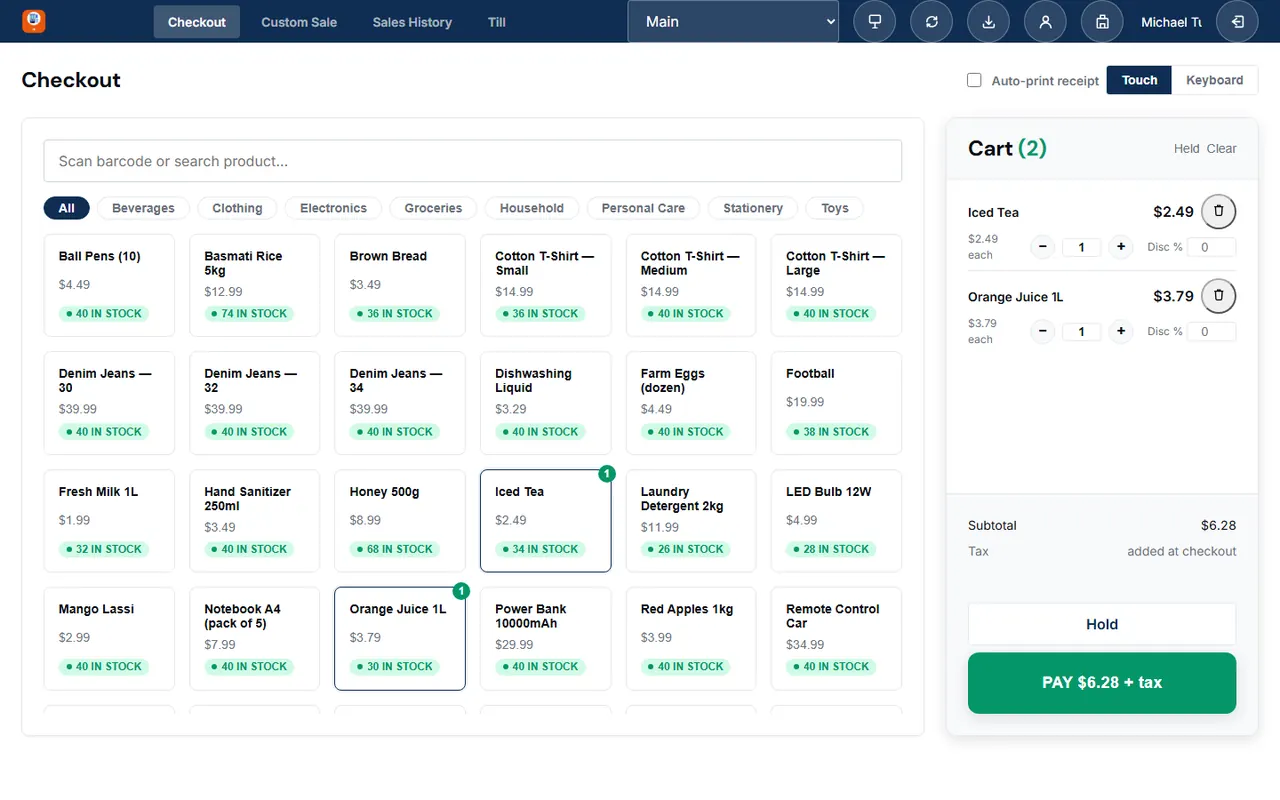
Scan a barcode, type part of a product name, or tap a product tile. Each item drops into the cart with its price and stock level. Change a quantity with plus and minus, remove a line, and the subtotal updates as you go.
- Barcode scanning and search by name
- Category filters to find products fast
- Products with sizes or variants ask which one you want
- Tax is worked out for you at checkout
- Hold a cart and come back to it later
Take payment the way your customer wants to pay
Press PAY and choose cash, card, bank transfer, cheque or a mobile wallet - or split the bill across two methods. For cash, type what the customer handed over and the change due is shown immediately. Confirm the sale, and the receipt prints (or is skipped, if you turn auto-print off).
Every sale, easy to find
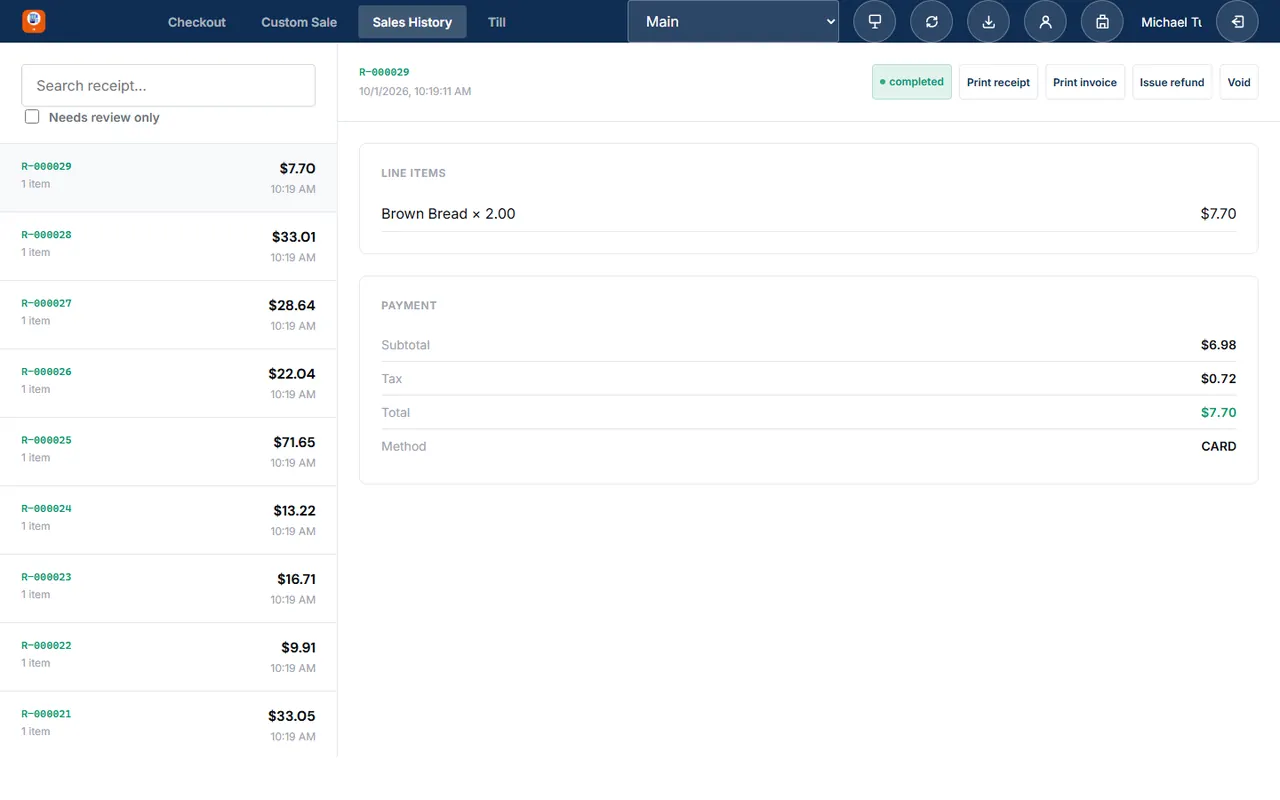
Sales History lists every receipt with its time, items and total. Open one to see the line items, tax and payment method, and print the receipt or a full invoice again. If something went wrong, issue a refund or void the sale - with the right permission, so not everyone can.
Open and close the day properly
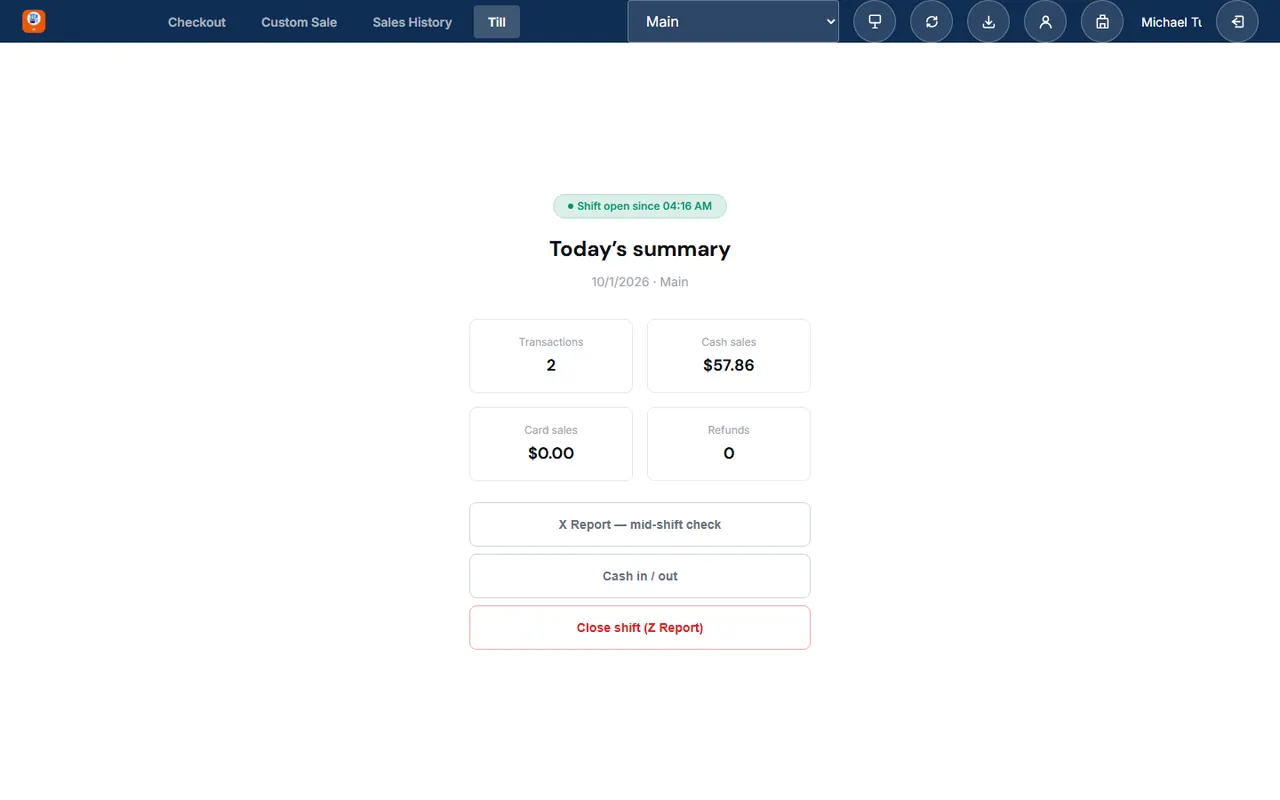
Each day starts by opening a shift with the cash float in the drawer. During the day you can record cash in and out, and run an X report for a mid-shift check. At closing, the Z report shows what the drawer should hold, so differences are spotted the same day, not at month end.