Does a Free POS Work Offline? Here Is How Ours Does
Enrol the till once, keep taking cash sales with no connection, and let them sync by themselves
The short answer
Yes. A free offline POS is possible, and this is how ours works: the till keeps its own copy of your products, prices and tax rates. When the connection drops it prices sales itself, saves them on the till, and sends them up when the connection comes back.
Set it up once
While you are online, an admin gets an enrolment code from the Devices page. On the till, press Enrol this till, type the code and give the till a name. That is the whole set-up. The free plan includes one till.
What works offline
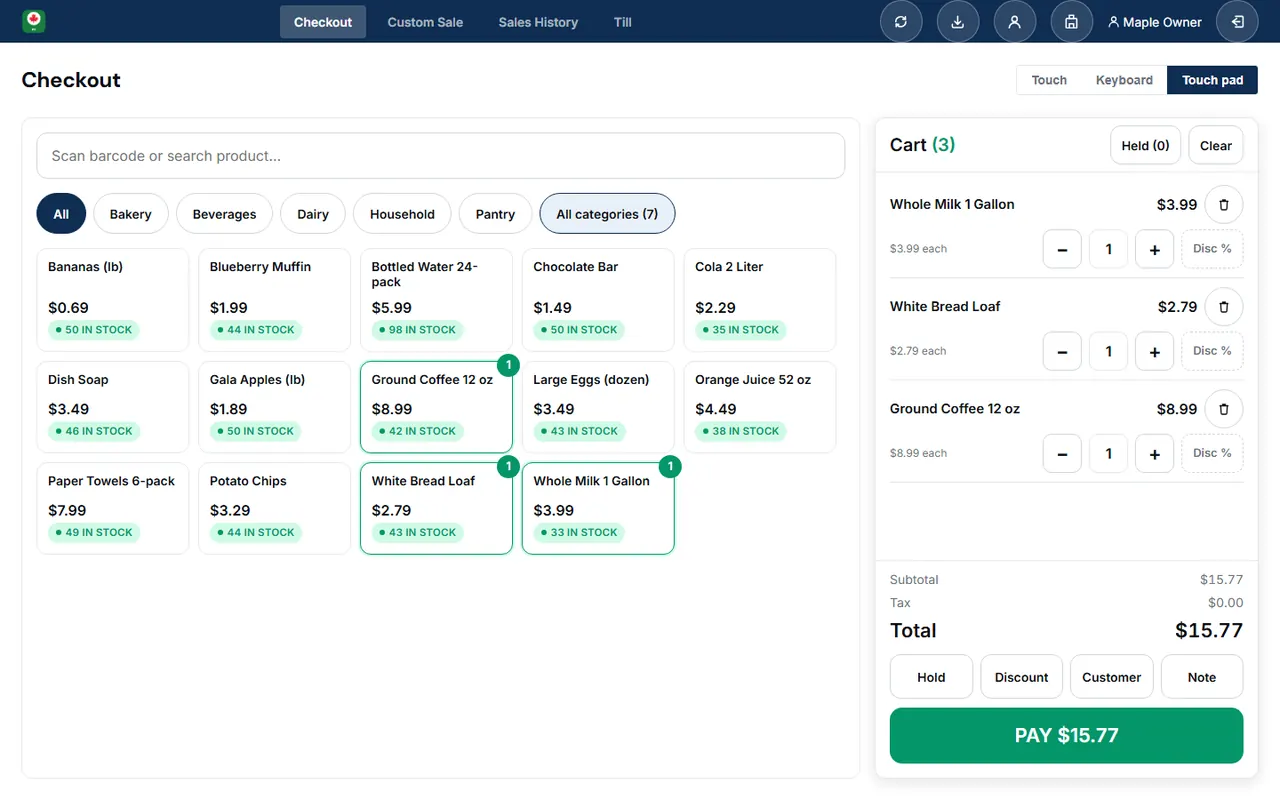
- Cash sales, with the right prices and tax
- Scanning and searching your products
- Receipts, with an offline receipt number
- Refunds and one-off sales
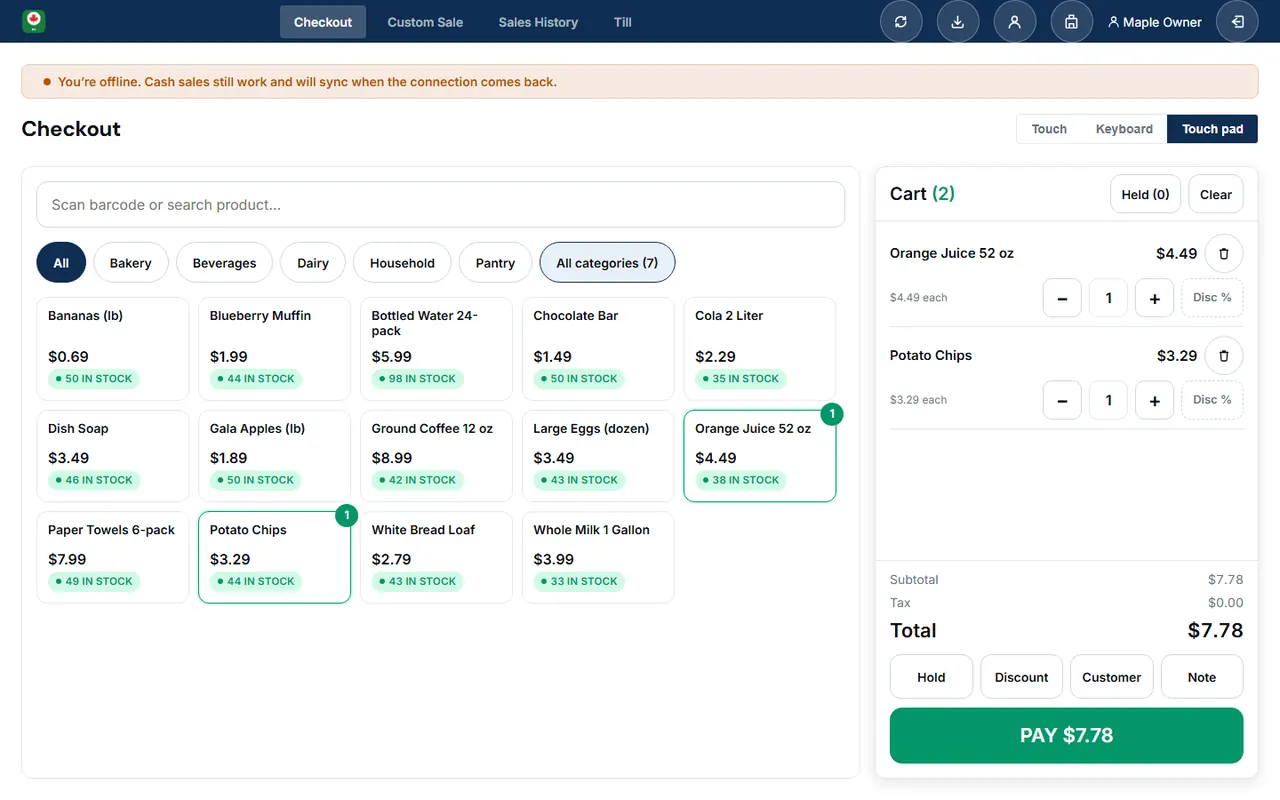
The till says clearly at the top that it is offline, so the cashier always knows.
What does not
Card payments. A card needs the internet to be approved, so the till does not pretend it can take one: offline, it offers cash only. Stock numbers on the tiles are also hidden while offline, because they could be out of date.
Why most web tills stop, and this one does not
A web application normally asks its server for everything: the price of a product, the tax on it, permission to save a sale. Take the connection away and it has nobody to ask.
A free offline POS has to carry that knowledge itself. When a till is enrolled, it keeps a copy of your products, prices, tax rates and customers on the device, and updates the copy whenever it is online. Offline, it works from the copy and writes each sale to a queue on the same device.
What a customer sees
Nothing unusual. The sale is rung up the same way and the receipt prints. The only difference is the receipt number, which carries the till's name and an offline sequence, such as OFF-Counter 1-0003. That number stays attached to the sale after it syncs, so a customer who comes back with that receipt can still be found.
How long can you stay offline?
As long as you need to. Sales wait in the queue on the till until the connection returns. There are two things to keep in mind. The queue lives on that device, so do not clear the browser's data while sales are waiting. And prices changed in the admin area reach the till only when it is next online.
When the till comes back
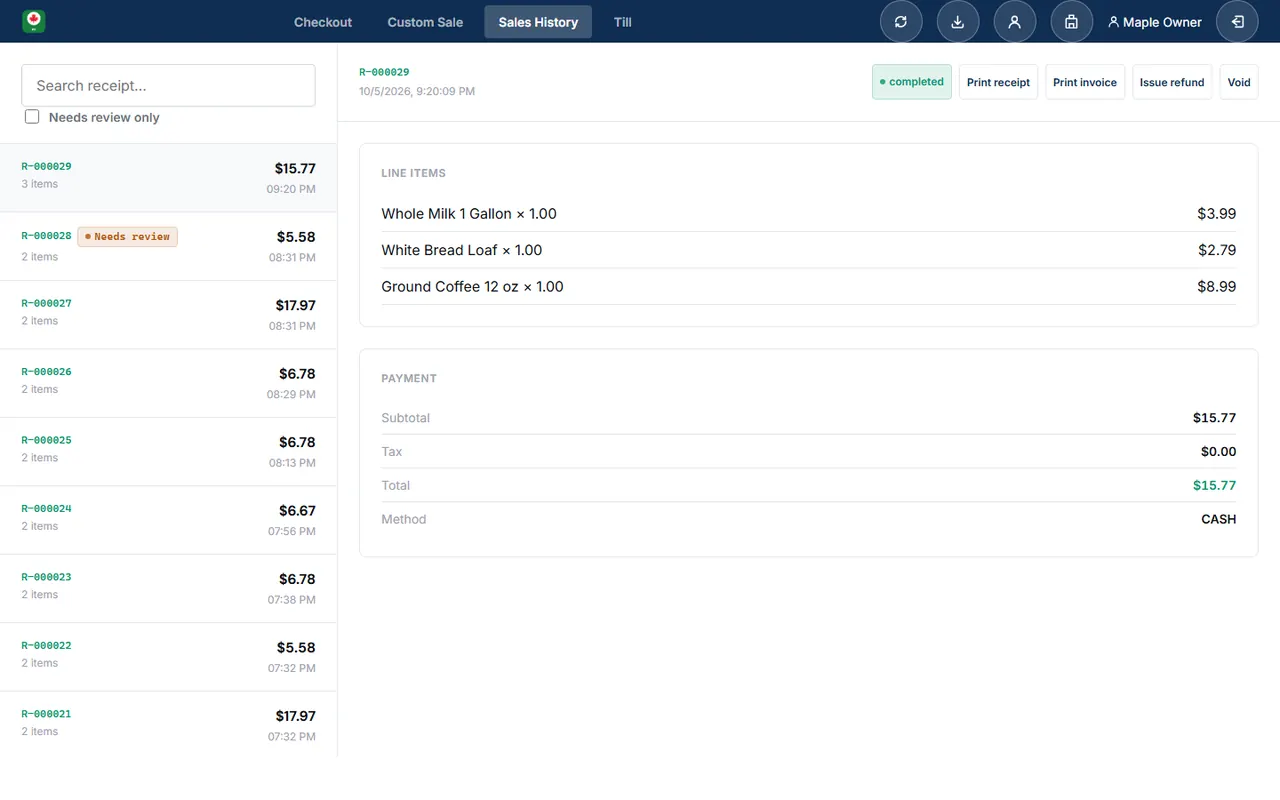
The sales are sent in the order they were made. Each one is checked by the server. Almost all go straight in. If something has changed in the meantime, for example a product was switched off while the till was offline, the sale is still accepted and is marked as needing review, so nothing is lost and a manager can look at it.
The shift is updated as well. Offline sales count towards the cash expected in the drawer, so the count at closing is right.
Good habits for offline selling
- Enrol the till when you set the shop up, not on the day the internet fails
- Open the shift after enrolling the till, not before
- Give each till a clear name, because it is printed on offline receipts
- Keep some change in the drawer: offline sales are cash only
Common questions
Do I need to enrol every till? Each device that should sell offline is enrolled once. The free plan includes one till.
Can I take a refund while offline? Yes. Refunds and one-off sales are queued on the till the same way as sales.
What if the till is switched off before it syncs? The waiting sales are stored on the device, not just in memory, so they are still there when it is switched on again and are sent when the connection returns.
Can I check stock while offline? Stock numbers are hidden on the tiles while offline, because they might be out of date. Selling carries on regardless.
Will my receipt numbers get mixed up? No. Each offline sale carries its own till's name and sequence number, and the server gives it a normal receipt number when it arrives.
Back online
You do nothing. The till sends the waiting sales by itself within seconds. They appear in Sales History with normal receipt numbers, stock goes down, and they are counted in the shift, so the cash count at the end of the day is right.