How to Choose a Website Template for a Small Business
Choose by what your customers need to see first, not by the prettiest picture
Start with the one thing a visitor must find
Most people who land on a small business website want one answer, and they want it fast. At a grocery store it is "do they have it, and what does it cost?" At a barber shop it is "how much is a fade, and when can I come in?" At a restaurant it is the menu and the hours. Before you look at colors and fonts, write down the one thing a new visitor must find in the first five seconds. That single line will do more to narrow your choice than any amount of scrolling through designs.
Three questions that narrow it down
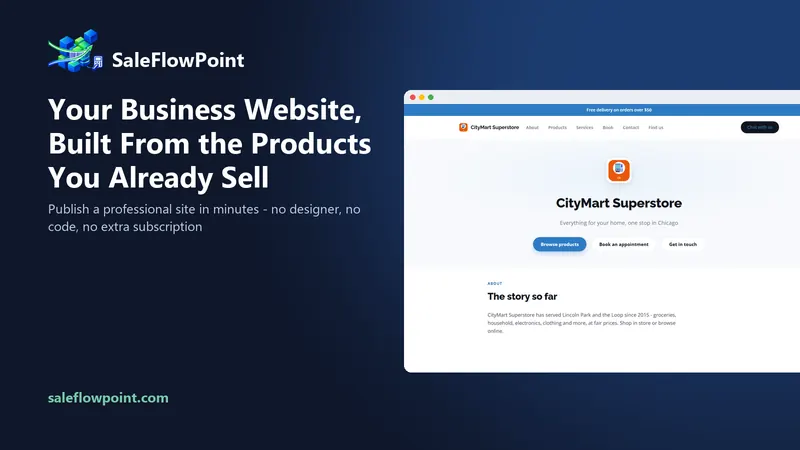
SaleFlowPoint has 187 website templates, and every plan can use them, including the free one. The template gallery sorts them into twelve categories, such as Food & hospitality, Shops, Health & medical and Lifestyle & services, and has a search box (type "bakery" or "dentist"). Three quick questions put you in the right place.
- What do you sell? Products off the shelf point to Shops (from Fresh Market for groceries to Chapter for bookshops). Food and drinks point to Food & hospitality (Morning Brew, Golden Crust, Table Ten, Sweet Spot and many more). Your time, such as a haircut, a lesson or a repair, points to a service category: Lifestyle & services, Health & medical, Education or Business & agencies.
- Do customers book? Service templates are built around a Book button. When online booking is on, it opens your real free times. When booking is off, the same button reads Call us and dials your phone number, so the page never promises something you do not offer.
- How many good photos do you have? Photo-led layouts look their best with your own pictures. Word-led ones, such as Studio or Simple, work well with only a few.
If no category fits, the general templates (Simple and Bold) under Landing & other suit almost any business.
Look at the order of the sections, not just the colors
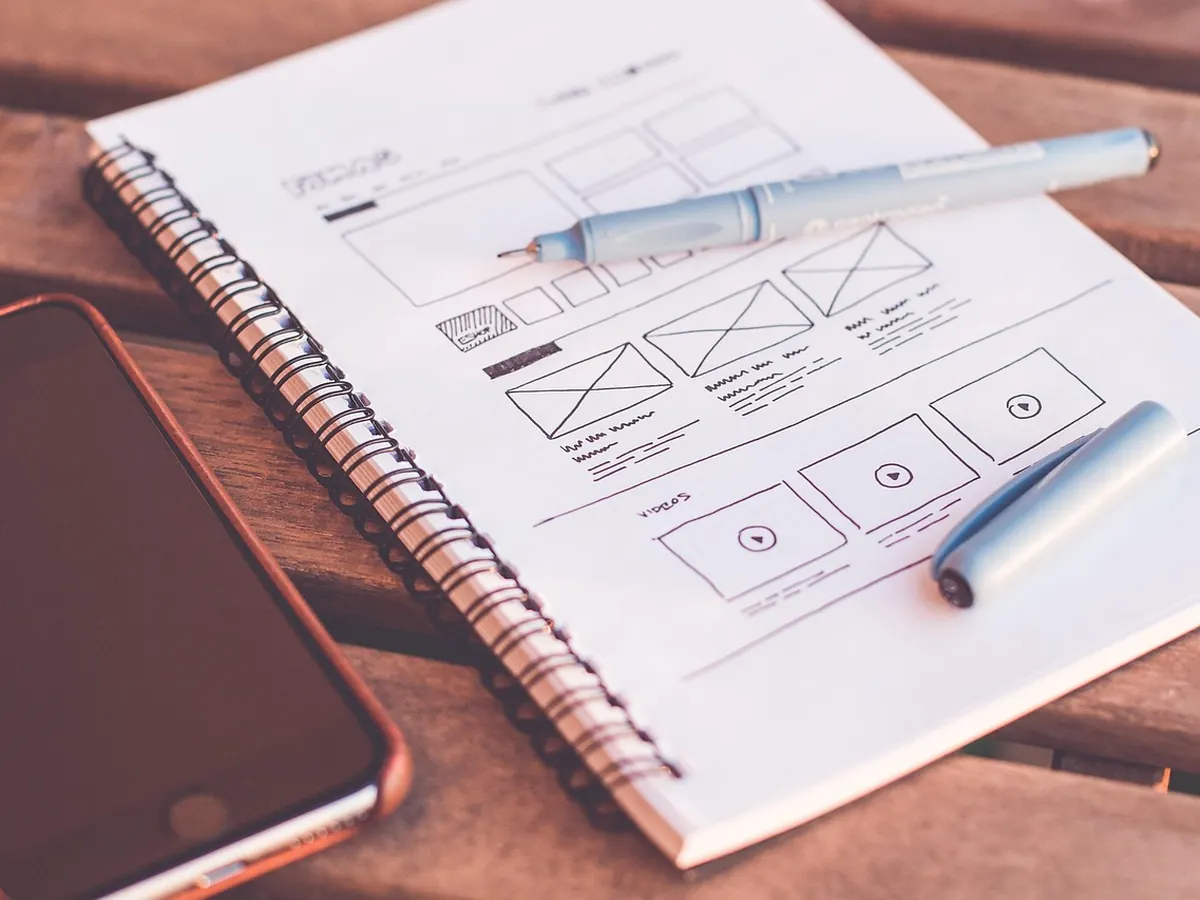
Two templates in the same color can work very differently. One may open with a large photo and put products further down; another may show a price list right under the headline. Each template is a set of sections in a fixed order: a header, a hero, products or services, an about part, extras such as a team or questions, a visit section with hours and a map, and a footer. Ask which order matches the way your customers decide. A bakery whose cakes sell themselves wants pictures first. A repair shop whose customers compare prices wants the price list near the top.
Your products and prices are not at risk
In SaleFlowPoint a template sets the look and the starter wording only. Your business name, logo, products, prices, stock, opening hours, map and booking come from your account, and applying a template never overwrites them. If you already uploaded your own banner or gallery pictures, the editor asks whether to use the template's pictures or keep your own; your uploads are never deleted. If your About text is still empty, the Suggest with AI button under About us offers a short draft you can edit; nothing is kept until you press Save. You can preview a template filled with your own details before you use it. Each service can also show its own picture (Service pictures, under Gallery), so a clinic never shows a sample gym photo beside a check-up. Any template picture that does not fit can be hidden with its own Hide button, and if headings from a template made for another trade are still on your site, the editor lists them so you can change them before you publish.
Samples are placeholders, not your details
Where your account is still empty, a template fills the gap with samples: opening hours, a (555) 555-0100 phone number, a hello@example.com email, a few questions and answers. The editor marks each one as a sample. Samples stay hidden on your public site until you replace or confirm them, so a visitor never sees a fake phone number. The phone, email and website samples cannot be confirmed as they are; you have to type your own.
You can change your mind
Applying a template does not publish it. You see the result in the editor first and publish when you are ready. The designer also keeps your last three looks, so if a new template does not feel right after a day, Switch back puts the old one back.
A quick example
Take "Maple Street Goods", an invented gift and home shop in a small US town. The owner's one line is "show the new arrivals and the opening hours." That points to Shops, and to a layout with products near the top. She previews two shop templates with her own products, picks one, replaces the sample hours with her real ones, and publishes. Her prices stay exactly as they are on the till.
Compare them side by side
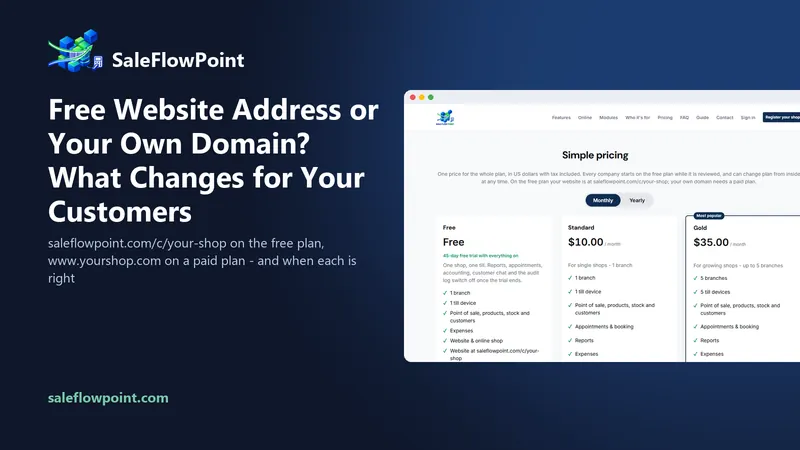
To compare them, open the website templates guide: it lists all 187 templates by industry, with who each one suits and the sections it has. Your website is free at saleflowpoint.com/c/your-shop.