Your Own Expense Categories: See Where the Money Goes
Rent, utilities and salaries are a start; your business has its own costs
"Other" hides too much
SaleFlowPoint starts with six built-in expense categories: utilities, rent, salaries, supplies, maintenance and other. They cover the big bills, but every business has costs of its own. When half of your spending lands in Other, the expense report cannot tell you much, and you end up reading notes line by line to find out where the money went.
Take Harbor Lane Florist, an invented flower shop in Portland, Oregon. Its owner pays for wrapping paper, ribbons, delivery van fuel and card machine fees every month. None of these is rent or salaries, so for a long time they all went into Other. At the end of the quarter, the biggest line in the report was the one that explained the least.
Add the names your business uses
Open Finance > Expenses and press Manage categories. Type a name, such as Packaging, Van fuel or Card machine fees, and press Add. The new category appears next to the built-in ones whenever you record or edit an expense, so staff pick it from the same list they already know.
- Rename a category at any time, for example Fuel to Van fuel once you add a second vehicle.
- Switch a category off when you stop using it. It is no longer offered for new expenses, but old expenses keep it, and you can switch it on again later.
- There is no delete, on purpose: an expense recorded last year still shows the name it was filed under.
- Up to 100 categories of your own, each name up to 80 characters. Two categories cannot share a name, and an own category cannot reuse a built-in name.
Where your own names show
Once an expense is in your own category, that name follows it everywhere you look at spending:
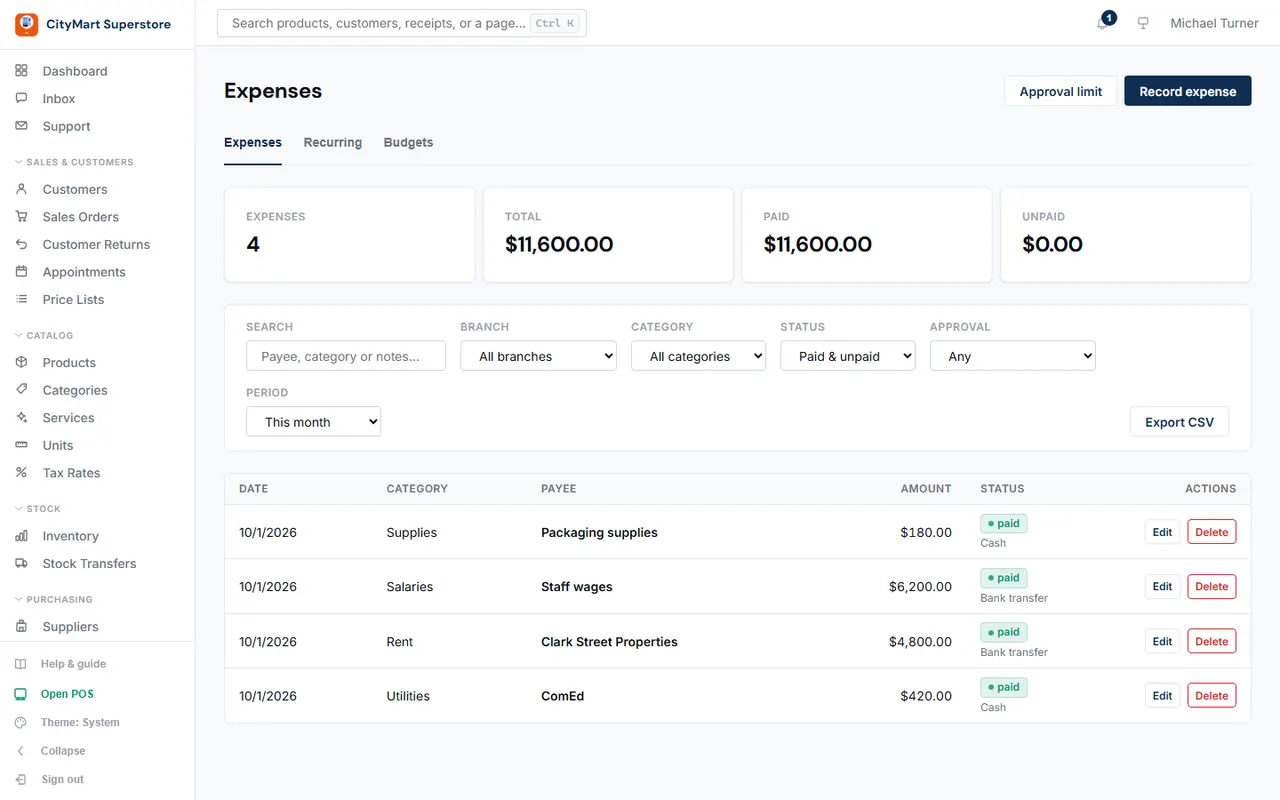
- The expense list shows the category name, and the Category filter lets you pick one of your own.
- Search finds expenses by your category names, as well as by payee and notes.
- The CSV export carries the name, so your accountant sees Packaging instead of Other.
- The expense report groups spending under your own names, so Van fuel gets its own total for the period.
For Harbor Lane Florist, that turned one large Other line into four smaller ones it could act on. Packaging turned out to cost more than the owner guessed, which was worth a call to the supplier.
What stays the same
Budgets and recurring expenses still use the six built-in categories. If you set a monthly budget or a repeating rent payment, you choose from rent, utilities, salaries, supplies, maintenance and other, as before.
With Accounting switched on, an expense in one of your own categories posts to the same ledger account as Other, so your profit and loss totals do not move when you start using your own names. The journal memo carries your category name, for example "Van fuel expense". A name with letters outside the English alphabet shows as "Other expense" in the journal memo only; the expense list, search, CSV and report keep its own name.
Who can use it
Expenses is part of the free plan as well as the paid plans, as long as the module is switched on for your company. Anyone whose role can view expenses sees the categories; adding, renaming or switching one off needs permission to edit expenses. The Expenses section of the user guide (Guide, in the top menu) walks through the steps with a picture of the Manage categories window.
A good first list
Start small. Look at last month's Other expenses, group them into three to five names you would want to see as separate totals, and add only those. You can rename or switch them off later without losing anything, so there is no need to get the list perfect on day one.