Salon Website Checklist: What Clients Check Before Booking
Seven things a new client wants to find before booking a chair
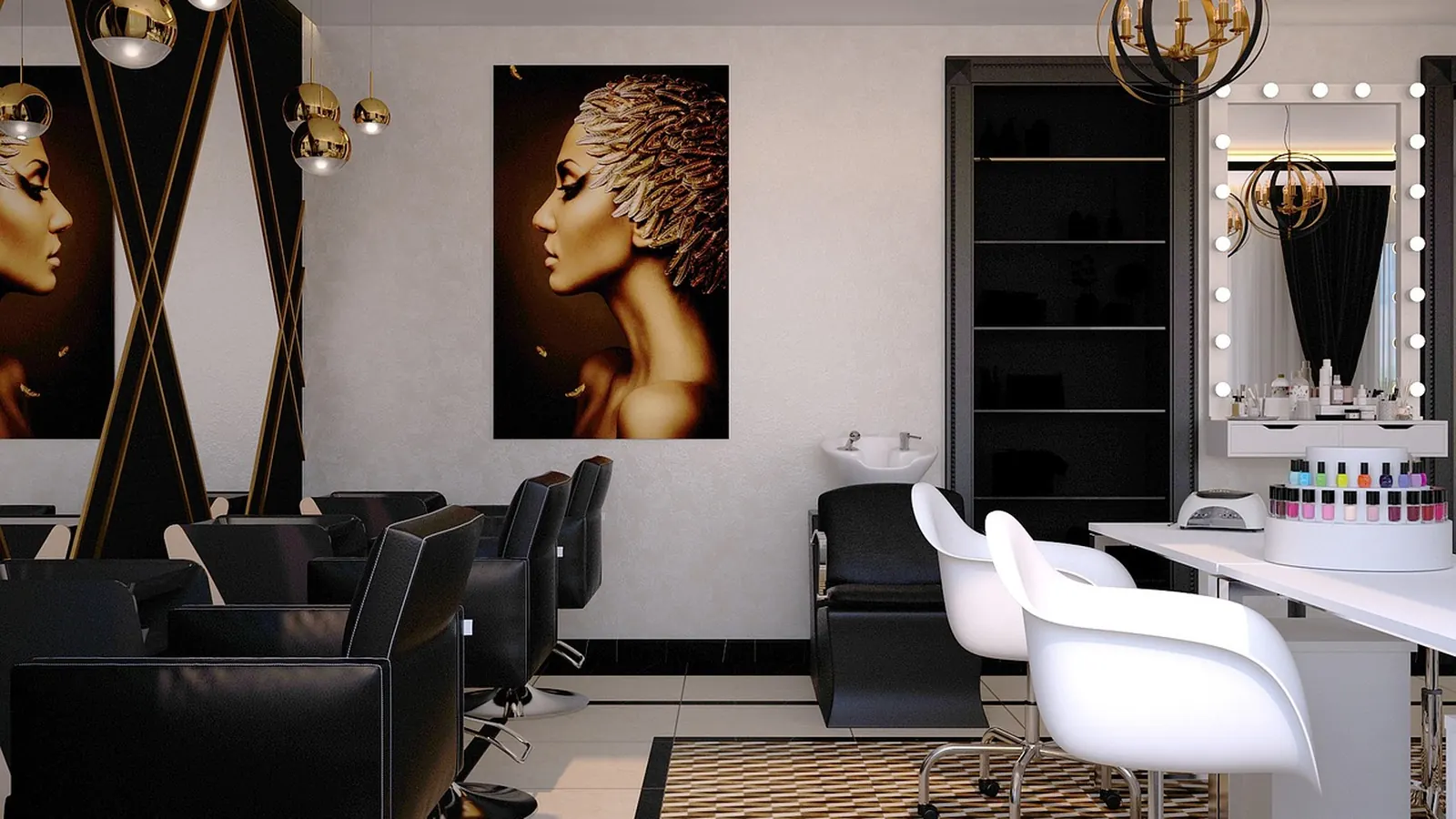
Clients decide before they call
A new client usually checks a salon online before booking. They look at the work, the prices and whether there is a time that suits them. If any of those is hard to find, it is easy to tap back and try the next salon on the list. A salon website does not need to be long. It needs to answer the same handful of questions every new client has, in the order they ask them.
The checklist
- Services with prices. Cut, color, blow-dry, treatments: each with a price, or a "from" price if it depends on hair length. Nobody likes to ask.
- A Book button that leads somewhere real. Either your actual free times, or a clear Call us if you prefer the phone.
- A short About that names the people behind the chairs, so new clients feel they know who they will meet. The Suggest with AI button under About us can give you a first draft to edit; it is saved only when you press Save.
- Photos of your own salon and your own work. Clients can tell a stock photo from a real chair.
- Opening hours that match the door, including late evenings and days off.
- A map and a short note on parking or the nearest bus stop.
- A phone number and an email that someone actually answers.
Keep prices in one place
The most common problem on salon websites is old prices. The site says one thing, the front desk charges another. In SaleFlowPoint your services and prices live in the back office, and the website reads them from there. Change a price once and the till and the website agree the same minute. The same goes for adding a new treatment or retiring an old one.
Booking without the back-and-forth
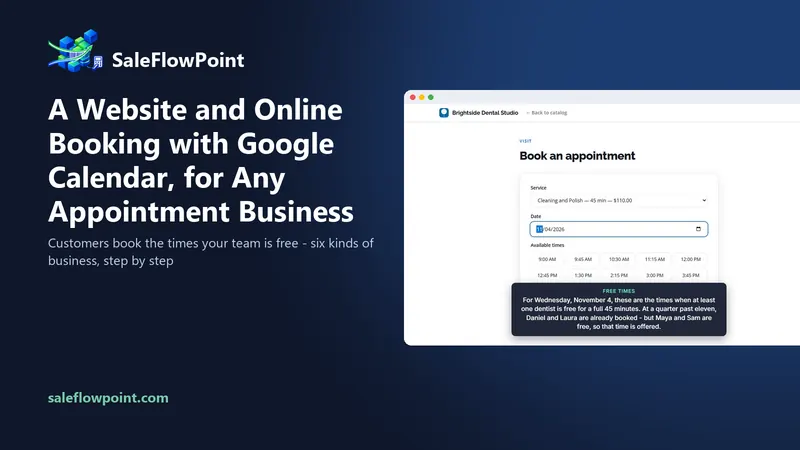
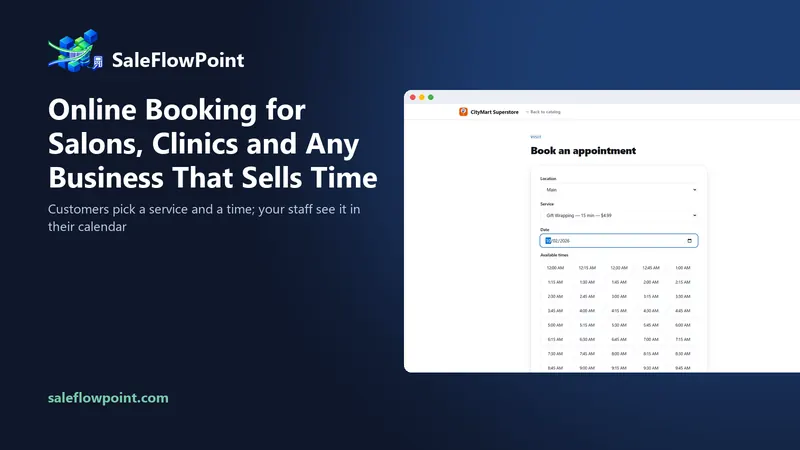
When online booking is on, clients pick a service and a free time from your staff availability, without a phone call. Each stylist can also share a personal booking link, which works well on their own social profile. When booking is off, the button on the template reads Call us and dials your number instead, so the page never shows a Book button that goes nowhere.
Make the photos work hard
Templates come with pictures so the page looks finished from the first minute, but you can show your own instead. Upload a photo of the chairs, the wash basins and a few finished looks (with the client's permission), then choose Keep my own, and they show in those spots instead of the template's pictures. Natural light and a tidy station do more than any filter. Each service can have its own picture as well: add it under Service pictures, or untick the template's sample photos so a service without one shows as text. To drop just one template picture, press Hide on it under Gallery.
Pick a look
Three templates are made for this kind of business. Velvet is calm and warm, for a hair salon or color studio, with services shown with photos and a quote band. Sharp Fade is dark and sharp, for barbers, with a clear price menu. Still Water is quiet and slow, for spas, massage and nails, with a photo mosaic. Compare them on the salon, barber and spa templates page, or see all 187 templates in the website templates guide.
Before you publish
Anything still left from the template, such as the (555) 555-0100 phone number or the sample opening hours, stays hidden on your public site until you replace it. When you press Publish, a Before you publish box lists every template example still on the page. Each has Replace, and the ones that may stay have Use as is; the phone, email and website must be replaced. When none are left it says "All samples are replaced or confirmed."