A Free POS and a Free Website for Your Shop, in One Account
Sell at the till, then show the same products online - six kinds of shop, step by step
One account for the shop and the website
Most small shops keep two systems: a till that knows the prices and the stock, and a website that someone has to keep in step by hand. SaleFlowPoint does both from one account.
This guide follows six kinds of shop - a phone shop, a hardware store, a beauty supply store, a bookshop, a toy store and a gift shop - from sign-up to their first sale, then to their own website.
At the till
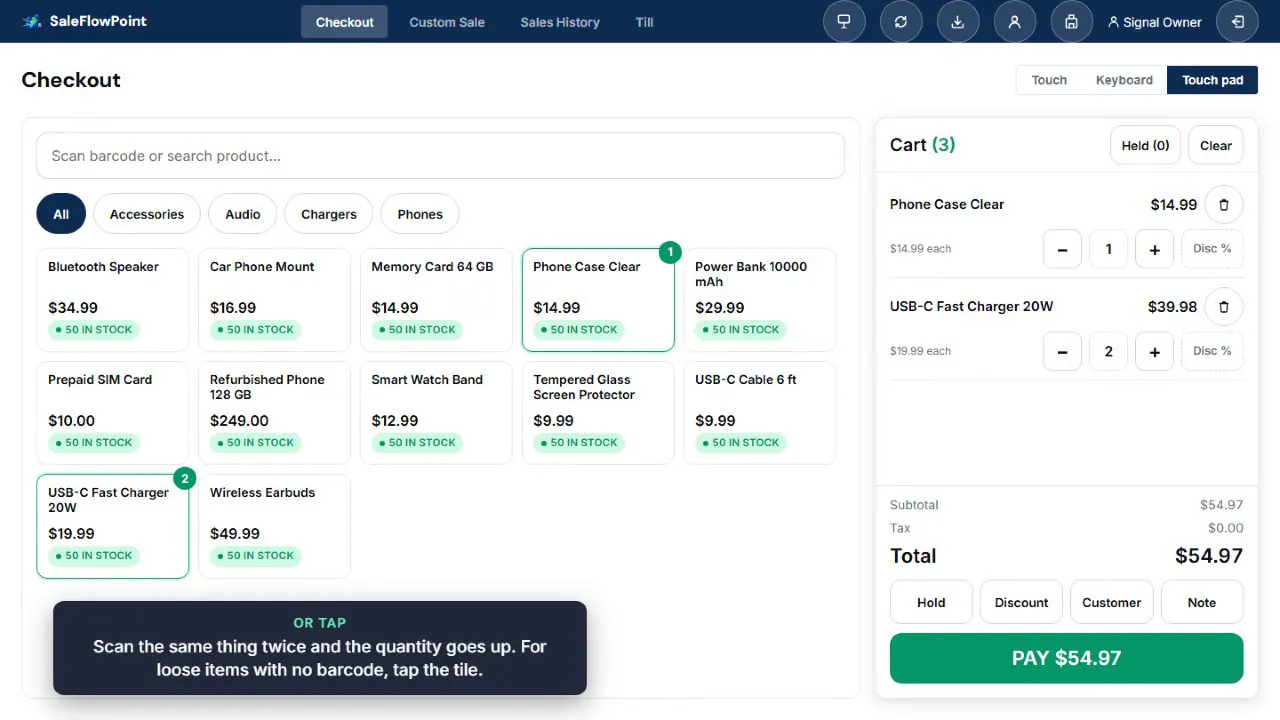
Add your products by hand or from a spreadsheet, put the stock on the shelf, and sell on a touch screen. Tap the note the customer hands you and the change is worked out. Every sale takes the stock down.
Online
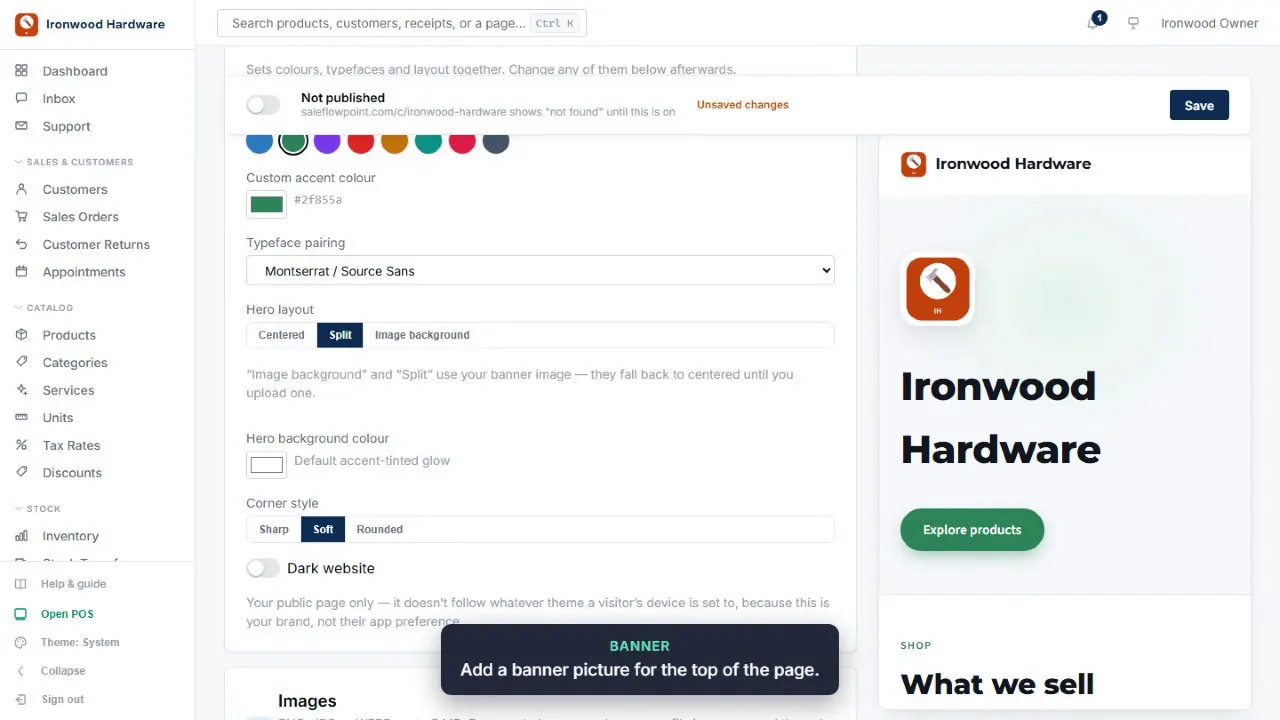
In Website › Shop & booking settings, switch on Online catalogue (and Online booking if you take appointments), give each product a picture, add your logo, then build the site: a ready-made look, your tagline and a few lines about the shop, your contact details and opening hours. Press Publish.
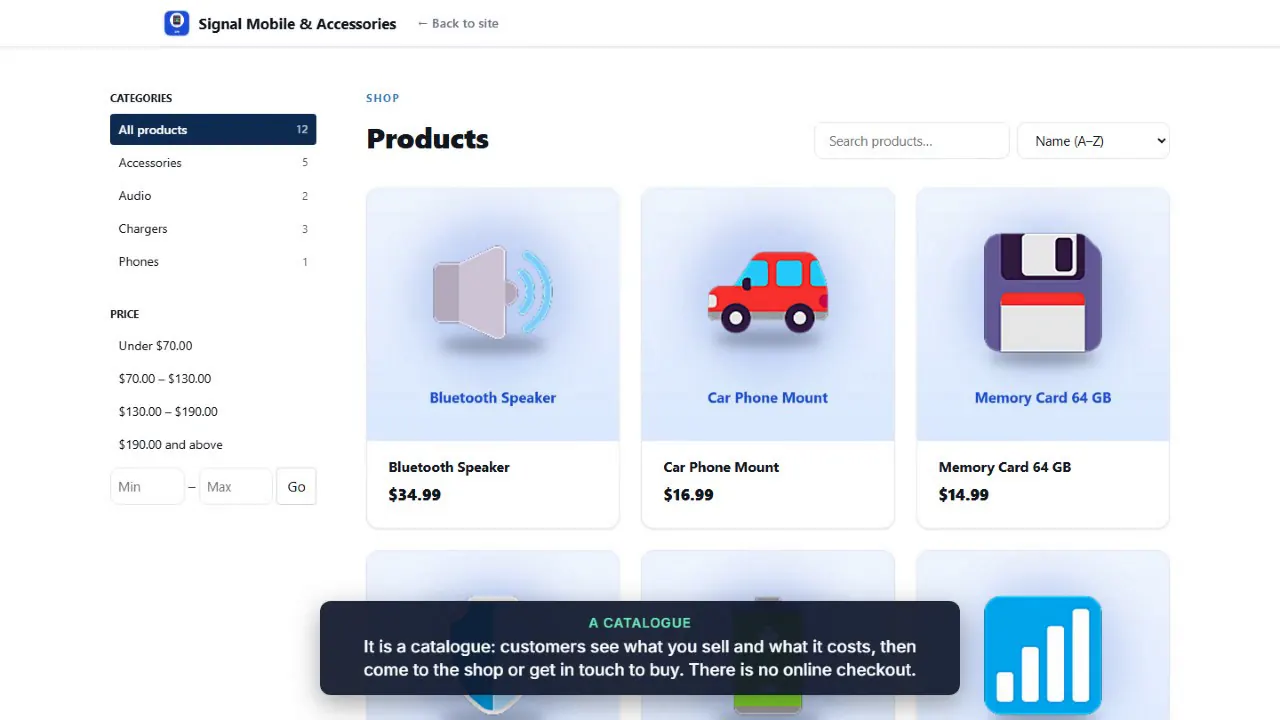
The site lists every product from the till with its picture and price, with categories, search and a page per product, and it fits a phone. Change a price at the till and the website follows.
It is an online catalogue: customers see what you sell and what it costs, then visit or get in touch to buy. There is no online checkout.
What it costs
Free means one shop and one till, with no time limit and no card to sign up. Online booking, Google Calendar, reports and accounting come with a free trial and the paid plans.