Use Your Own Domain for Your Shop Website: Step by Step
Show your SaleFlowPoint website at www.yourshop.com - included in the paid plans
Why your own domain matters
A customer who sees www.yourshop.com on a bag, a receipt or a shop sign remembers it and trusts it. It looks like your business, because it is your business.

Watch on its own page, with a written summary
SaleFlowPoint can now show the website you built in the Website area at your own domain, with the padlock, your products, your services and your booking page.
Which plans include it
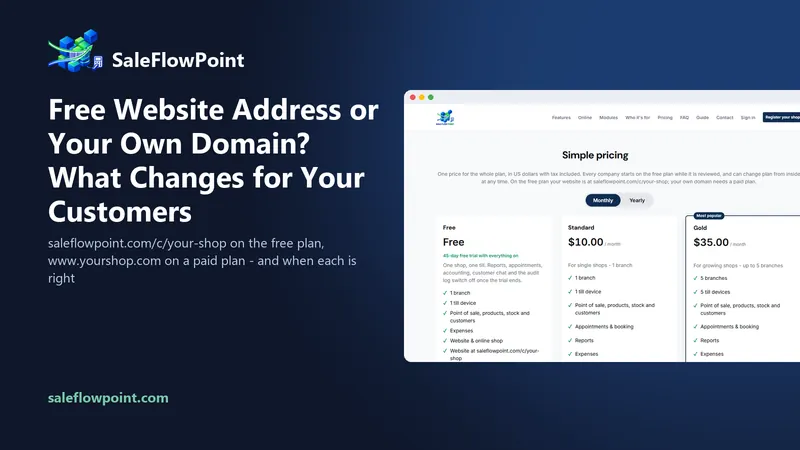
On the free plan your website lives at saleflowpoint.com/c/your-shop, with no time limit. Your own domain, like www.yourshop.com, is part of the paid plans (and works during the free trial); it is not part of the free plan.
If a trial ends without a paid plan, your own domain is disconnected at once and the site stays at its saleflowpoint.com address. Choose a paid plan and press Reconnect to use it again.
What you need before you start
- A domain you have bought (GoDaddy, Namecheap, Hostinger...)
- A paid SaleFlowPoint plan, or your free trial
- Your website published from the Website area
How to connect it
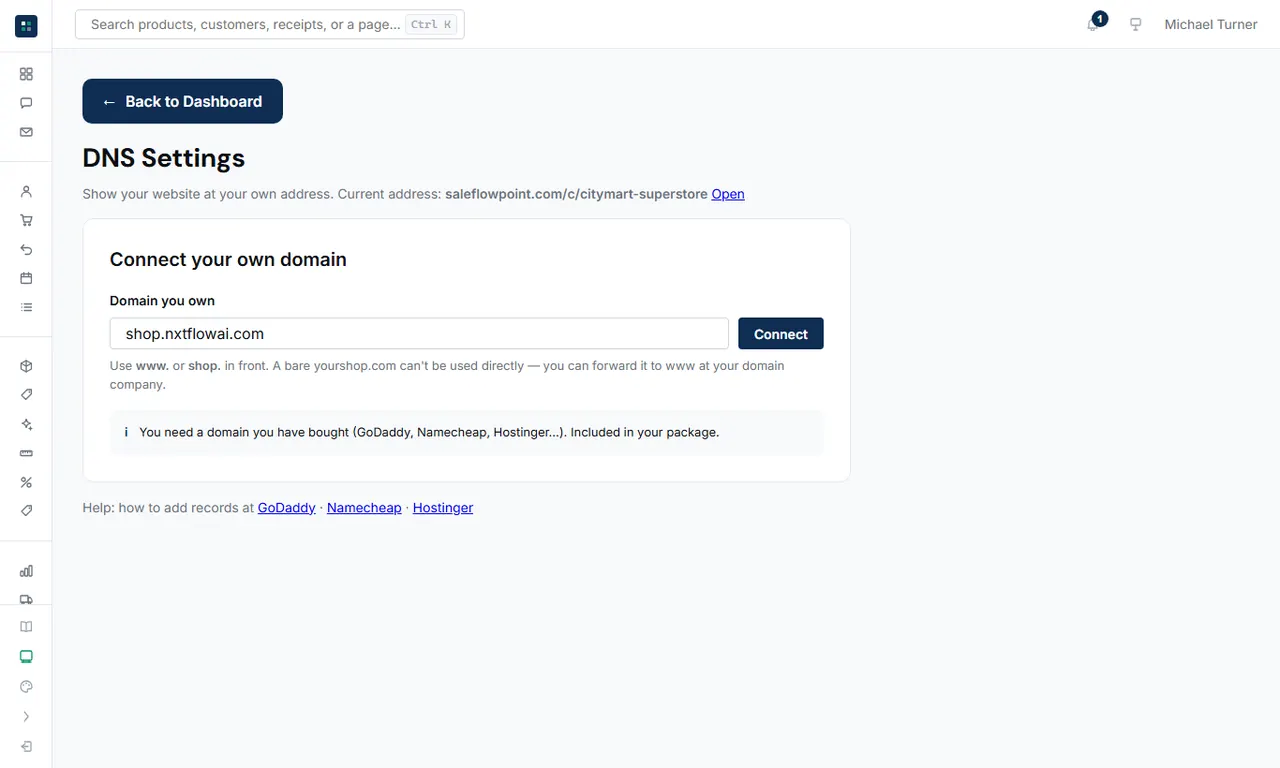
- Open Your Shop Online › Website › Own domain (in the Run part of the Website menu)
- Type your address with www. or shop. in front and press Connect
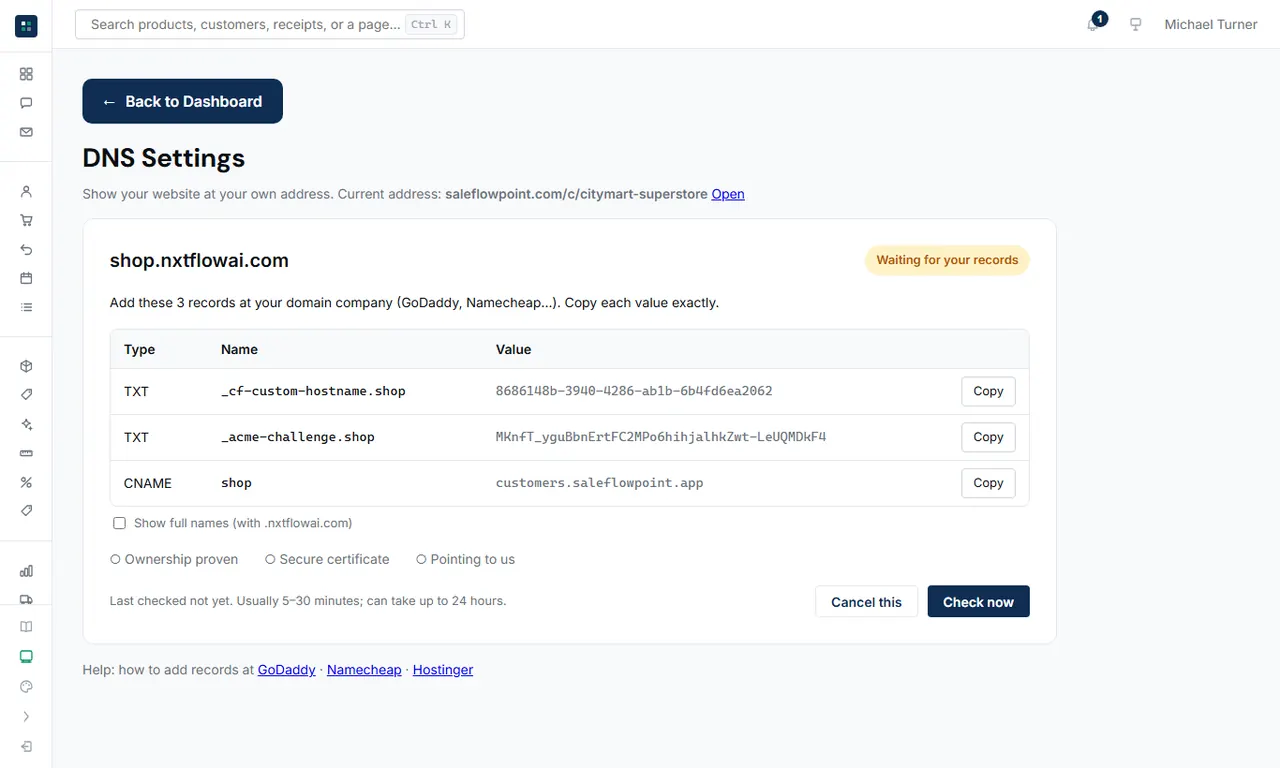
- Add the records the page shows at your domain company - copy each value
- Press Check now after a few minutes
- When it says Active, open your domain
Most domains are ready in 5 to 30 minutes. The page checks by itself while you wait, and shows three ticks: ownership proven, secure certificate, pointing to us.
A bare domain without www
A domain on its own, like yourshop.com, cannot be connected directly. At your domain company, forward yourshop.com to www.yourshop.com (usually called Forwarding, permanent 301). Visitors who type either address arrive at your site.