Answer Customers on WhatsApp with an AI Assistant
Quick, correct replies at any hour, without making up prices or promises
The questions never stop
Do you have this in a medium? How much is a gel manicure? Can I come in on Saturday afternoon? For many small shops and salons, WhatsApp is where customers ask first, and they expect an answer in minutes. When the owner is cutting hair or serving at the counter, the messages wait, and some of those customers book somewhere else.
Take Maple Street Nails, an invented salon in Columbus, Ohio, with the number (555) 555-0123 on its window. On a busy Saturday it gets dozens of messages, most of them the same few questions about prices and free times. Every one of them could be answered from information the salon already keeps in SaleFlowPoint.
What the assistant does
SaleFlowPoint's WhatsApp module has a Chatbot mode. Once you connect your WhatsApp Business number, an AI assistant replies to customers for you, using only what is in your account:
- It answers in the customer's own language, so a question in Spanish gets a reply in Spanish.
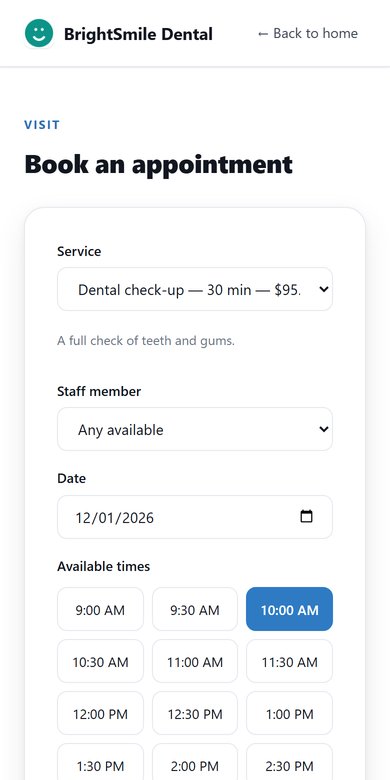
- It uses your real products, services and prices, and offers only times that are actually free in your diary.
- It never invents a price and never gives a discount. If it does not know, it says so.
- An order or a booking is a request: it lands with your staff, who accept or reject it. Nothing is confirmed until a person says yes.
- When a customer asks for a person, or the question is outside what it knows, it hands the chat over to your staff.
Your staff stay in charge
Every conversation appears in the WhatsApp Inbox. A team member can take over a chat at any time and reply in person, then hand it back to the assistant when they are done. Order and appointment requests have their own lists, where staff accept or reject them, change a detail, and mark an order as delivered.
At Maple Street Nails, the assistant handles the price and opening-time questions, and the receptionist checks the booking requests between clients. A customer who wants to talk about a special occasion is passed to a person straight away.
Keep your WhatsApp Business app
The module works with WhatsApp Business numbers only. You can keep using the WhatsApp Business app on your phone at the same time, so your number, your contacts and your way of working stay the same. Meta bills its own message charges directly to you; they are separate from the SaleFlowPoint price.
For businesses with their own software
If you already have your own system or a developer, choose API mode instead of the chatbot. SaleFlowPoint passes incoming messages to your system through signed webhooks, and your system sends replies through a send API. The WhatsApp developer guide on our site explains both.
Price and trial
WhatsApp is an add-on priced per connected number, paid monthly or yearly, and each company can try it with a 7-day trial once. The WhatsApp feature page lists the current price and what each mode includes.
Getting ready
The assistant is only as good as your information. Before you switch it on, check that your products and services have the right prices, that your opening hours are correct, and that staff availability is set for appointments. Then connect your number, choose Chatbot mode, and watch the Inbox for the first few days to see how customers use it.
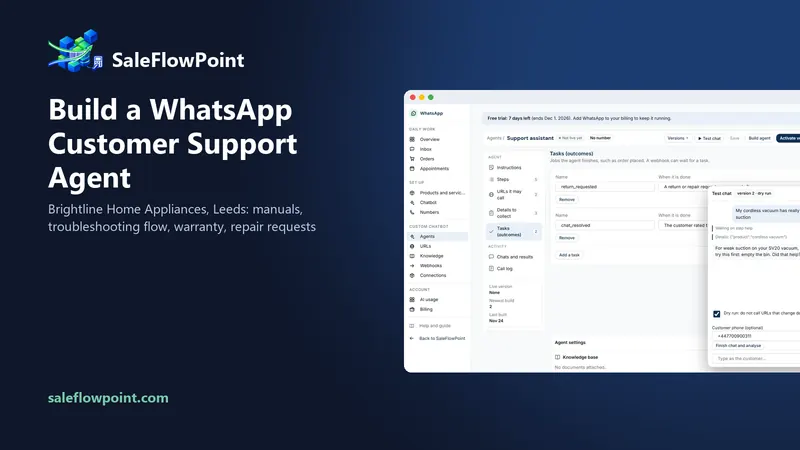
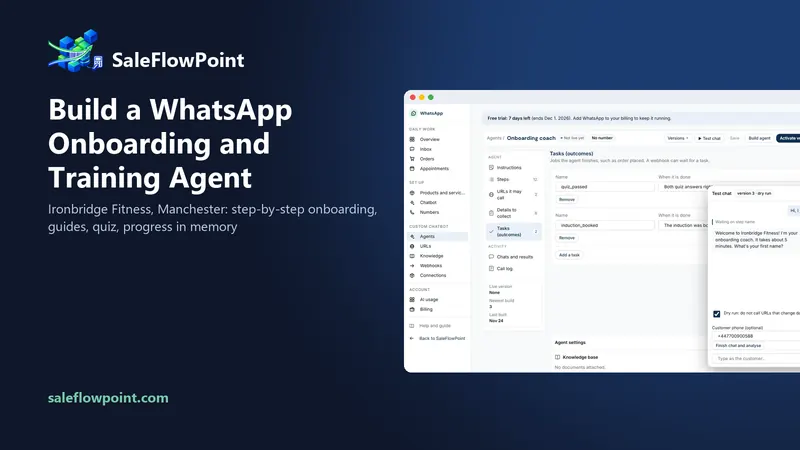
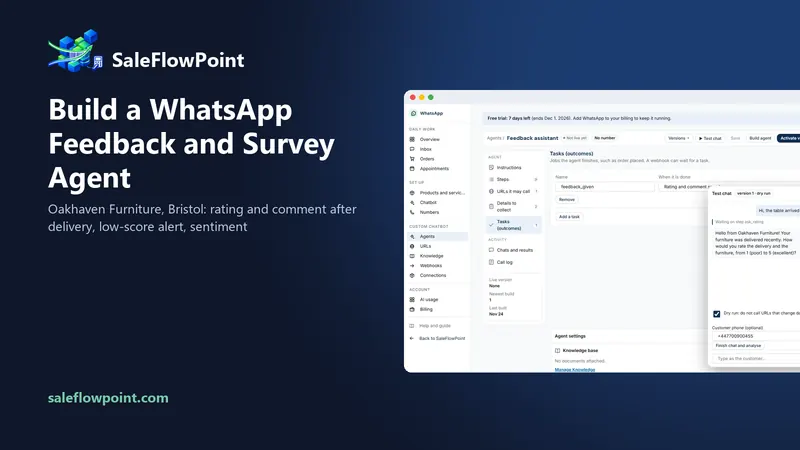
If your answers already live in your own order or booking software, the WhatsApp module also has a custom chatbot mode: an agent you describe uses your own system's addresses, can remember a returning customer's details and fills in a short summary after each chat. Our post A WhatsApp Chatbot That Uses Your Own System explains it.