POS for Grocery Stores and Mini-Markets
Fast barcode checkout, stock that keeps up with daily deliveries, and credit for trade customers
Groceries are a volume business
Hundreds of products, small margins, queues at peak hours and deliveries every day. A grocery store needs a till that is fast, stock that is accurate, and purchasing that keeps up. Here is how SaleFlowPoint handles each.
A checkout that keeps the queue moving
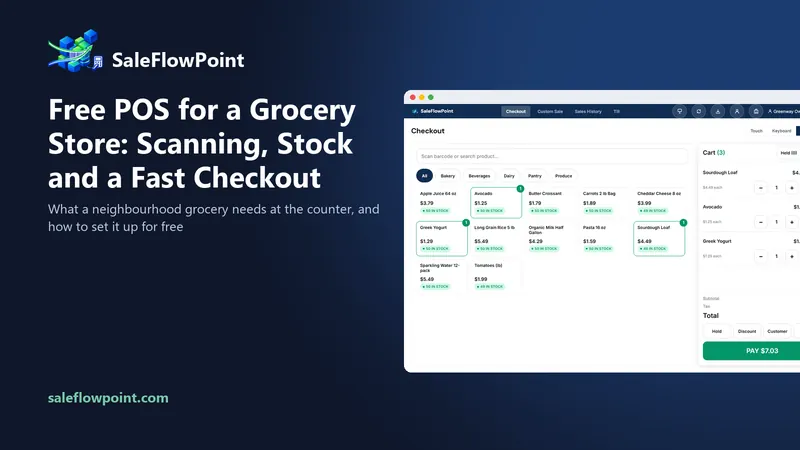
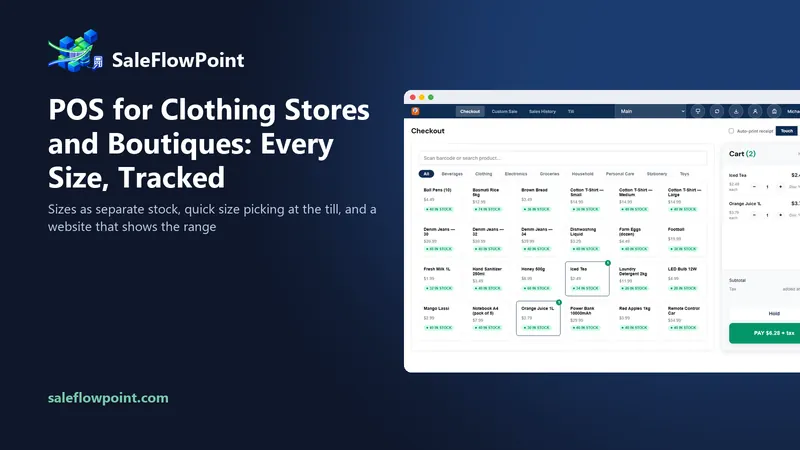
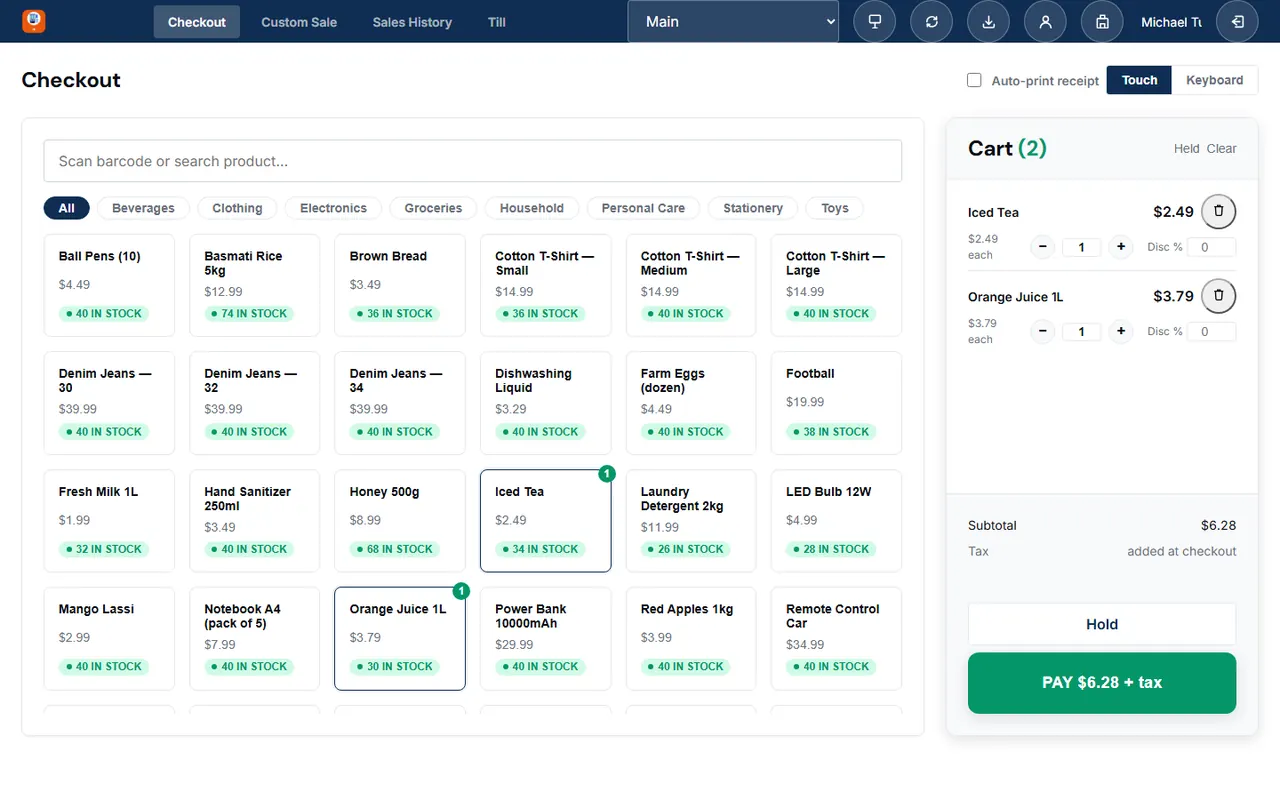
Scan a barcode and the item is in the cart. No barcode? Search by name, or tap a category. Cash, card and mobile wallet payments, change worked out for you, receipt printed.
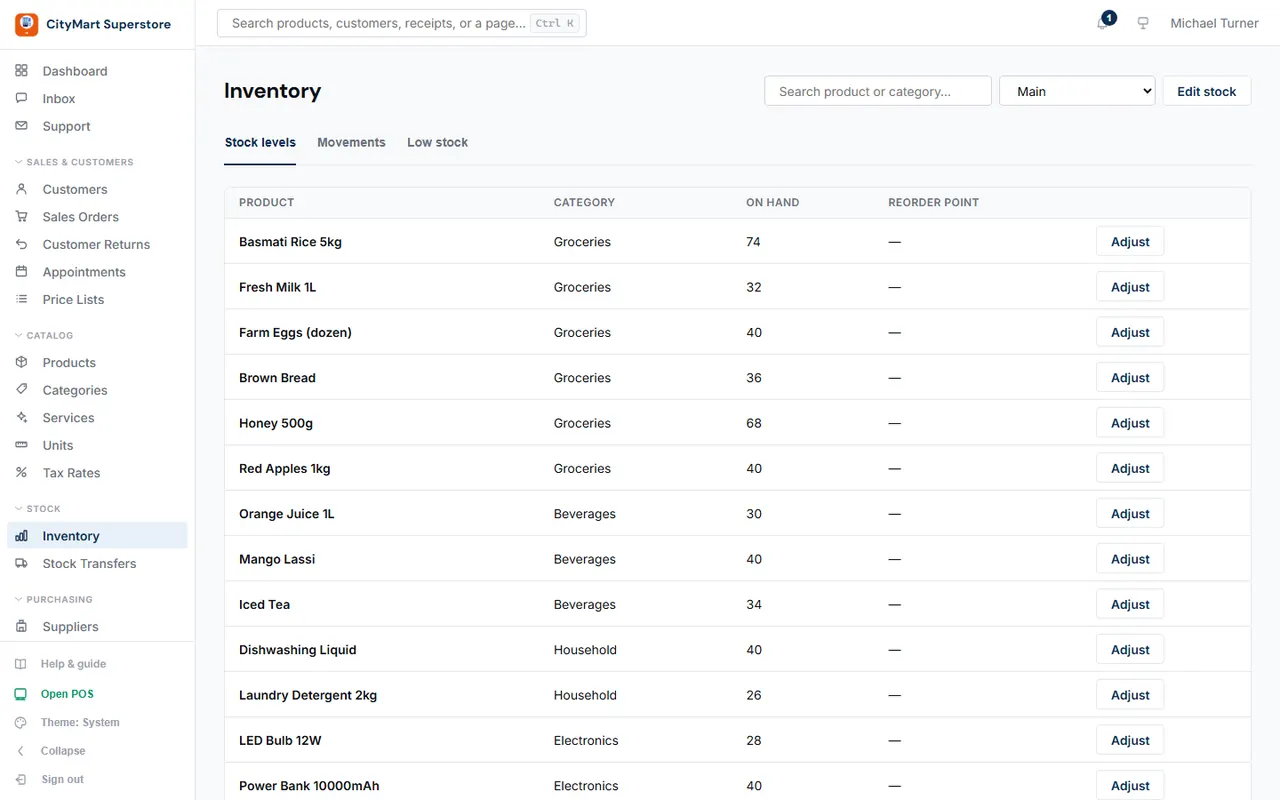
Stock that keeps up with deliveries
- Purchase orders to your distributors
- Receive the delivery and stock goes up at the cost you paid
- Low-stock list so you re-order before the shelf is empty
- Pack sizes: buy by the case, sell by the piece
- Expiry reporting in the Operations reports (free trial and paid plans)
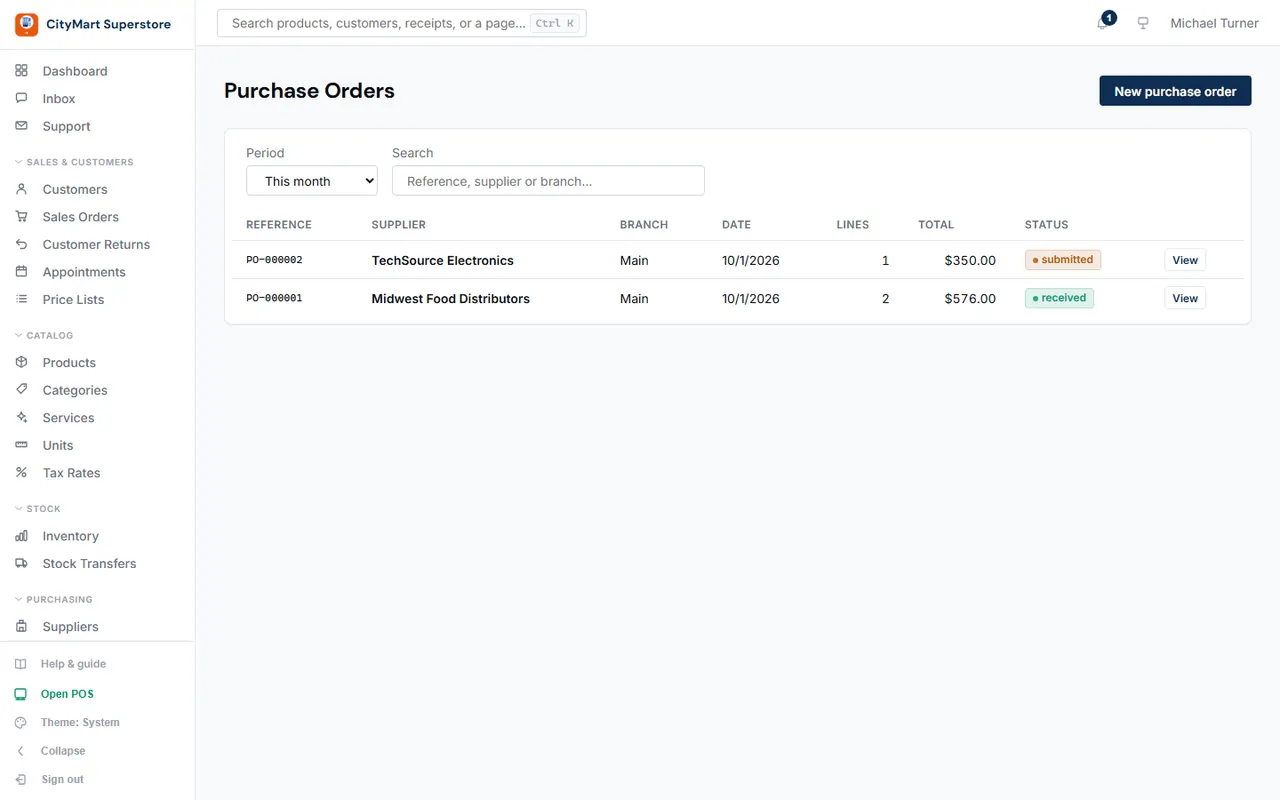
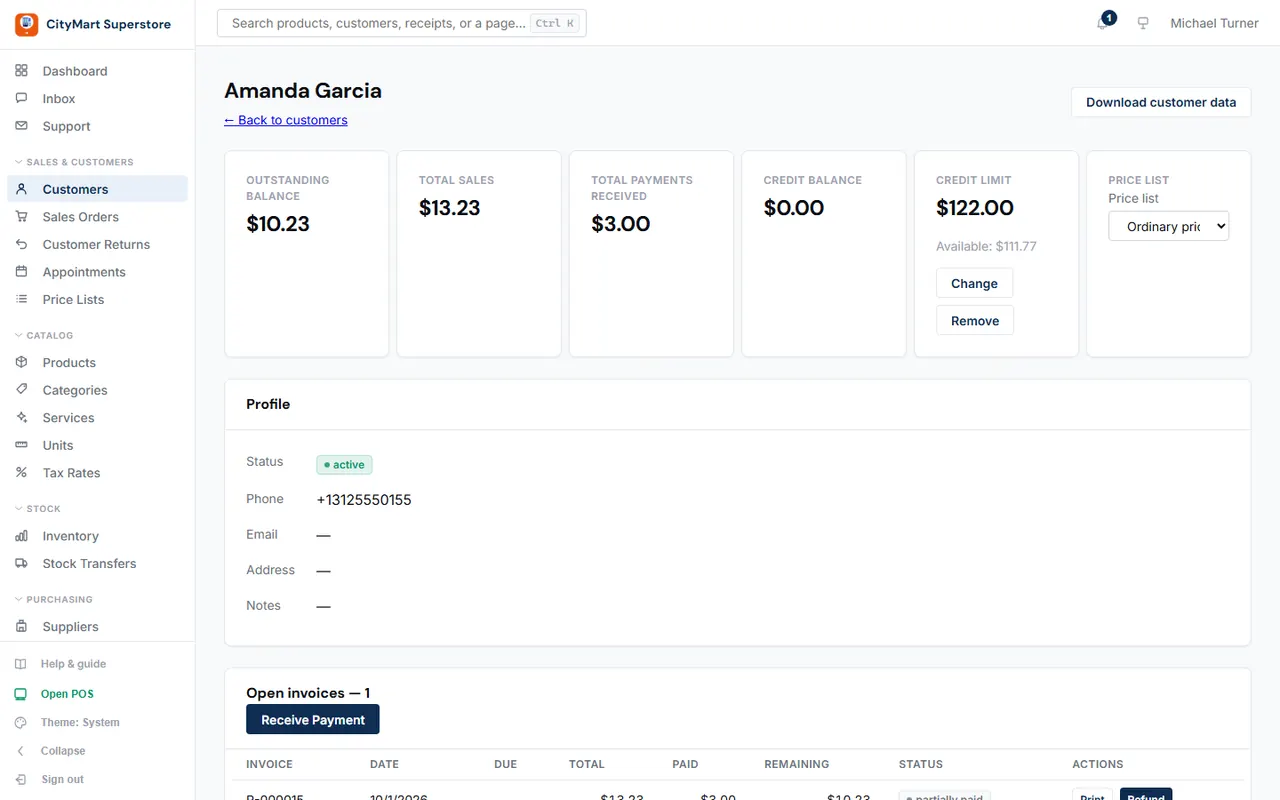
Trade customers on account
Restaurants, cafes and offices that buy from you weekly can have a credit account with a limit. They take goods now, you invoice them, and payments are matched to invoices.
And when you open a second store
Each branch keeps its own stock, and stock transfers move goods between them - so a second location doesn't mean a second system.