Choose a POS Plan and Pay by Card: Monthly or Yearly
Change plan, cancel, resume and download every invoice from one Billing page
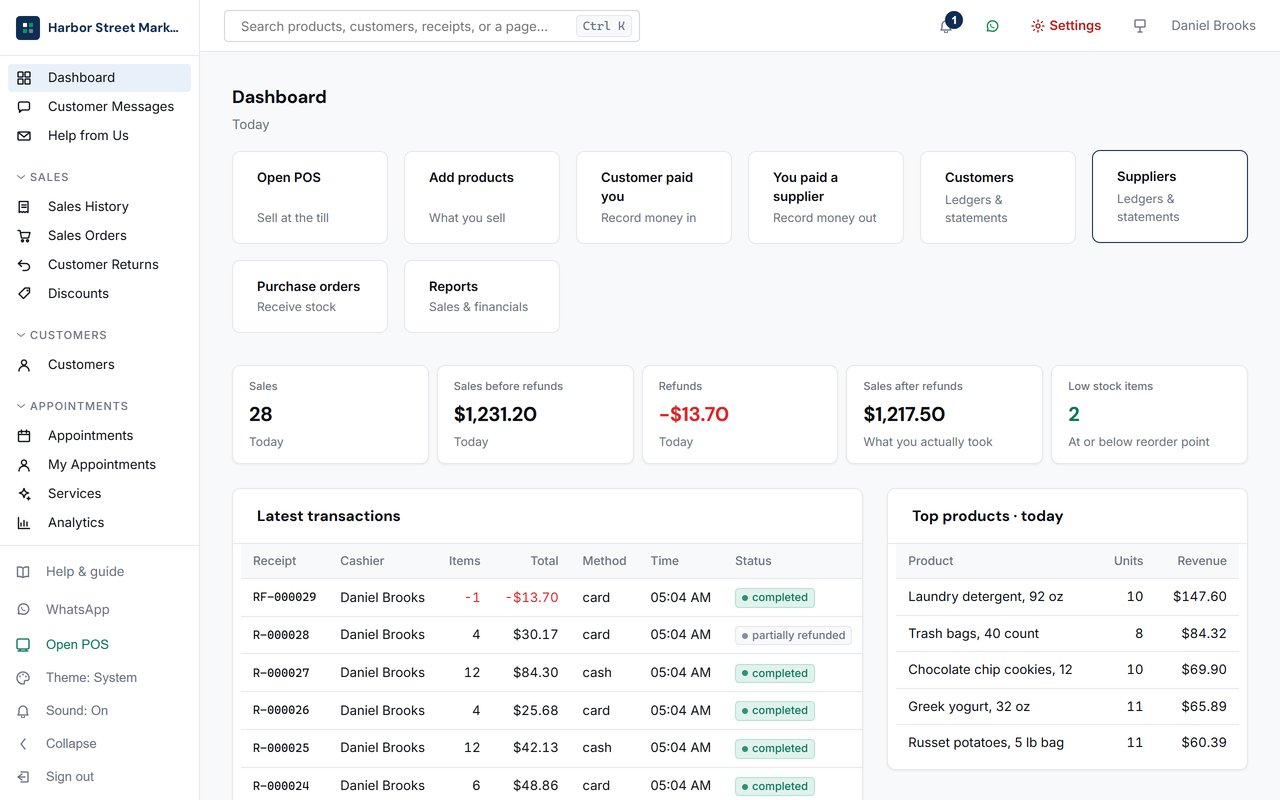
One page for everything you pay
Account › Billing shows the plan you are on, what it costs, the date you have paid until, how many branches and tills it allows, and every payment with a PDF invoice.
Monthly or yearly
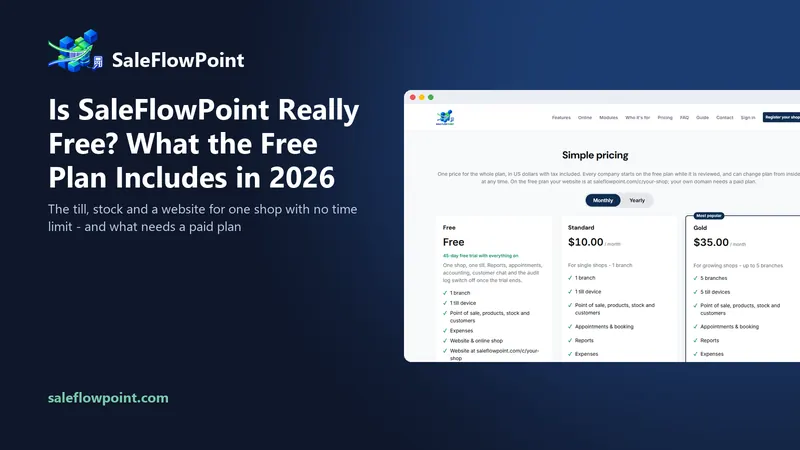
Every paid plan has a monthly price and a yearly price; the yearly price shows what you save. Prices are for the whole plan, in US dollars, tax included.
Changing plan
Moving up, or from monthly to yearly, happens at once: the payment window shows what you pay today for the time left. Moving down, or yearly to monthly, starts at your next renewal, and nothing is charged today. You can call a booked change off before it happens.
Cancel and resume
Cancel plan keeps your plan until the end of the period you paid for and does not charge you again. Resume before that date carries on as if nothing happened. Your data is always kept.
What the free plan keeps
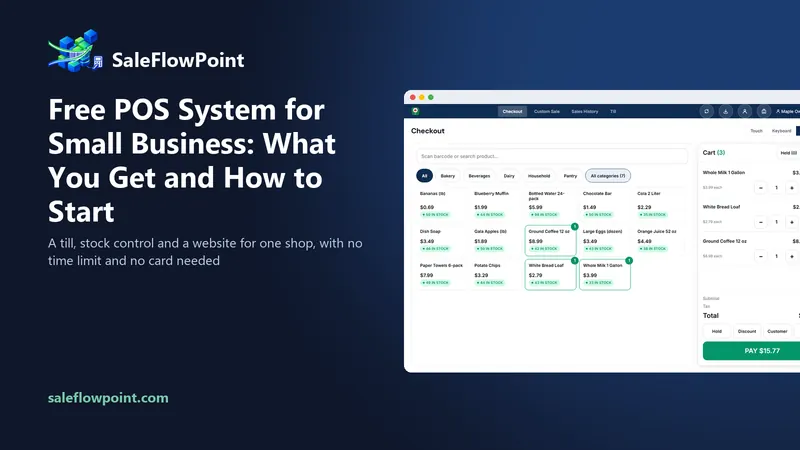
The free plan has no time limit: the till, products and stock, customers, expenses and a website at saleflowpoint.com/c/your-shop, for one shop and one till. A paid plan adds branches, tills, the reports and booking tools after the trial, and your own domain.