Free POS System for Small Business: What You Get and How to Start
A till, stock control and a website for one shop, with no time limit and no card needed
What a small shop actually needs from a POS
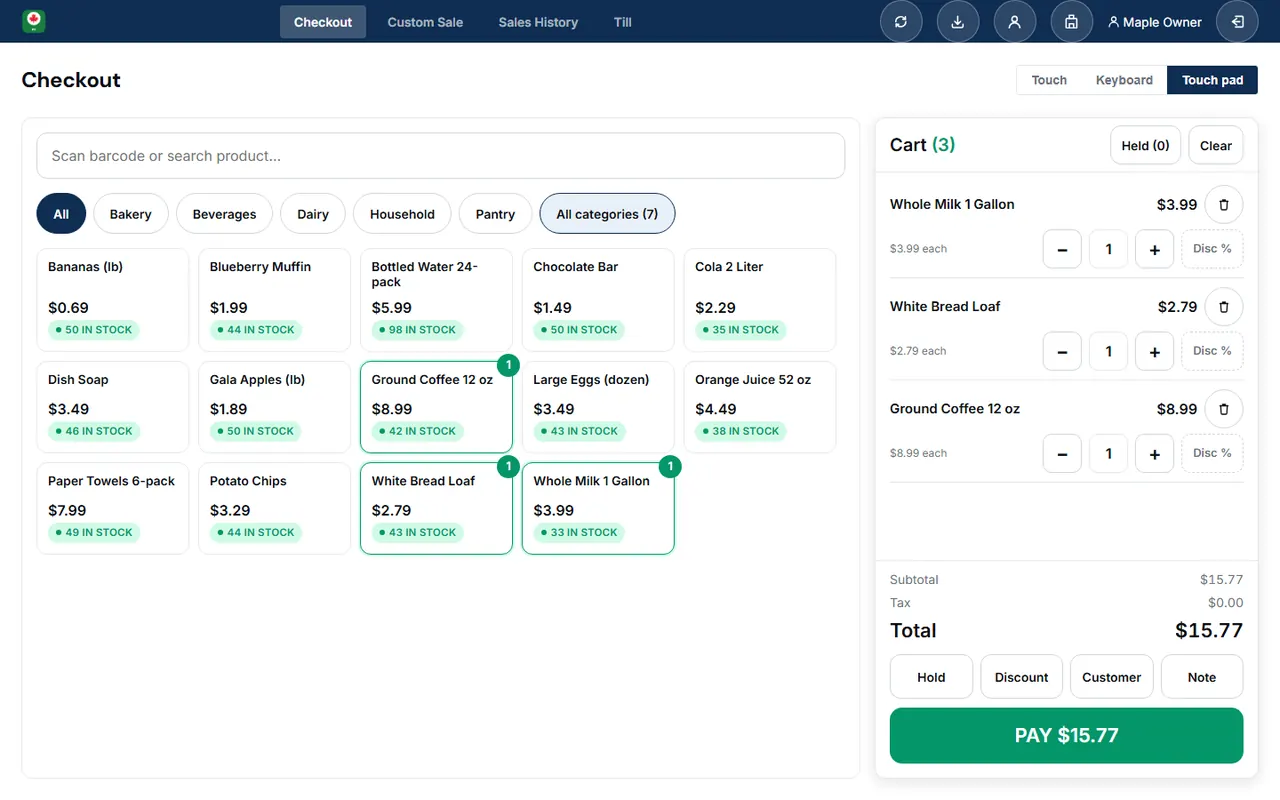
A free POS system for small business has to do four jobs well. It has to ring up a sale quickly. It has to know your prices. It has to count your stock. And it has to tell you, at the end of the day, whether the cash in the drawer is right.
Everything else is useful later. If a free POS does those four things without a time limit, a small shop can run on it for years.
What you get for free
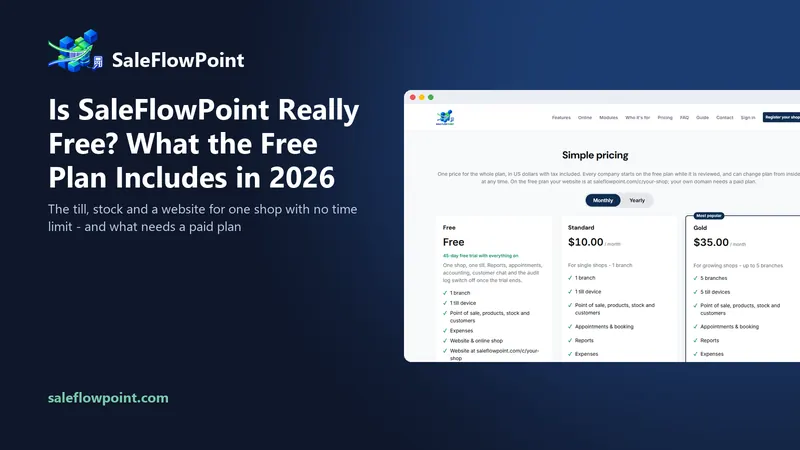
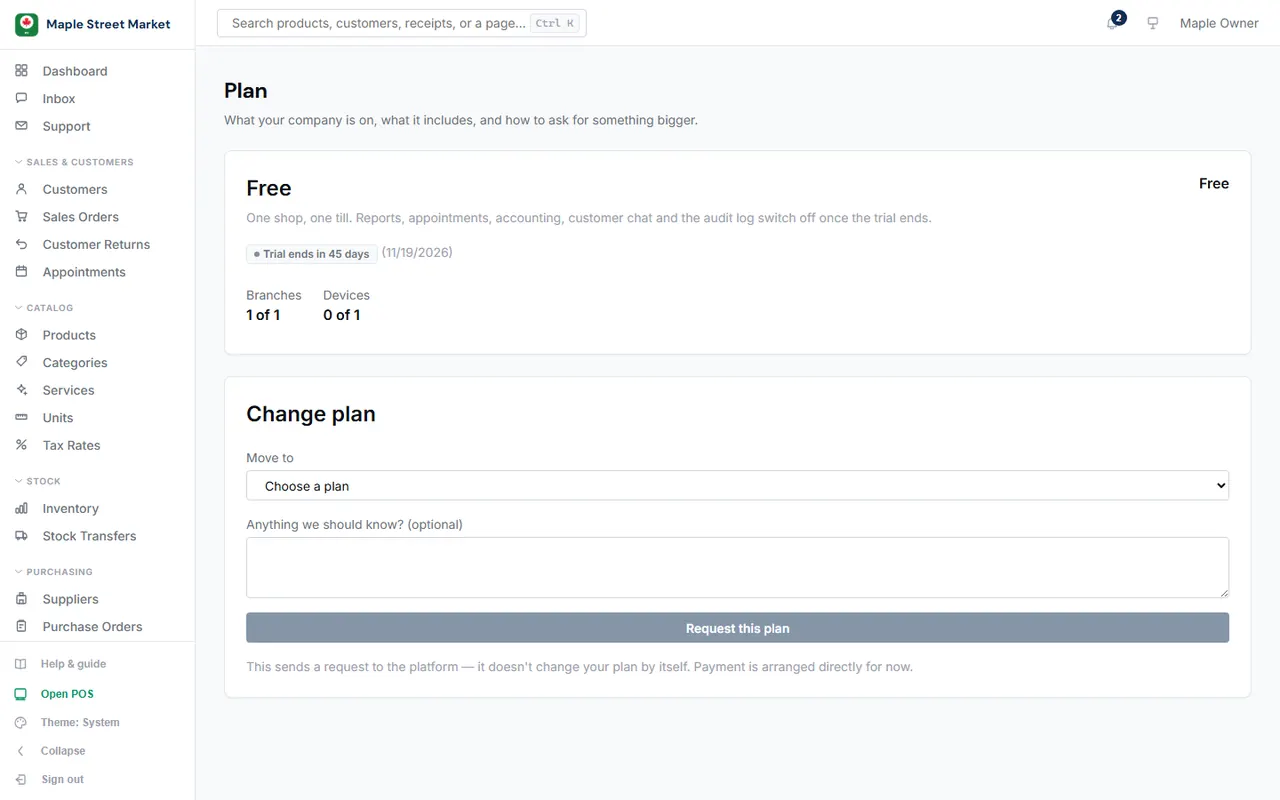
The free plan includes the point of sale, your products and stock, your customers, your expenses and a website for your shop. It is for one shop and one till, and it has no time limit. Reports, appointments, accounting, customer chat and the audit log are included during the free trial, and after that they are part of the paid plans.
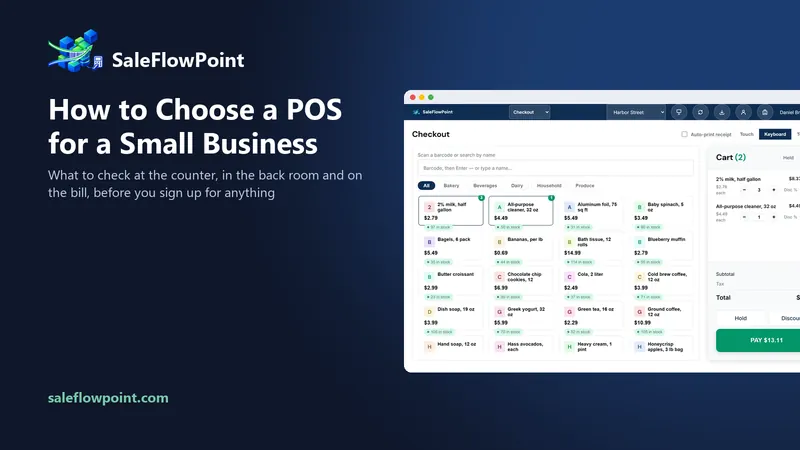
- A checkout for touch screen, keyboard or barcode scanner
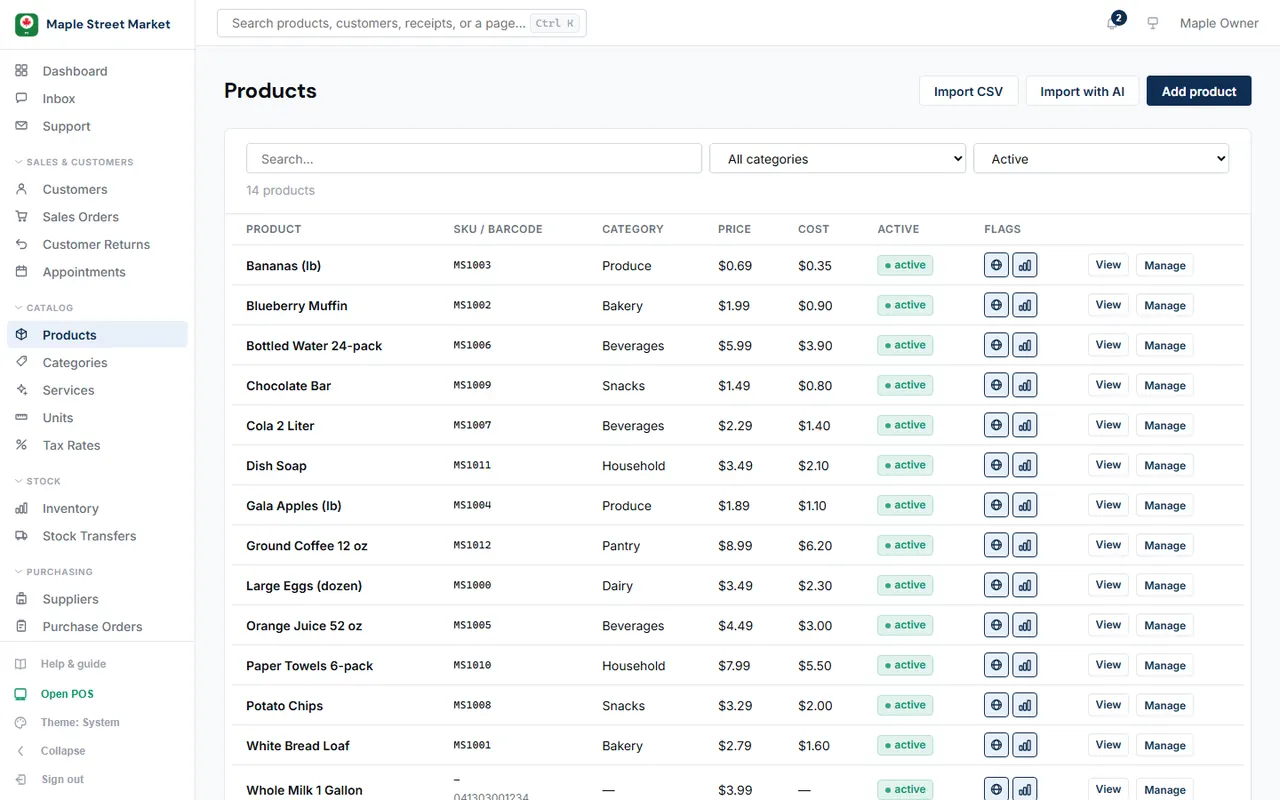
- Products, categories, prices and barcodes
- Stock that goes down with every sale
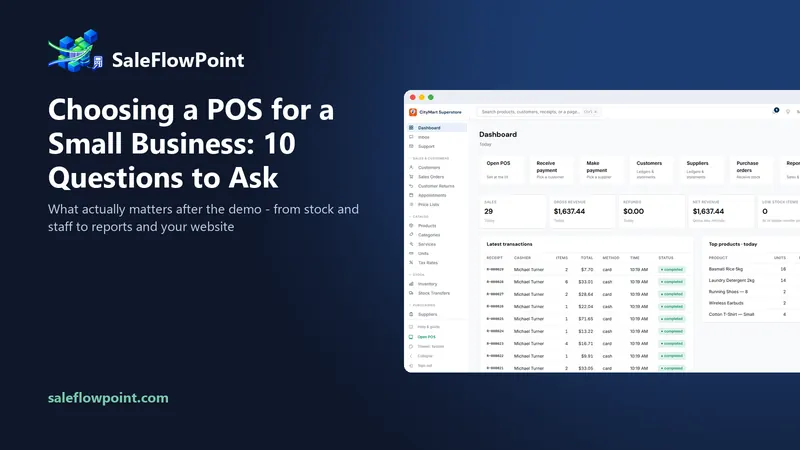
- Customers and their purchases
- Expenses, so you know what the shop spends
- A website and product catalogue for your shop
What it costs to start
Nothing. You sign up with your shop's name and your email. No card is asked for. It runs in a web browser, so there is nothing to install: a laptop, a tablet or a touch screen till all work.
How to start
Sign up, add your products by hand or from a spreadsheet, open the till with your cash float, and make your first sale. Most shops are selling the same afternoon. Every step is shown in the video "Free POS software tutorial for beginners: the complete walkthrough", and the written version is in "How to Set Up a Free POS in 10 Minutes (Step by Step)".
A day on the free plan
It helps to see what a normal day looks like. In the morning you open the Till screen, count the cash in the drawer and open a shift with that amount. That one step is what makes the end of the day add up.
During the day you sell. Tap or scan the products, press Pay, and choose cash, card or another method. For cash you tap the note the customer hands over and the till shows the change. Each sale takes its items off your stock, so the numbers in Inventory are always current.
If something comes back, you open the sale in Sales History and refund the item. It goes back into stock. If you take cash out of the drawer to pay for something, you record it as cash out with a reason.
At closing you count the drawer and close the shift. The till shows what it expected and what you counted. If they differ, you know today, not next month.
The hardware you need
Less than most people expect. A free POS system that runs in a browser needs a device with a browser and an internet connection.
- A laptop, desktop, tablet or touch screen PC you already own
- A USB barcode scanner, if you sell by barcode - any ordinary one works, because it types like a keyboard
- A receipt printer, if you give paper receipts - the browser prints to whatever printer the computer has
- A cash drawer, which can be a simple manual one
You do not need to buy a till from us, and there is nothing to install.
What happens to your data
Your products, customers and sales are stored in your own account, separate from every other business. Nothing you enter during the trial is deleted when the trial ends. The trial features switch off; your records stay.
Mistakes small shops make when choosing a POS
The first is choosing by the list of features rather than by the four jobs above. A long list does not help if ringing up a sale takes six taps.
The second is not checking what happens offline. Internet connections fail at the worst moment. Ours keeps taking cash sales on an enrolled till and sends them up when the connection returns.
The third is not reading the limits. Ours are short enough to remember: one shop, one till, no time limit.
Common questions
Is there a limit on products or sales? The free plan's limits are one shop and one till. There is no fee per sale.
Can more than one person use it? Yes. Add your staff as users, each with their own sign-in and a role that decides what they can do.
Do I need to install anything? No. It runs in a web browser on the computer or tablet you already have.
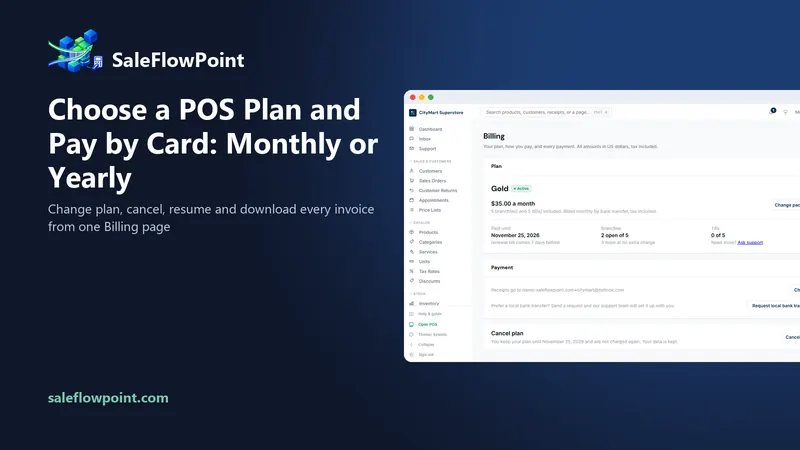
When would you pay?
When you open a second shop, need a second till, or want the reports, accounting and booking tools after the trial. Until then, the free plan is the whole product for one counter.