Choosing a POS for a Small Business: 10 Questions to Ask
What actually matters after the demo - from stock and staff to reports and your website
Demos all look good
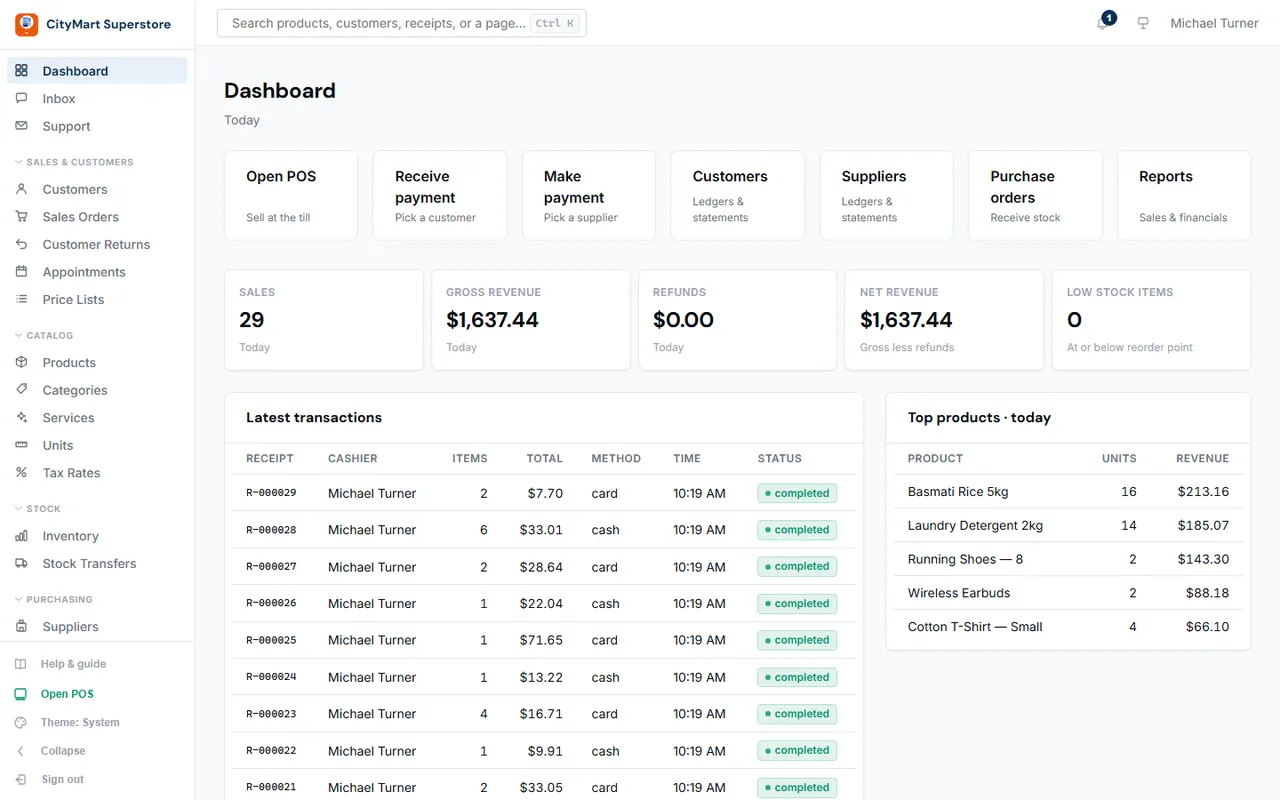
Every POS looks fast in a demo. The differences show up three months later - when you open a second branch, need to give a new cashier limited access, or your accountant asks for the books. These ten questions help you find out before you commit.
The 10 questions
- 1. Does it need special hardware, or will it run on what I have?
- 2. Can staff learn the till in minutes?
- 3. Does stock update with every sale and delivery - by size and branch?
- 4. Can I sell things that aren't in the catalogue, like repairs or custom orders?
- 5. Can trade customers buy on account, with credit limits?
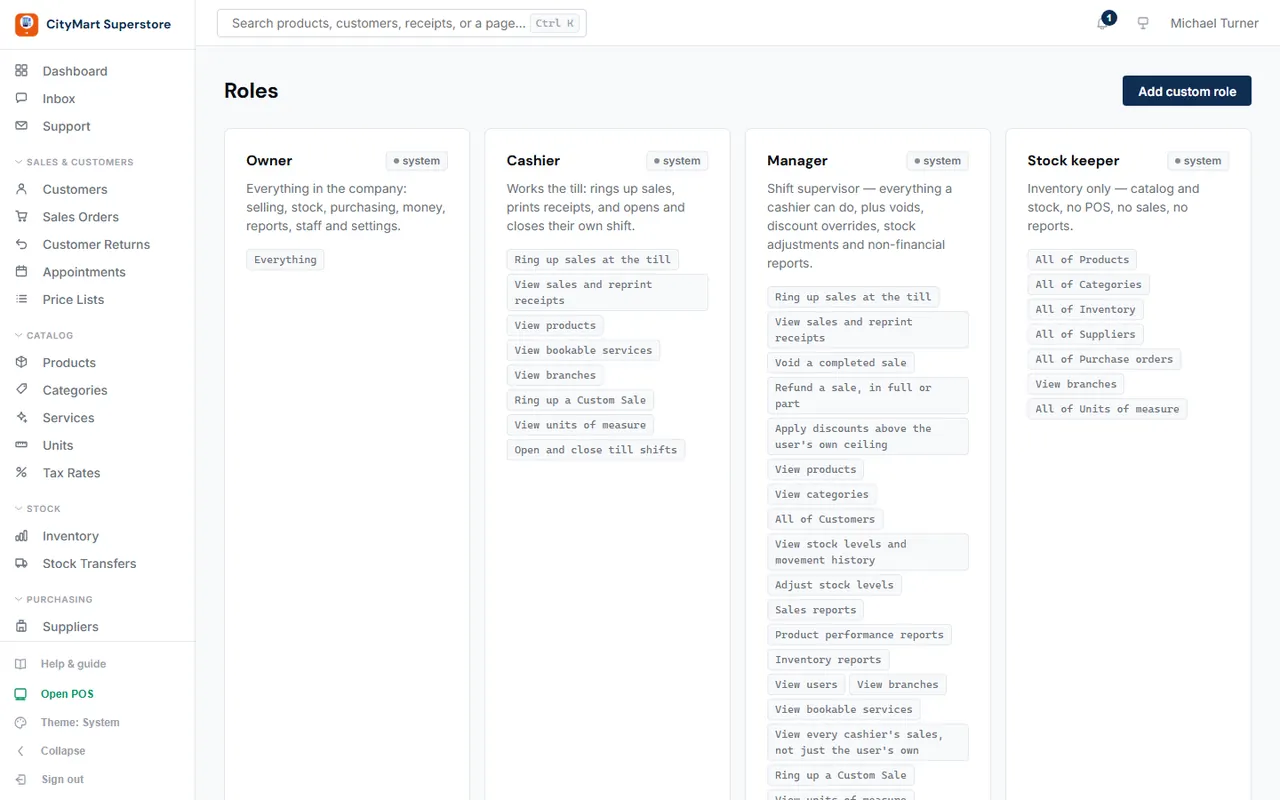
- 6. Can I give each person only the access they need - and see who did what?
- 7. Does it handle purchase orders and supplier bills, not just sales?
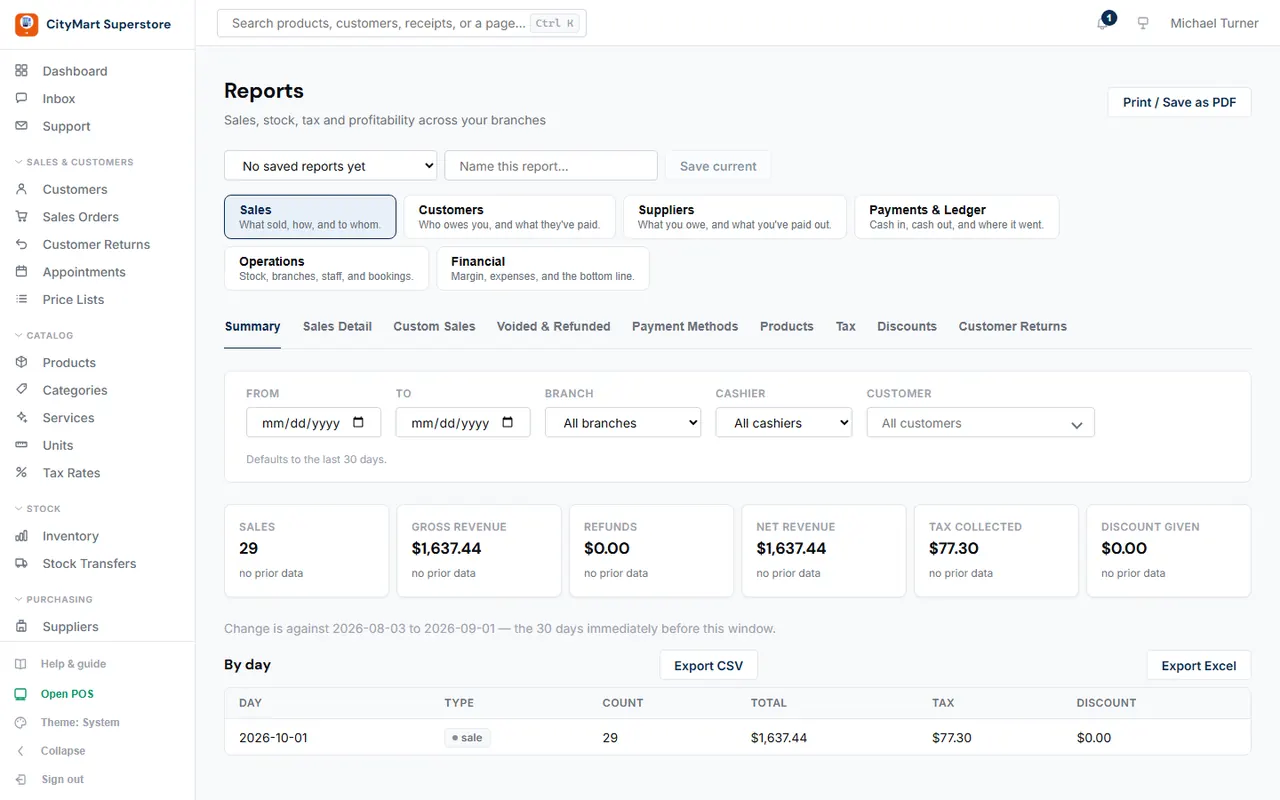
- 8. Are the reports good enough to run the business, and can I export them?
- 9. Does it keep the books, or will I re-type everything into accounting software?
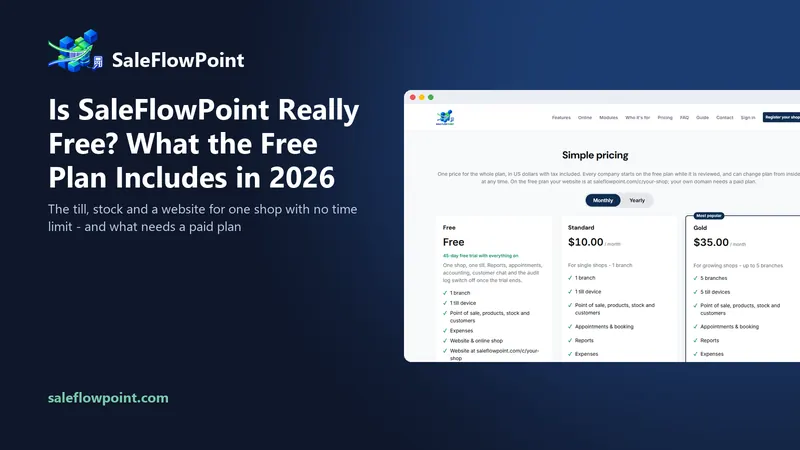
- 10. Does it give me a website and online catalogue, or is that another subscription?
How SaleFlowPoint answers
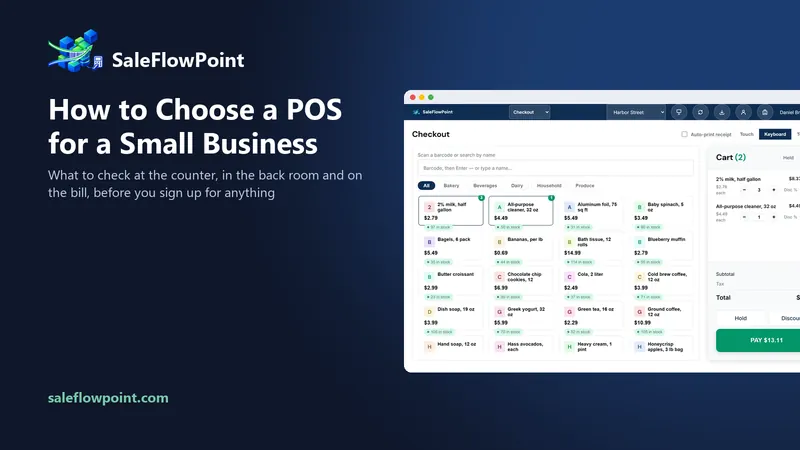
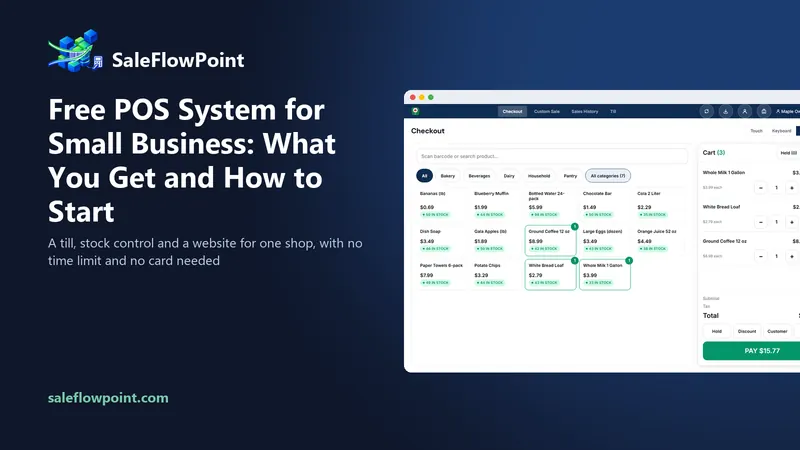
It runs in the browser on computers and tablets. The till has a Touch mode. Stock is tracked per variant and branch. Custom Sale handles one-off items. Customers have credit limits. Roles and an audit log control access. Purchasing covers orders, receipts, supplier invoices and payments. Reports cover six areas and export to Excel or CSV. Accounting posts to a double-entry ledger. And your website and online catalogue are built from your own products.