How to Choose a POS for a Small Business
What to check at the counter, in the back room and on the bill, before you sign up for anything
Start with your business, not the software
A point of sale (POS) system is the till, but it is also where your stock count, your staff access and your sales figures come from. Picking one is easier if you write down how your business really works first: what you sell, how customers pay, how many people use the till, and what you do at the end of each day.
- Do you sell products, services by appointment, or both?
- Do items have sizes, colors or pack sizes?
- Do some customers buy on account and pay later?
- Is there one shop, or will there be a second?
- How reliable is the internet at the counter?
At the counter: speed and simplicity
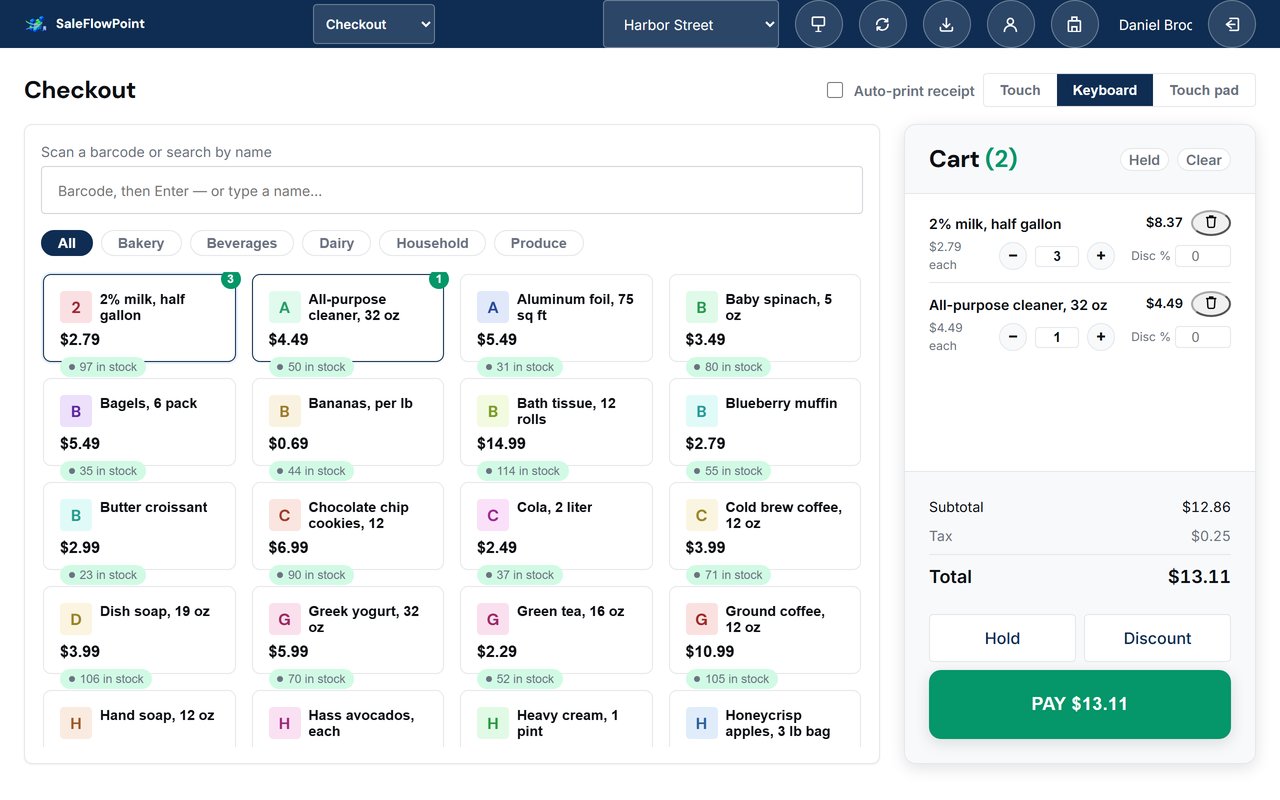
Ask to try a real sale, not watch one. A new cashier should manage a sale, a split payment and a refund within minutes. Check that it works with what you already own: many POS systems now run in a web browser, so a laptop, tablet or touch screen is enough, and a USB barcode scanner works like a keyboard.
- Can staff scan, search and tap, whichever suits the counter?
- Can a sale be put on hold while the customer fetches something?
- Is there a shift cash-up that shows what should be in the drawer?
- What happens when the internet drops? Some systems stop; others keep taking cash sales and sync later.
In the back room: stock you can trust
A till that does not update stock just moves the counting job to the evening. Check that every sale, refund and delivery changes the count, and that you can see why a number changed. If you buy from suppliers, look for purchase orders that can be received in parts and supplier bills, so you know what you owe.
- Reorder points and a low-stock list.
- A report of slow-moving stock.
- Stock per branch and transfers between branches, if you have more than one site.
- Import from a spreadsheet, so you do not type the catalogue twice.
People: who can do what
Shared logins hide who did what. Look for a separate login or PIN per person, roles such as manager and cashier, a discount limit per person, and an audit log of refunds, voids and changes. If you have branches, check whether staff can be limited to their own.
Numbers: reports and the books
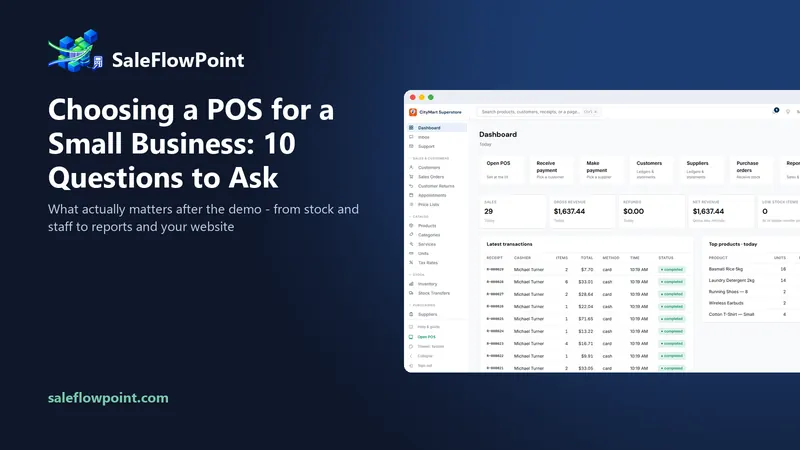
The reports decide whether the POS helps you run the business or only takes money. Check for sales by product and by time of day, profit after tax and discounts, stock value, and customer balances, and whether each one exports to CSV or Excel. Ask whether it keeps a ledger, or whether someone will retype every sale into accounting software.
Beyond the till: website, bookings and messages
Many small businesses pay separately for a website, a booking app and a messaging tool. If you need them, ask whether the POS includes them and whether they share the same products, prices and stock. Be clear what the website does: some show a catalogue that customers contact you from, others take payment online.
The real cost
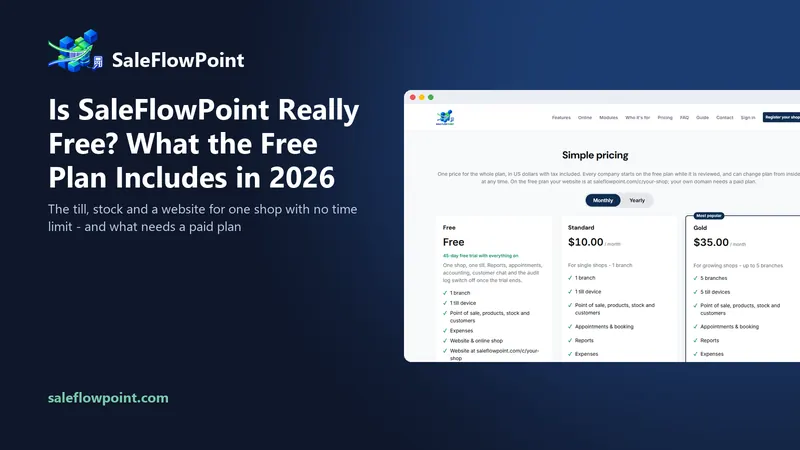
Compare the total for a year, not the headline price. Add up the plan for the number of shops and tills you need, any hardware you must buy, payment processing, add-ons such as a website or booking, and the cost of moving your data in. Ask what happens when a trial ends: is anything deleted, or do some parts simply switch off?
- Is there a free plan, and what are its limits?
- Is a card needed to start a trial?
- Can you leave with your data, as CSV or Excel exports?
- Is pricing per shop, per till or per user?
Test it like a real day
Use the trial for a real day: import twenty products, ring up sales, make a refund, receive a delivery, close a shift and read the reports. A list of questions such as our earlier post on choosing a POS helps you keep score.
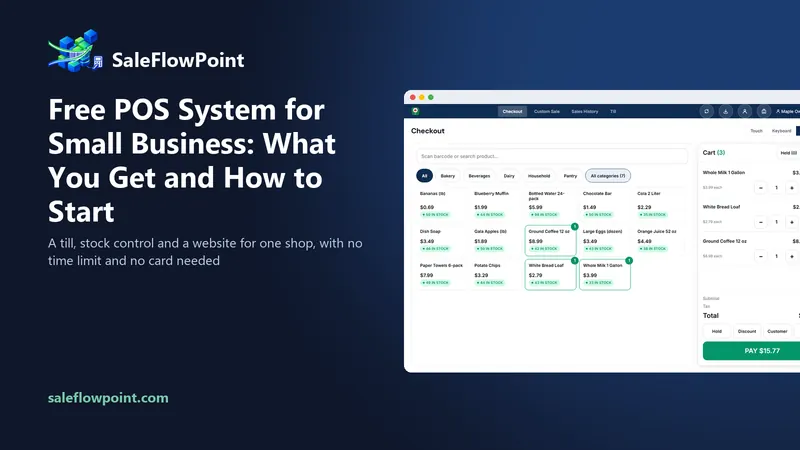
How SaleFlowPoint answers these questions
SaleFlowPoint runs in the browser, keeps taking cash sales offline, updates stock with every sale and delivery, and has roles, an audit log, about 30 exportable reports, an optional ledger, appointments, a website and a WhatsApp add-on. One shop and one till are free with no time limit and no card; the free trial switches on every module, and nothing is deleted when it ends. The plans are under Pricing on the home page, and there are pages for POS software for grocery stores, retail POS software, salon software, cafe POS software and boutique POS software. Everything else is on the features overview.