

Industries / Boutique POS
Boutiques and clothing stores
POS software for clothing boutiques
One dress in five sizes and three colors is fifteen things to count. A clothing store needs a till that knows the difference, returns that go back on the right rail, and a website that shows what is in stock. SaleFlowPoint does all three.
Sizes and colors without the spreadsheet
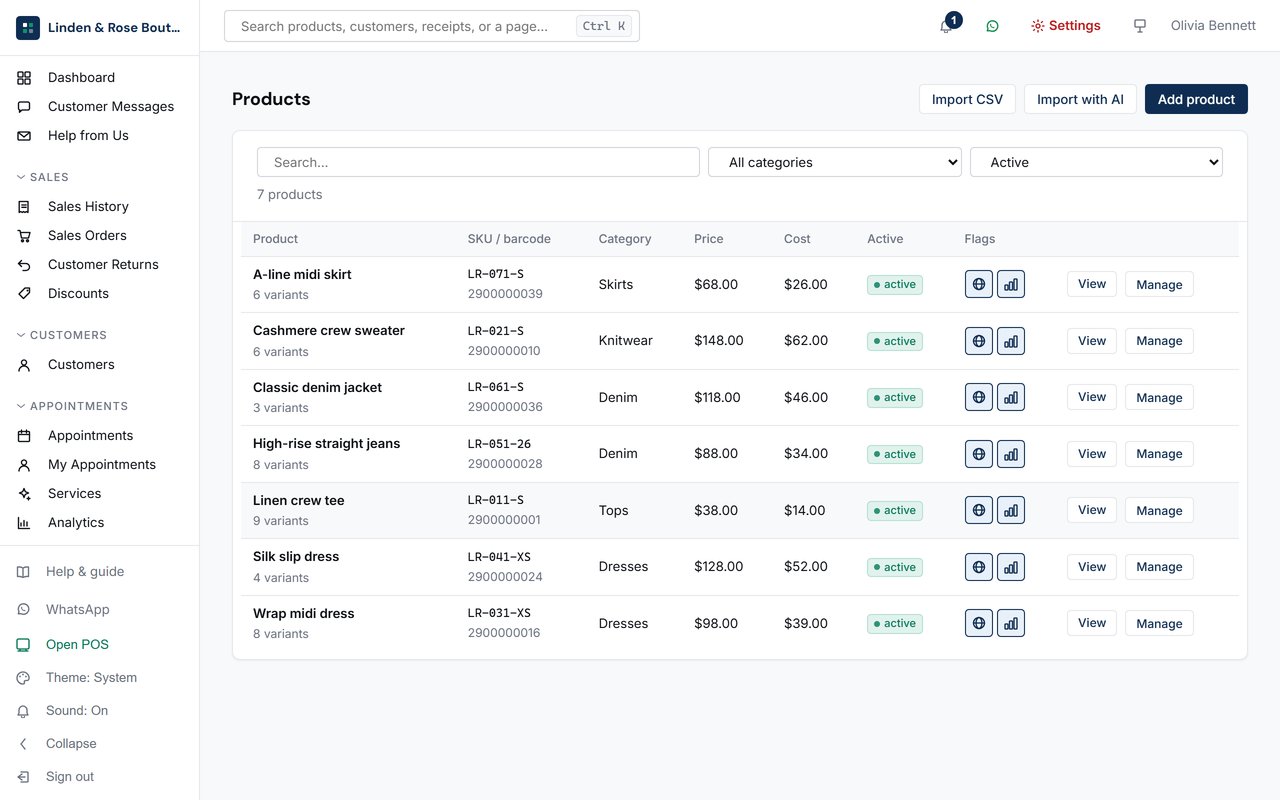
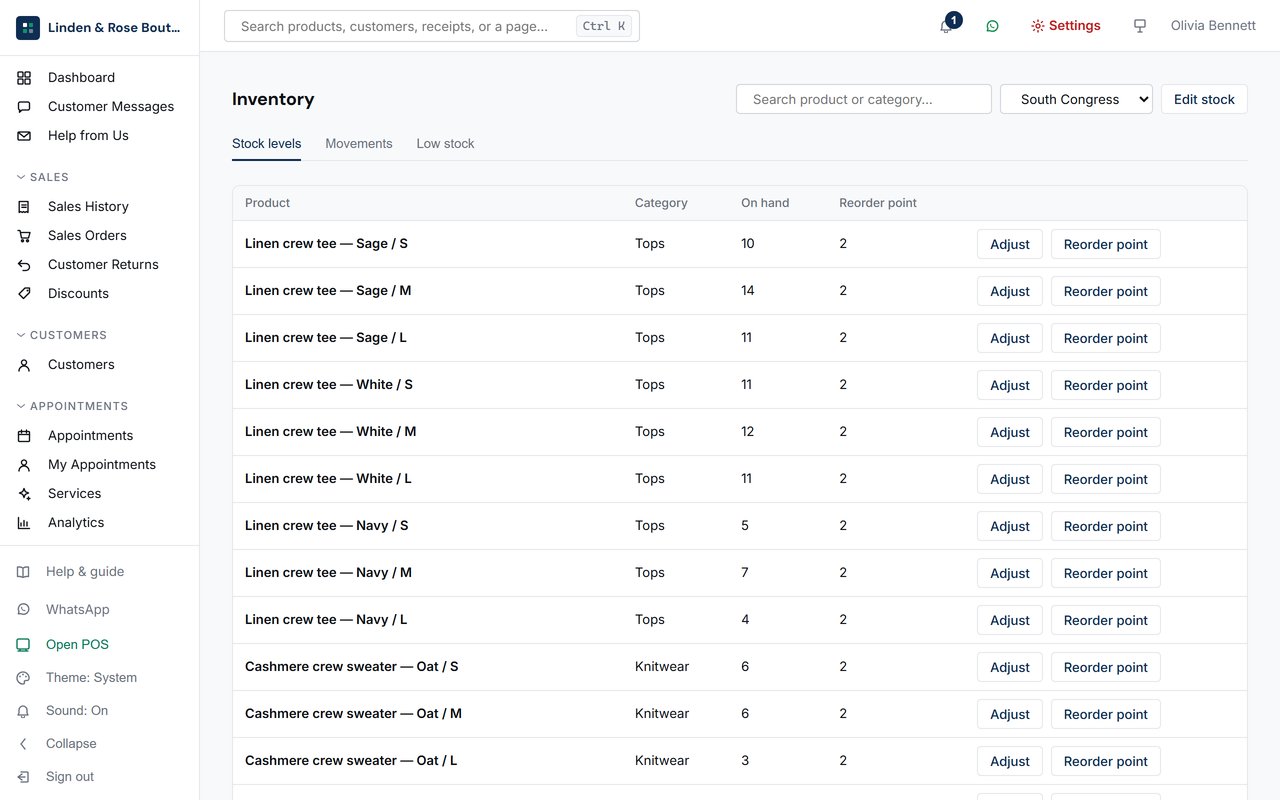
Add a product once and give it variants, such as small, medium and large in black or navy. Each variant has its own SKU, barcode, price and stock, so the till sells the right one and the count stays right. Products without a barcode can be given a generated one.
Returns and exchanges
- Refunds are tied to the original sale and put the item back into stock.
- Credit notes record what a customer is owed for a return.
- Sales History finds the sale by number or date when the receipt is lost.
Sales and seasons
Give a product a discount, as a percentage or an amount off, with a first and last day. The till applies it by itself, and your website shows the regular price crossed out beside the sale price. The Discounts report lists each product discount apart from discounts staff gave.
A website that shows your rails
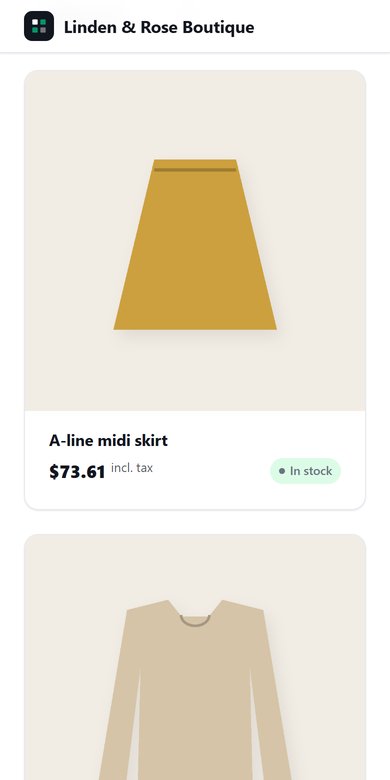
Choose a boutique look in the website builder and mark the products to show in your online catalogue, with photos and an optional in-stock badge. Paid plans and the free trial allow five pictures per product, the free plan one. Customers contact you to buy; there is no online checkout. On a paid plan the site can use your own domain.
Answer "do you have it in a medium?" on WhatsApp
The WhatsApp add-on answers customers on your WhatsApp Business number using your real products and prices, never inventing a price, and passes order requests to you to accept. It is priced per number with a 7-day free trial: see WhatsApp.
Guides and website looks for boutiques
Fashion shops live on sizes, colors and returns, and on a website that shows what is on the rail today. These go deeper than this overview:
- POS for clothing stores and boutiques: variants for every size and color, tracked through sales and exchanges.
- Free POS for a clothing store: what a single boutique gets on the free plan.
- Website templates for boutiques and beauty shops: looks for fashion, menswear, shoes, jewelry and cosmetics.
- How to choose a website template: what to compare before you pick a look.
- Answer customers on WhatsApp with an AI assistant: replies about products and prices from your own catalogue.
- The complete free POS walkthrough (video): products, a sale with a discount, a refund and the website, start to finish.
Questions
Which website template suits a boutique?
The boutique templates page compares the looks made for clothing, shoes, jewelry and beauty shops. Your own products, prices and pictures fill whichever you pick, and applying one never publishes anything.
Can I sell online with a cart and checkout?
No. Your website is a catalogue: customers see products and prices and contact you, by the website chat, WhatsApp or phone, to buy.
Can I see stock for each size?
Yes. Each variant has its own stock, per branch.
Can staff give discounts?
Yes, up to each person's own discount limit. Managers can give more.
Can I import my products?
Yes, from a CSV file with a preview, or with the AI-assisted import.
What does it cost?
One shop and one till are free. Paid plans are listed under pricing.
Related pages
Every size counted, every return on the right rail
Register your boutique and add your first collection today.