

Industries / Retail POS
Retail shops
Retail POS software for small shops
Hardware stores, gift shops, stationers, phone shops and bookshops all need the same things from a till: a quick sale, a clean return, and a stock count you can trust. SaleFlowPoint gives you those, plus suppliers, customer accounts, reports and a website, in one account.
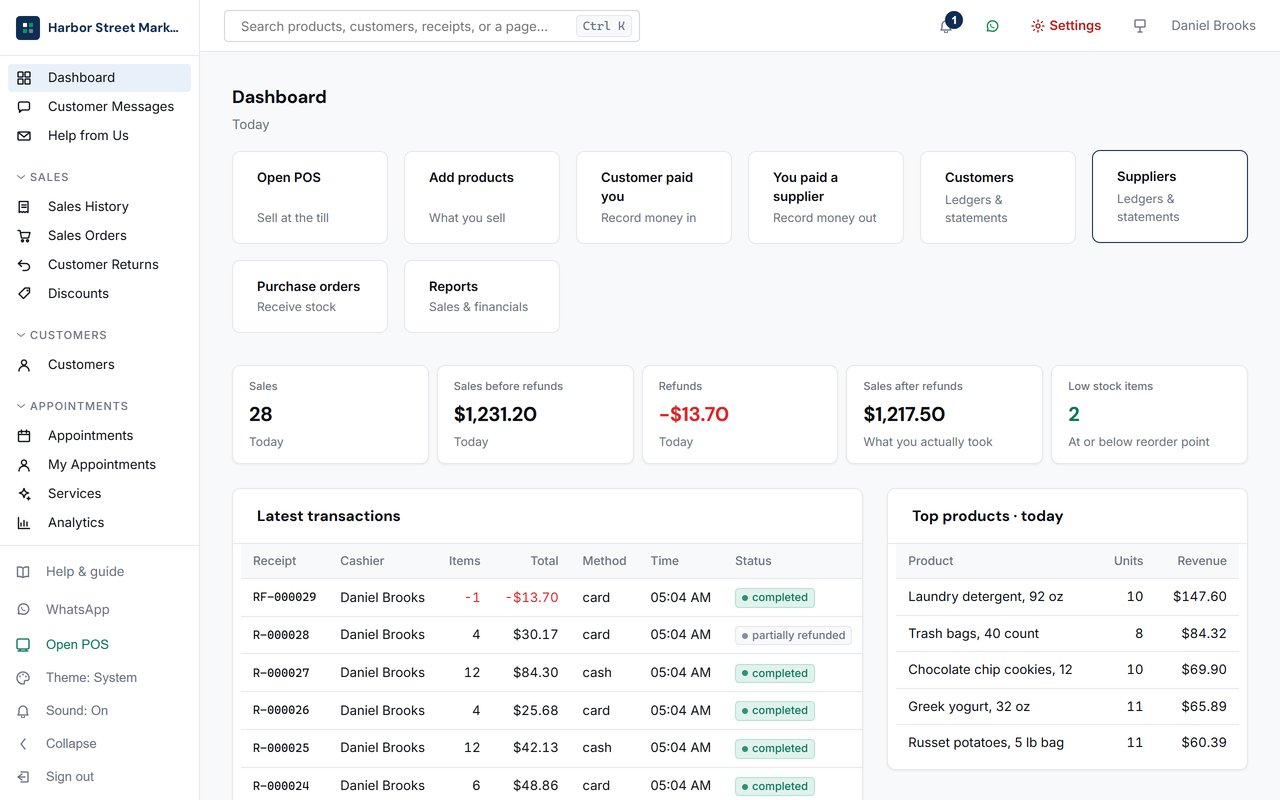
What gets in the way in a small shop
- Returns that break the count. A refund taken in cash but never put back on the shelf in the system.
- Regulars who pay later. Trade customers buy on account and the balances live in a notebook.
- Staff access. Everyone shares one login, so nobody knows who gave that discount.
- Separate tools. The till, the stock sheet and the website never agree.
Selling and returns
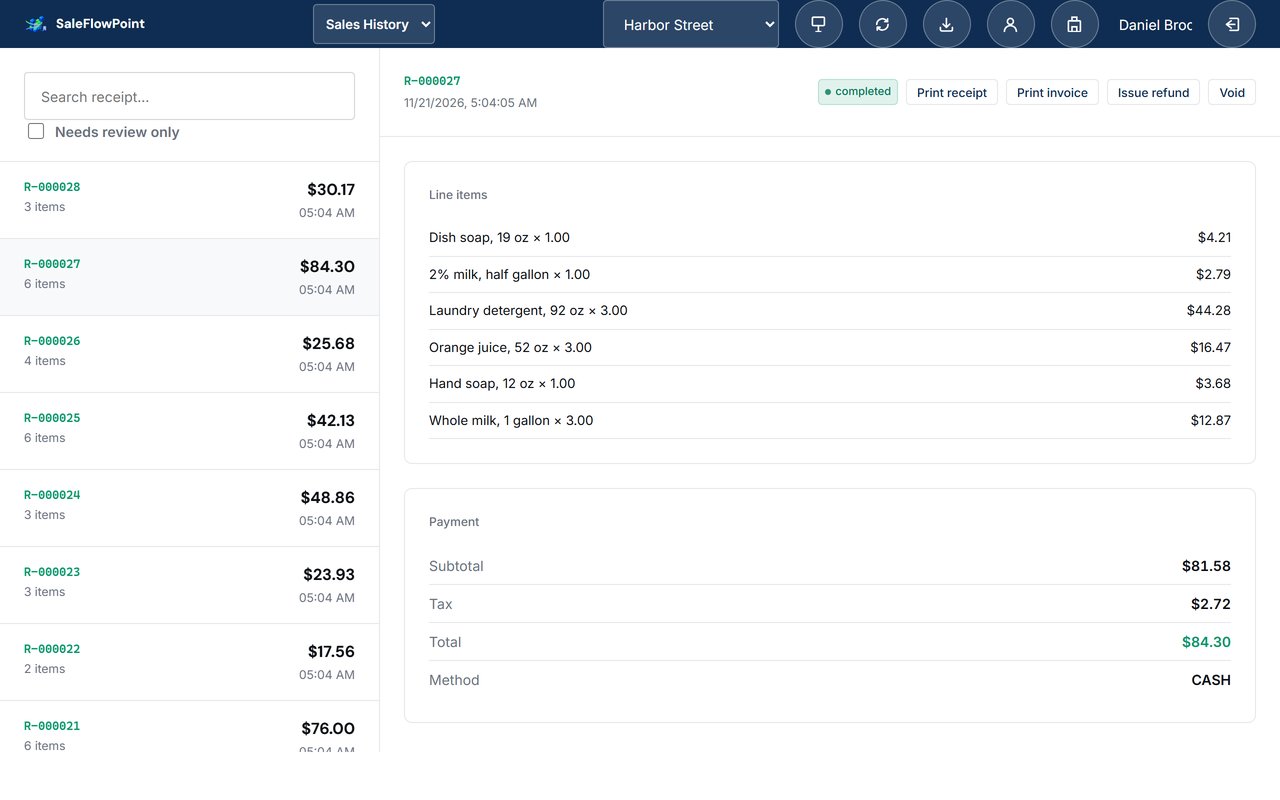
- Scan, search or tap to sell; split payments; narrow receipts or A4 invoices.
- Refunds are linked to the original sale, and returned items go back into stock.
- Custom Sale invoices a named customer for work or items typed by hand, such as a repair or a special order.
- Sales History finds any sale to refund, void or reprint.
See the POS software page for the full till.
Products, variants and suppliers
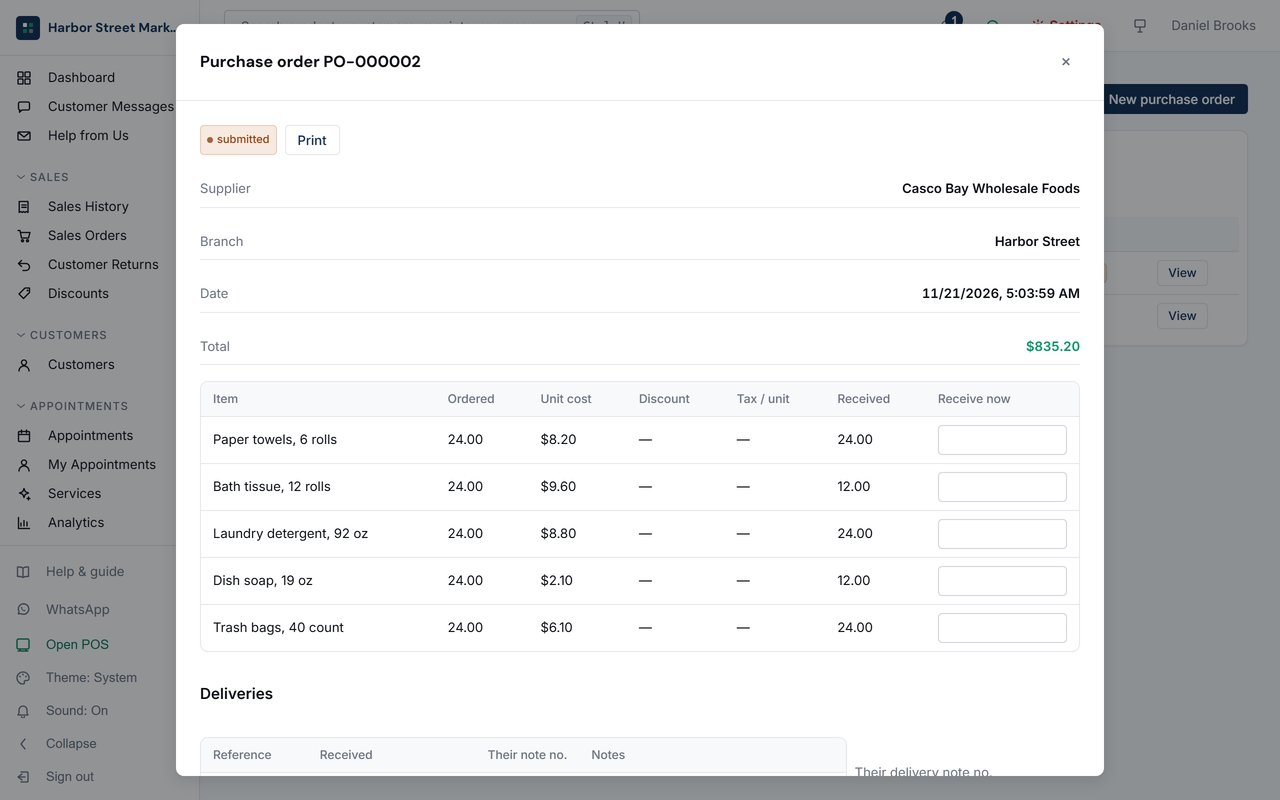
Each product can have variants, each with its own SKU, barcode, price and cost. Group products in categories, attach tax rates, and set price lists for particular customers. Order from suppliers with purchase orders, record their invoices and see what you owe on each supplier's statement.
Customers on account
Staff with the right permission can put a till sale on a named customer's account with a due date, within the customer's credit limit. Receive payments against their invoices later and print a statement when they ask what they owe.
Staff, roles and the audit log
Built-in roles for manager, cashier, accountant and stock keeper, or your own custom roles. Each person has a discount limit, and actions that matter are written to an audit log, so you can see who refunded or changed what.
Reports and a website
About 30 reports, from sales by product and hour to stock movements, each exportable to CSV or Excel. Build a website with your hours and map, and mark products to show in your online catalogue, where customers see prices and contact you to buy.
Read, watch and pick a website look
A general shop has more product types and more staff questions than a single-trade store. These pages cover the parts owners usually ask about next:
- Know what is on your shelves without counting every night: how sales, deliveries and corrections keep the count right.
- Running more than one shop: branches, stock transfers and staff limited to their own branch.
- Give staff the access they need, and nothing more: roles, discount limits and the audit log in practice.
- How to choose a POS for a small business: a buyer's checklist, useful before you commit to any system.
- Website templates for retail stores: looks for electronics, toys, books, gifts, garden and other shops.
- The checkout screen (video): products first, search or scan, and payment on one screen in under two minutes.
Questions
How do I move from my old system?
Export your product list as a spreadsheet and import it with the preview, or let the AI-assisted import map the columns. The move from spreadsheets checklist covers the rest of the switch.
Can I run two shops?
Yes, on a paid plan. Each branch keeps its own stock, and you move goods between them with stock transfers.
Does it work on a tablet?
Yes. Touch mode turns the till into large product tiles for a tablet or touch screen.
Can I export my sales?
Yes. Each report exports to CSV or Excel, so your accountant can work with it.
Does it keep the books?
With the Accounting module on, sales, purchases and payments post to a double-entry ledger. See accounting.
What does it cost?
One shop and one till are free. Paid plans and what each includes are listed under pricing.
Related pages
One account for the till, the stock and the website
Register your shop and see your first day's sales on the dashboard tonight.