Running More Than One Shop: Branches and Stock Transfers
Separate stock per branch, one set of books, and transfers that leave a trail
The second shop is where spreadsheets break
One shop can be run from memory. Two cannot. You need to know what each location holds, who sold what where, and how stock moved between them. SaleFlowPoint handles branches from day one, so growing does not mean changing systems. The free plan is for one shop; more than one branch needs a paid plan.
Add a branch in a minute
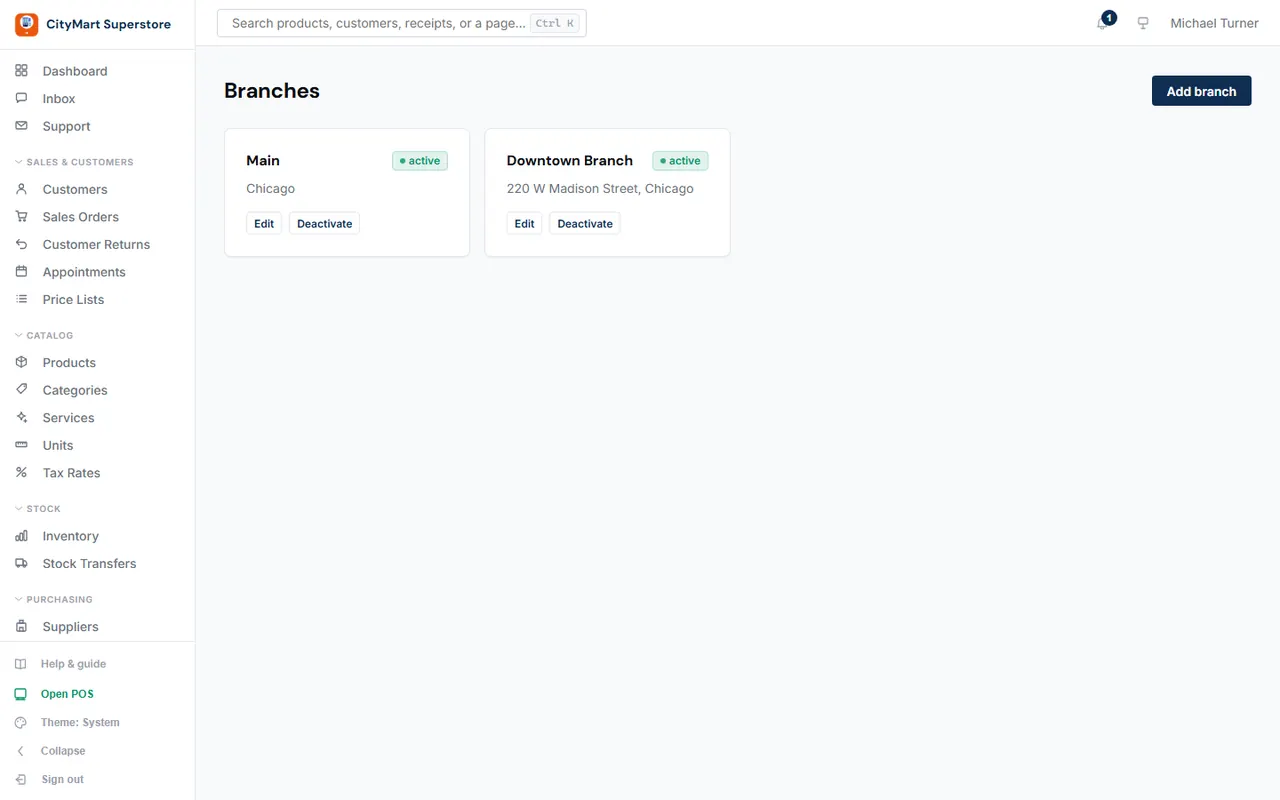
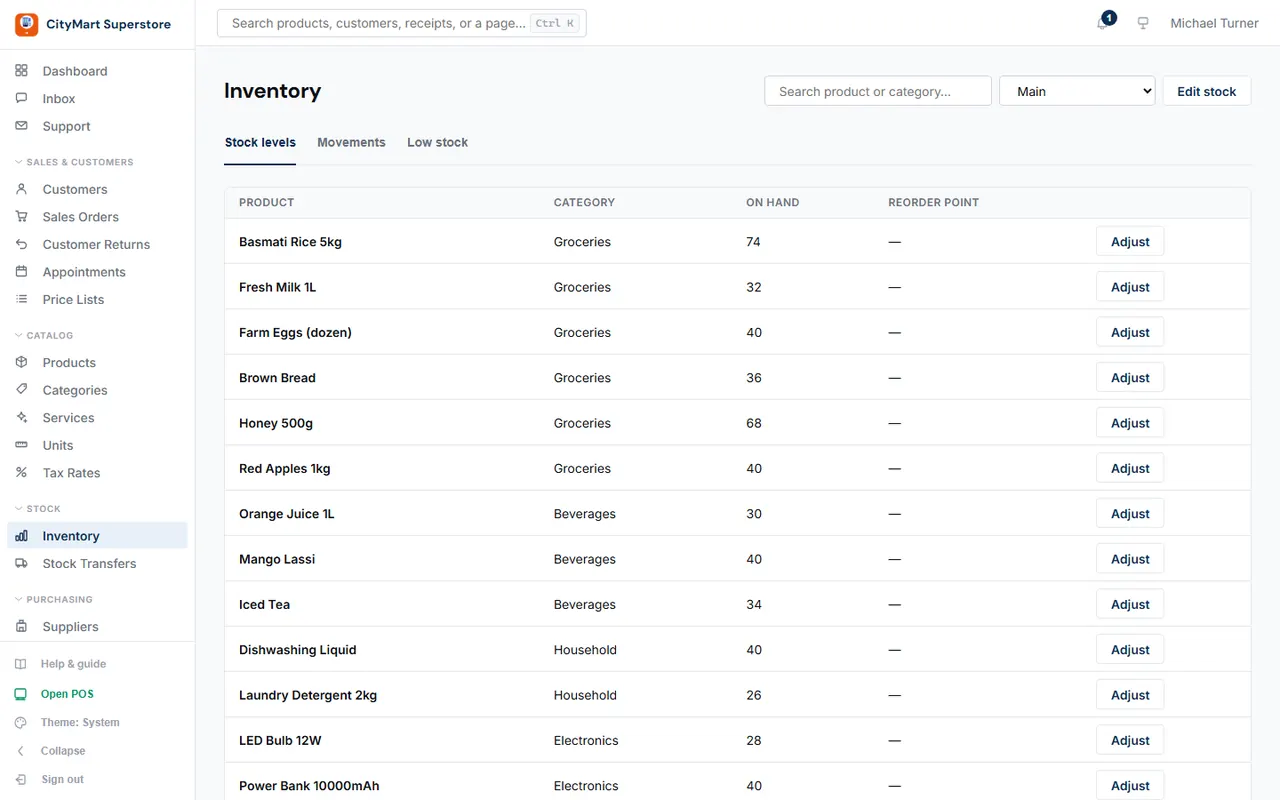
Go to Branches, press Add branch, and give it a name and an address. It gets its own stock levels and its own till. Staff can be assigned to the branches they work at, and the till shows which branch it is selling from.
Move stock, with a record
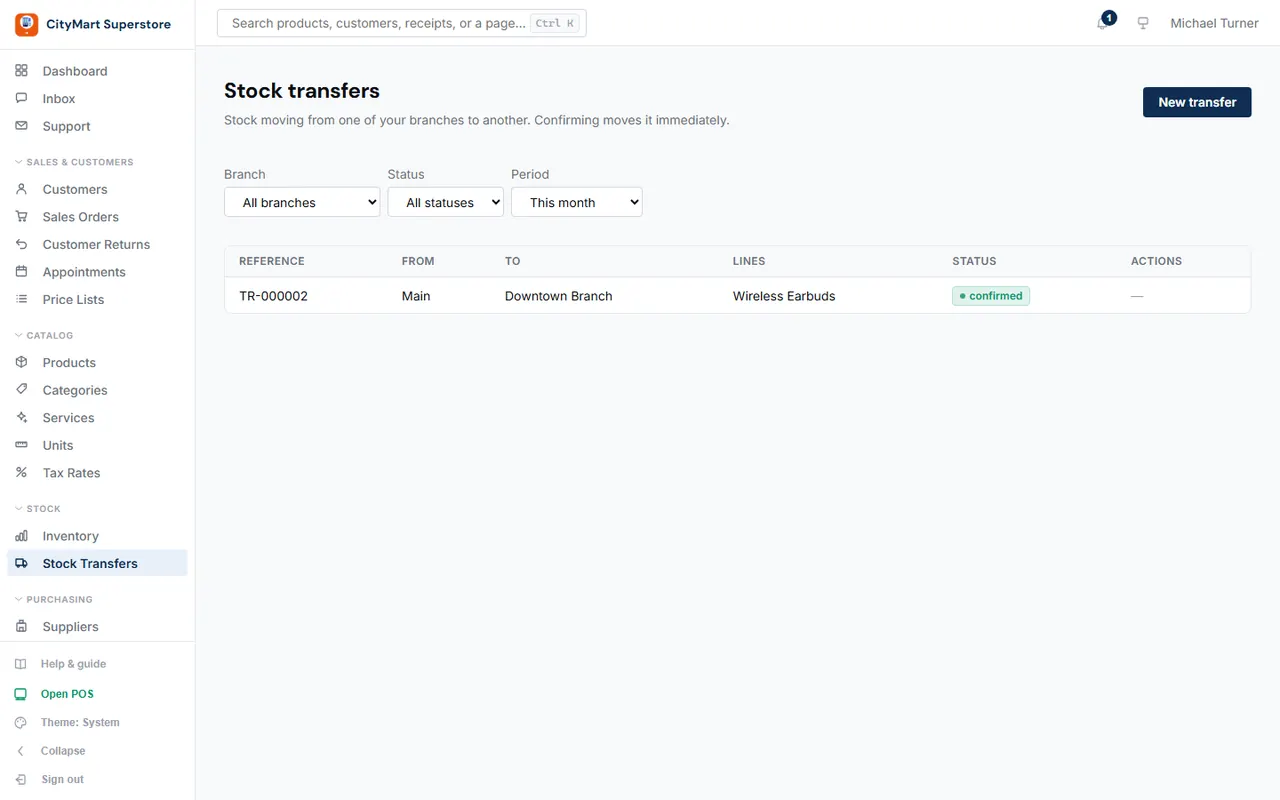
A stock transfer moves goods from one branch to another. Create it, add the lines, and confirm - stock leaves one branch and arrives at the other in the same step. Every transfer keeps its reference, date and lines, so nothing disappears between locations.
Compare - or combine
Reports, expenses, and the accounting screens can be filtered by branch or shown for the whole business. See which location is busiest, which carries too much stock, and how the business is doing overall.