Free Purchase Order Software: Order, Receive and Pay Your Suppliers
Purchase orders, deliveries in parts and supplier payments for a small shop - free
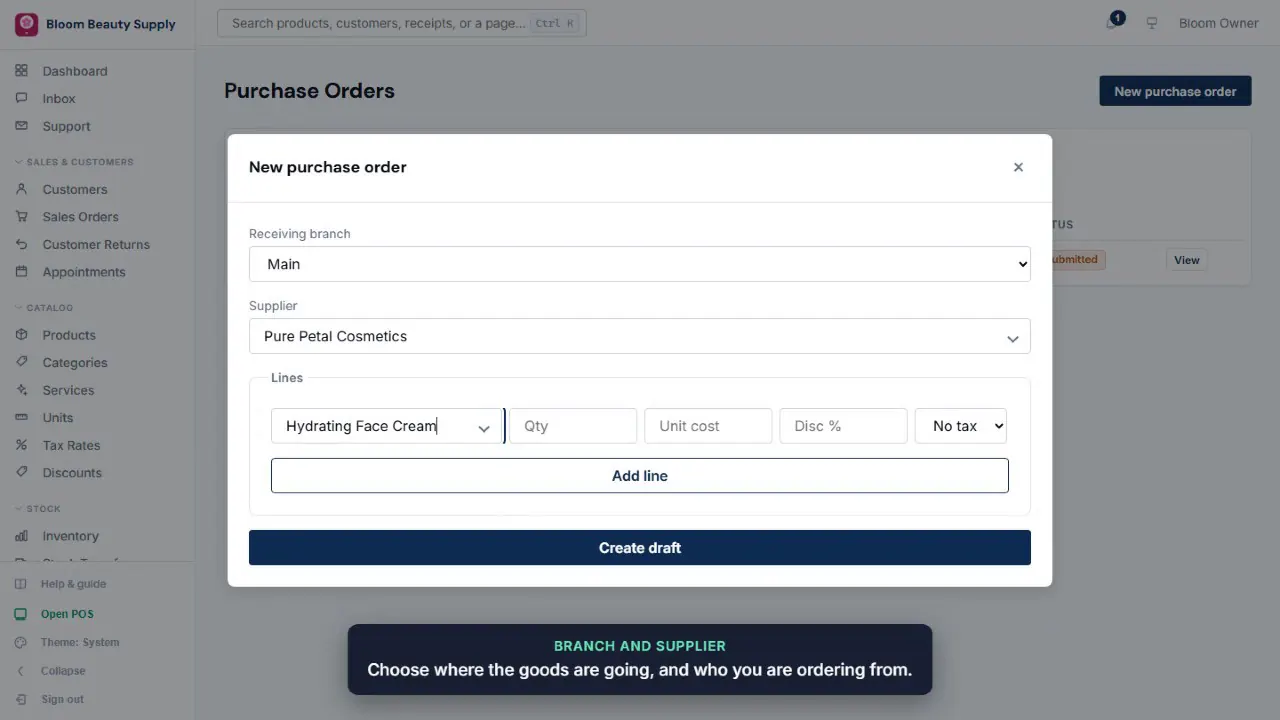
The other half of running a shop
Selling is half the job. The other half is buying: ordering from suppliers, checking what arrives, and paying for it. In this example, a beauty supply store does all three - in the free plan.
Order
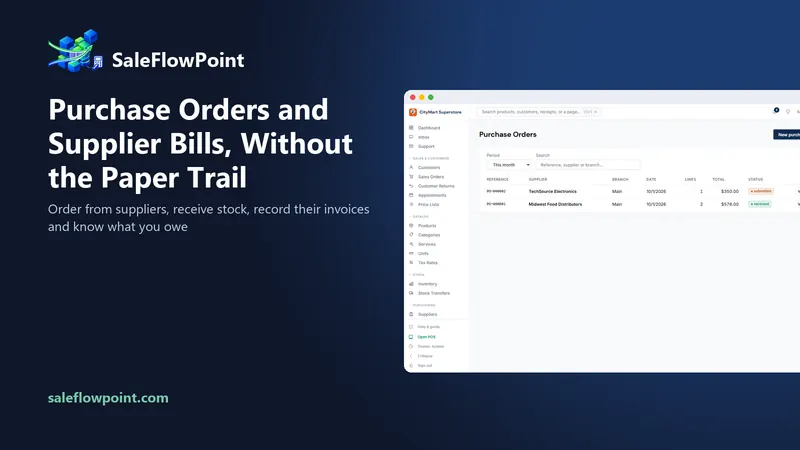
Add the supplier once. Then a purchase order: where the goods go, and a line for each product with the quantity and the unit cost. Save it as a draft, then mark it as sent.
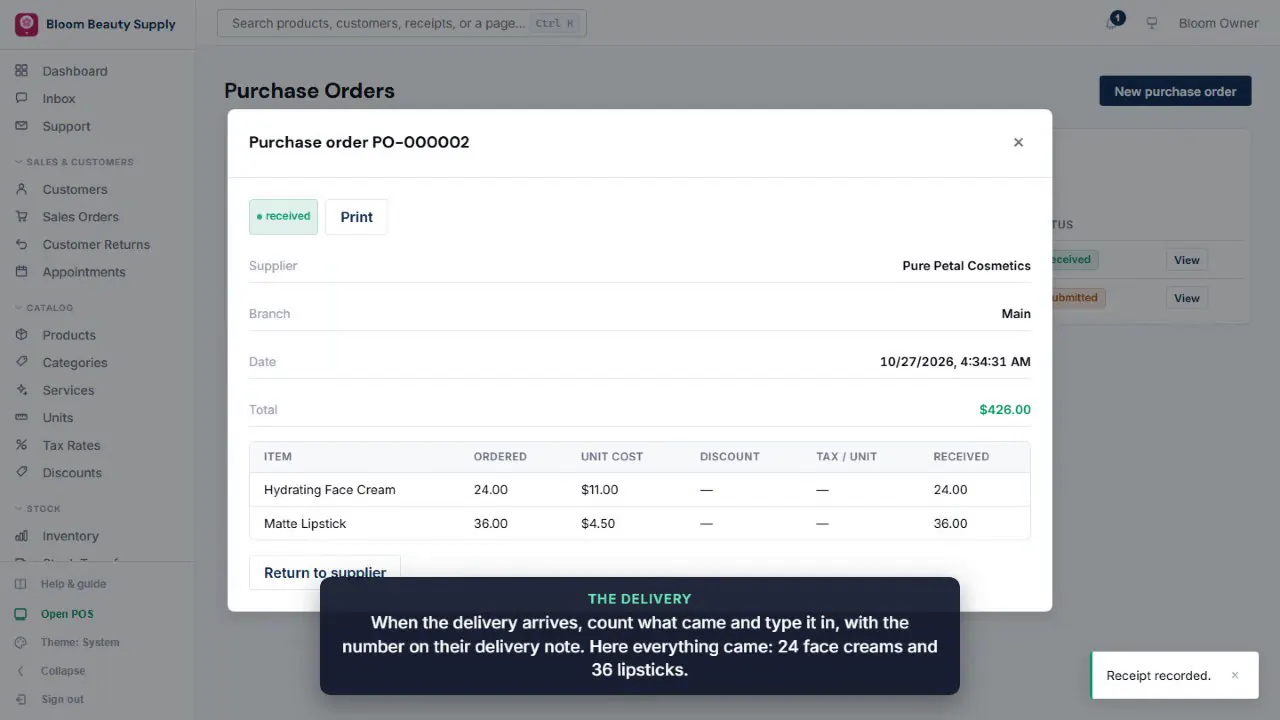
Receive, even in parts
When the delivery comes, count what arrived and record it, with the delivery note number. If a delivery is short, record what came now and the rest when it arrives. The stock goes up by exactly what arrived.
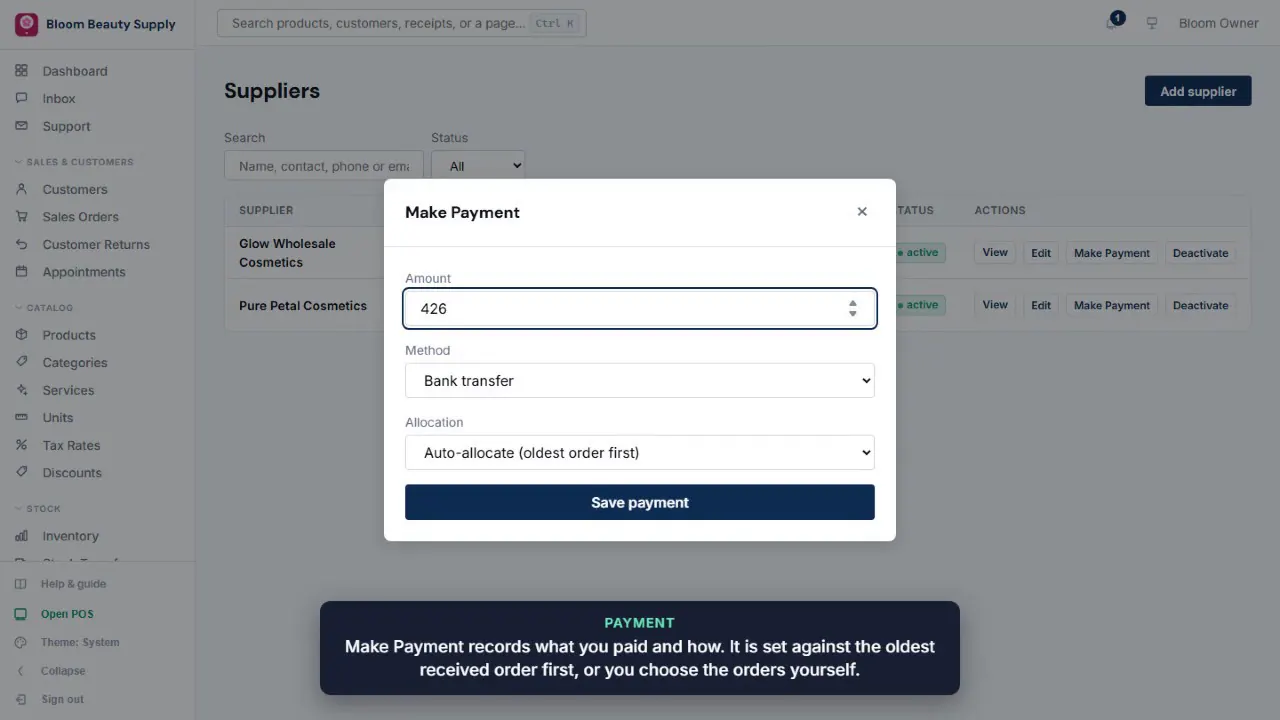
Pay
Once an order is received, Make Payment records what you paid and how, set against the oldest received order first, so nothing is paid twice or forgotten. Free means one shop and one till, with no time limit and no card to sign up. Online booking, Google Calendar, reports and accounting come with a free trial and the paid plans.