Purchase Orders and Supplier Bills, Without the Paper Trail
Order from suppliers, receive stock, record their invoices and know what you owe
Buying is half of the business
Most shop software stops at the till. But what you pay for stock decides your margin, and losing track of supplier bills is how cash surprises happen. SaleFlowPoint follows a purchase from the order to the payment.
From order to shelf
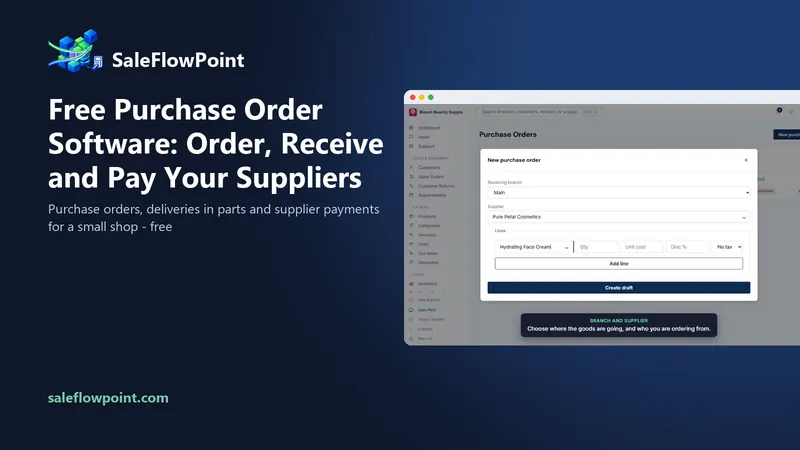
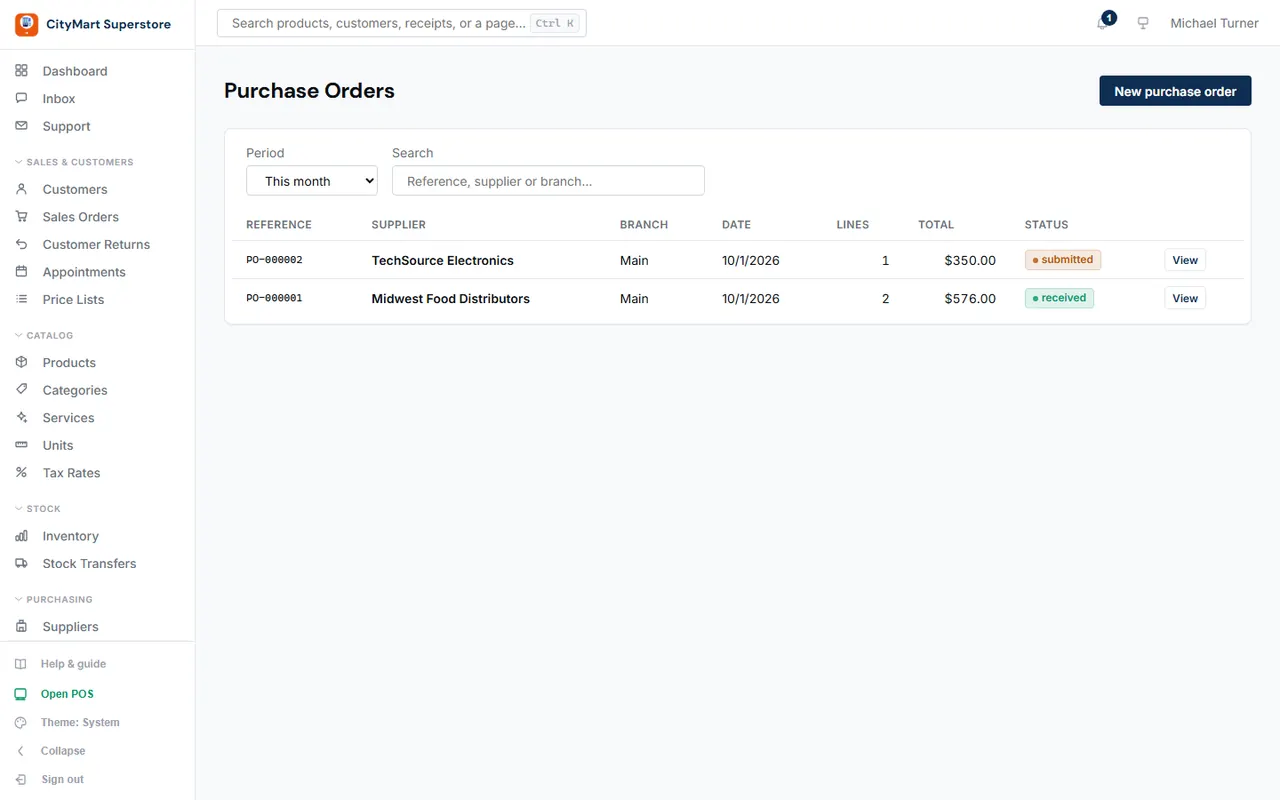
- Raise a purchase order for a supplier and branch
- Receive the goods - stock goes up at that branch, at the cost you paid
- Partial deliveries are fine: receive what arrived, the rest stays open
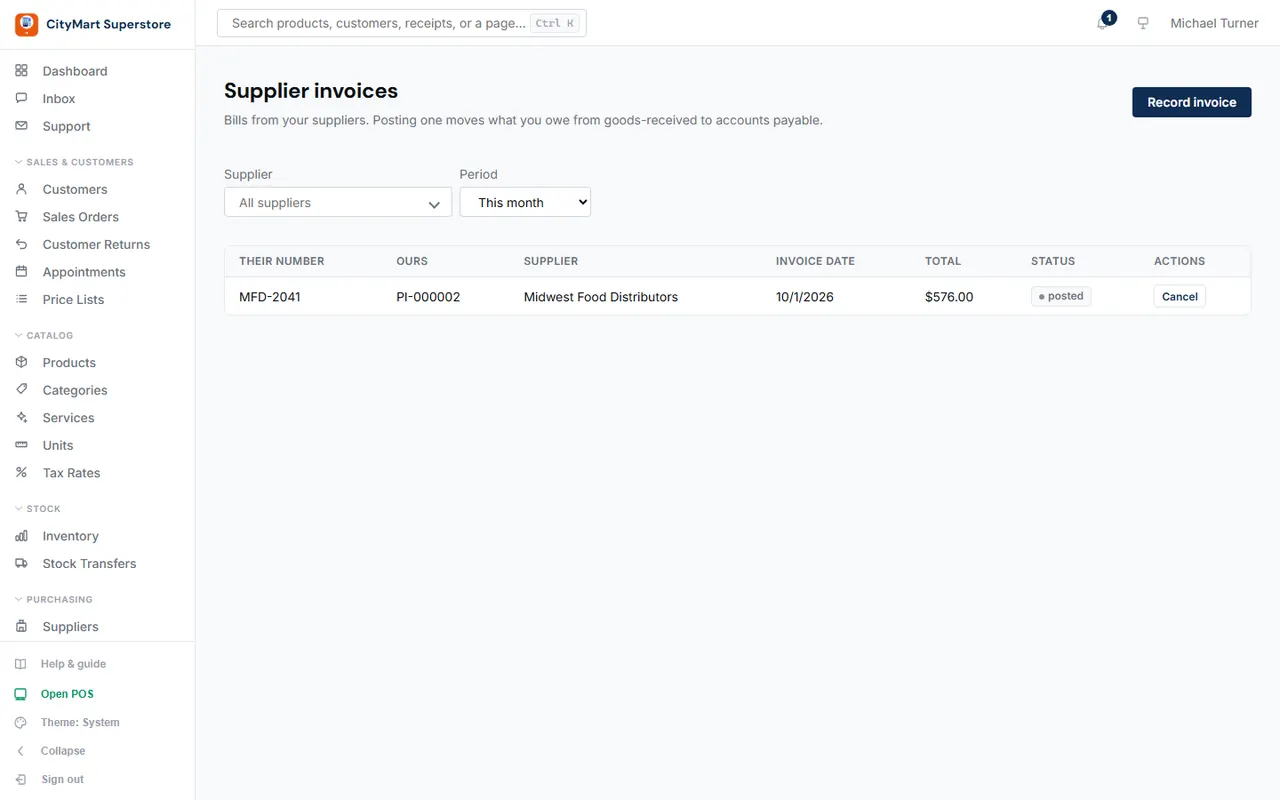
- Record the supplier's invoice against the order
Know what you owe
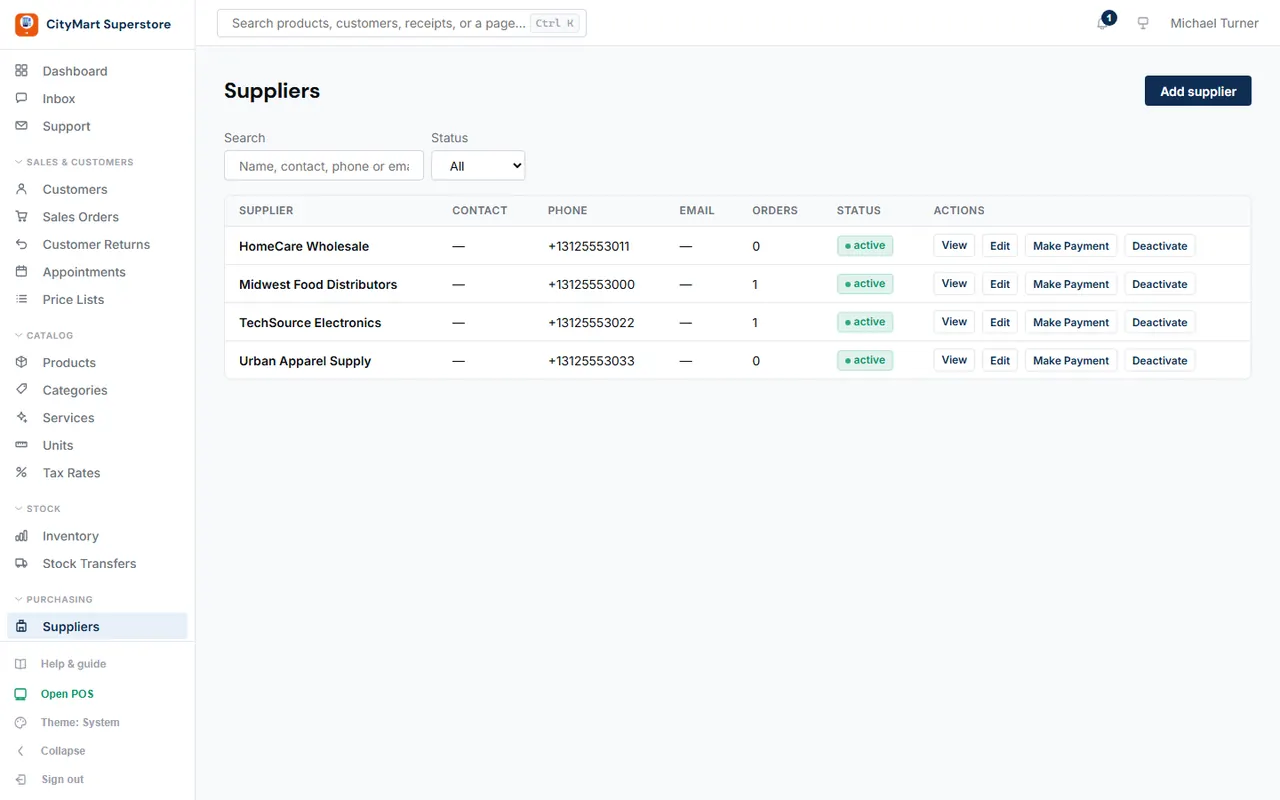
Each supplier has a page with their orders, invoices and payments. Make Payment records what you paid and which bills it settles. Supplier returns send faulty goods back and take them out of stock. The Suppliers report category shows balances and history across all of them.
Costs that feed your profit figures
Because goods are received at the real cost, your profit and stock-value reports use real numbers - not a guess typed in months ago.