Know What Is on Your Shelves - Without Counting Every Night
Products, categories, variants and stock levels that update with every sale
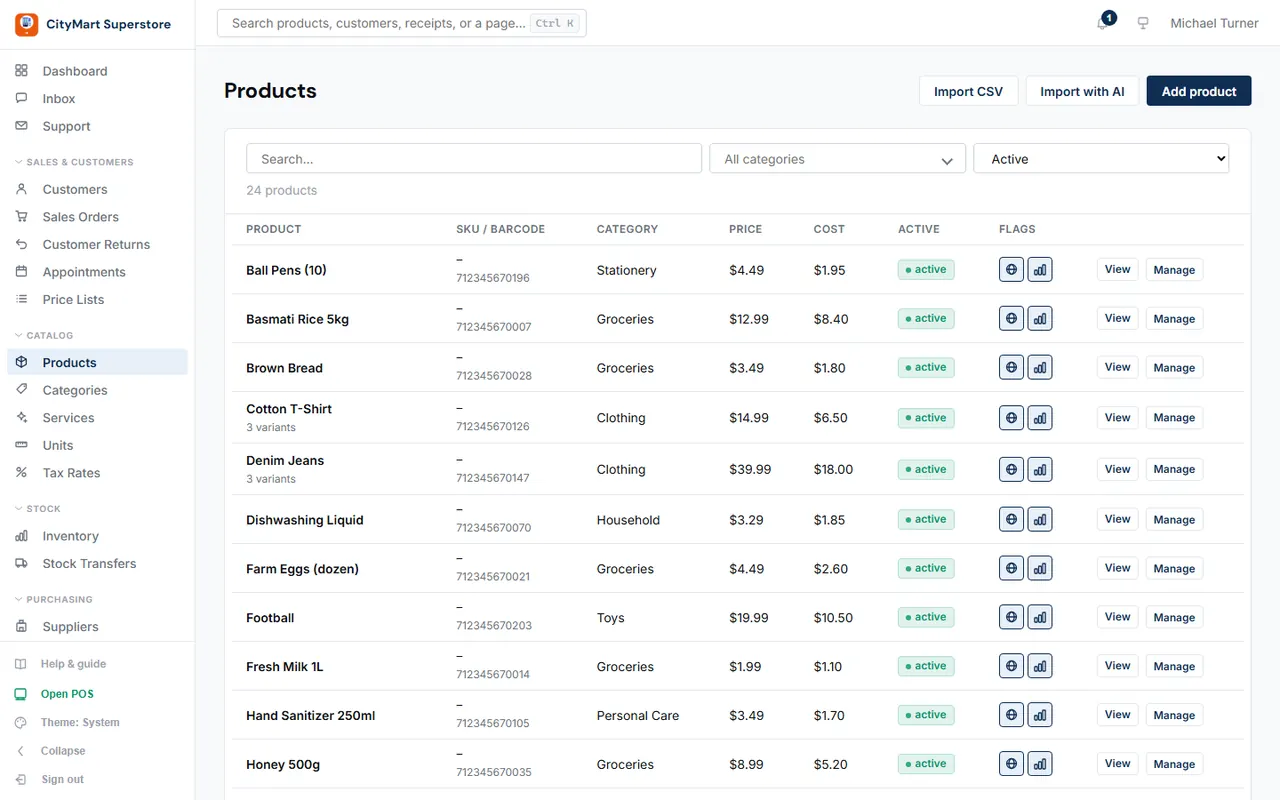
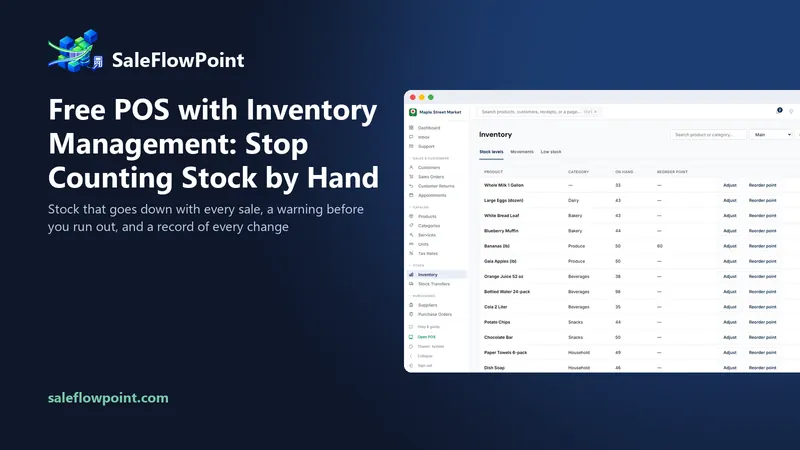
Stock that keeps itself up to date
Every sale takes stock down. Every received purchase order puts it back up. Refunds, transfers and manual adjustments are all recorded as movements, so you can always see why a number changed - not just what it is now.
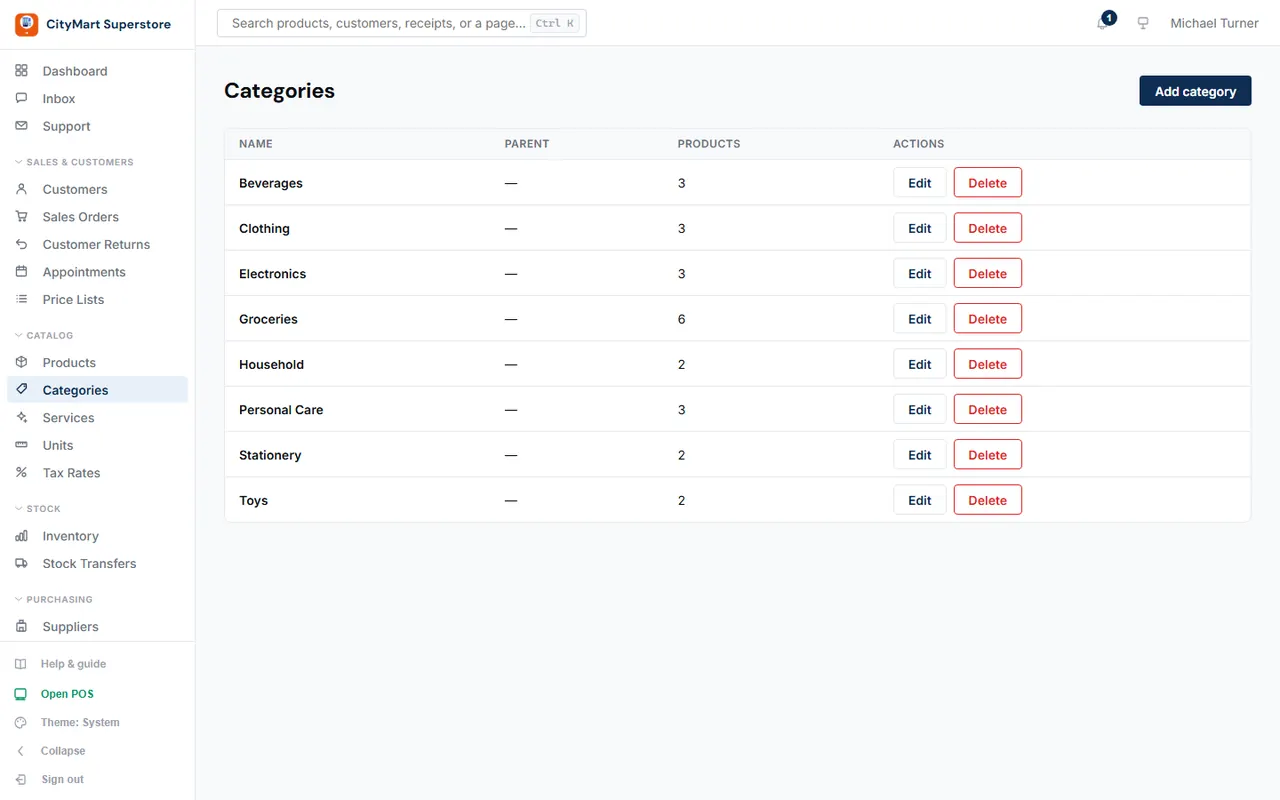
A product catalogue that fits real shops
- Selling price and cost price, so profit reports are real
- SKU and barcode for every product
- Variants such as sizes - each with its own stock
- Pack sizes for items you buy by the box and sell by the piece
- Units of measure, from pieces to kilograms
- Tax rates per product
Getting started is quick: add products one by one, import a CSV, or use Import with AI to turn a supplier list into products.
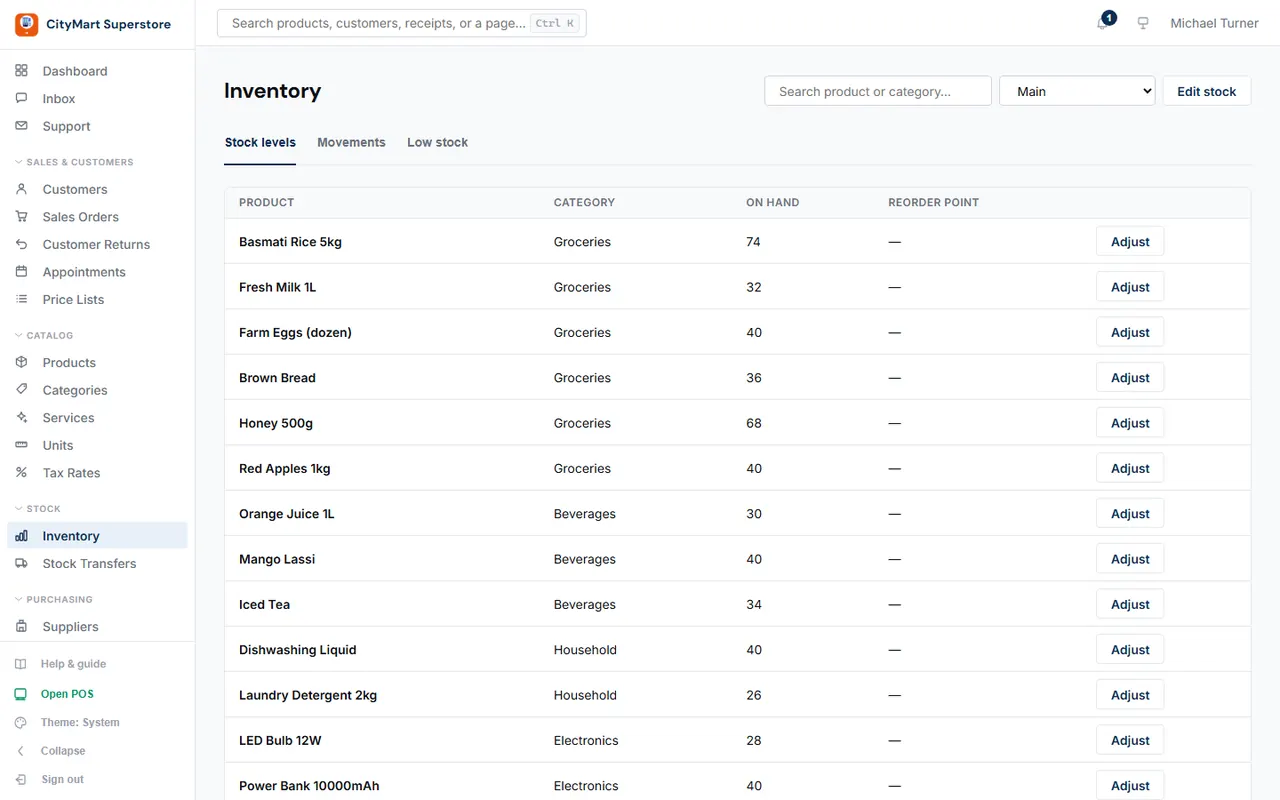
See problems before customers do
The Inventory page shows stock on hand per product and per branch. The Low stock tab lists everything at or below its reorder point, so you can order before the shelf is empty. Adjust stock with a reason when you count, and the adjustment is kept in the history.
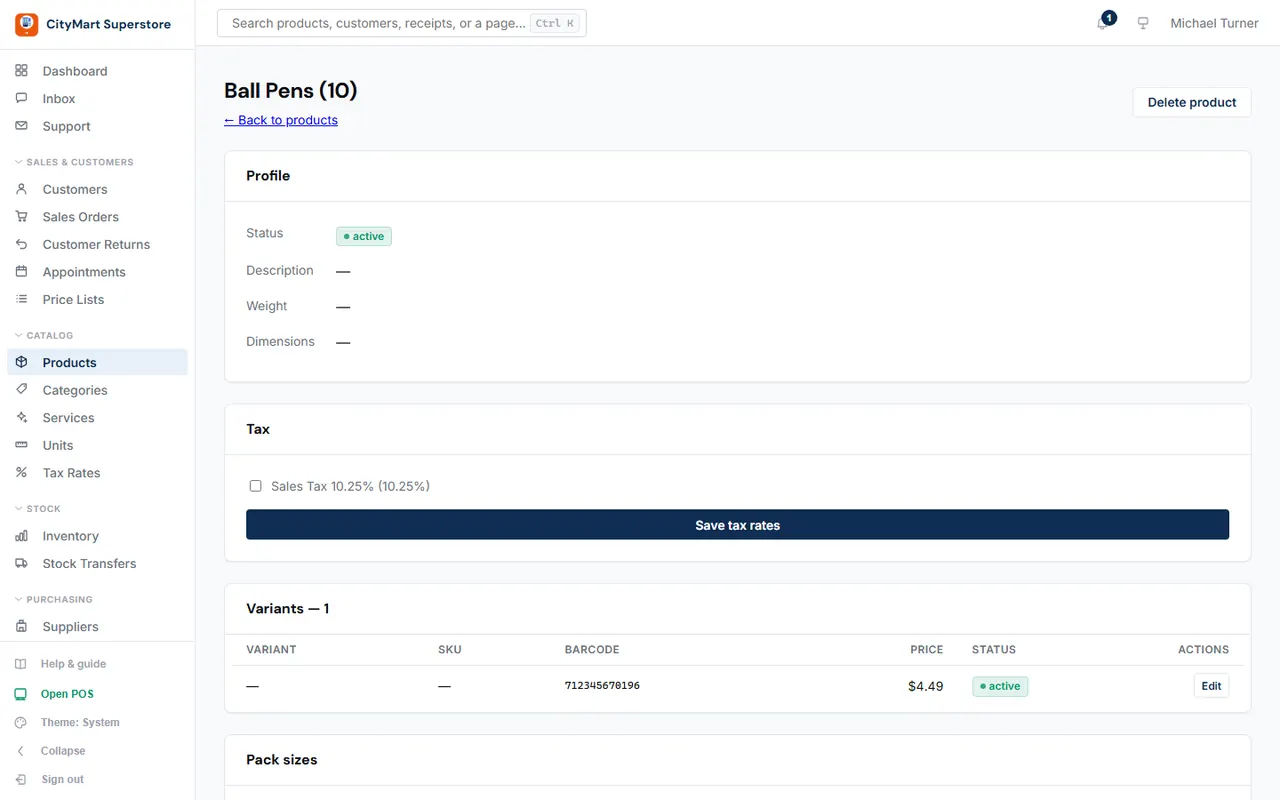
One catalogue everywhere
The same products and categories appear on the till, in reports and in your online catalogue. Change a price once and it is changed everywhere.