

Industries / POS for grocery stores
Grocery stores
POS software for grocery stores and corner shops
A grocery till has to keep a queue moving, and the back room has to know what to reorder before the shelf is empty. SaleFlowPoint scans barcodes at the counter, takes each item out of stock as it sells, and tells you what is running low and what has not moved for weeks.
It runs in the browser on the computer, tablet or touch screen you already have, and keeps selling for cash when the internet drops.
The problems a grocery store runs into
Long queues at busy times
Every second at the counter counts when the line reaches the door.
Empty shelves
Fast sellers run out before anyone notices, and the next delivery is days away.
Stock that sits
Slow lines tie up cash and shelf space, and nobody knows which ones they are.
Cases and single items
You buy by the case but sell by the can, so the count drifts.
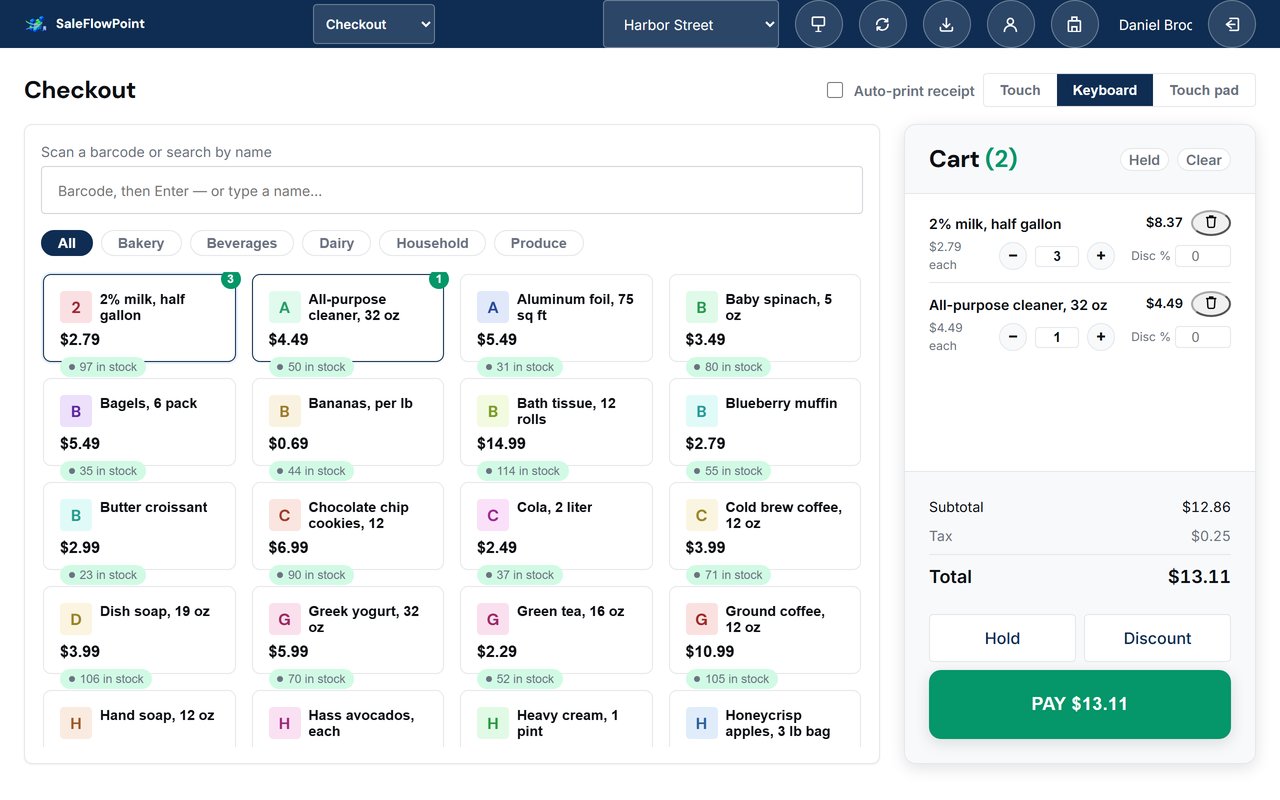
Fast checkout at the counter
Cashiers scan a barcode with a USB scanner or type a few letters to find an item. Products without a maker's barcode can be given a generated one. Choose the layout that suits each counter: Keyboard for scanning, Touch for big product tiles, or the Touch pad.
- Split one bill across cash, card and other payment types.
- Hold a basket while a customer fetches something they forgot, and serve the next person.
- Product discounts with a first and last day apply by themselves and are named on the receipt.
- Tax rates are set per product, so mixed baskets are taxed correctly.
- Each cashier's discount limit stops large discounts nobody approved.
Stock that keeps up with the shelves
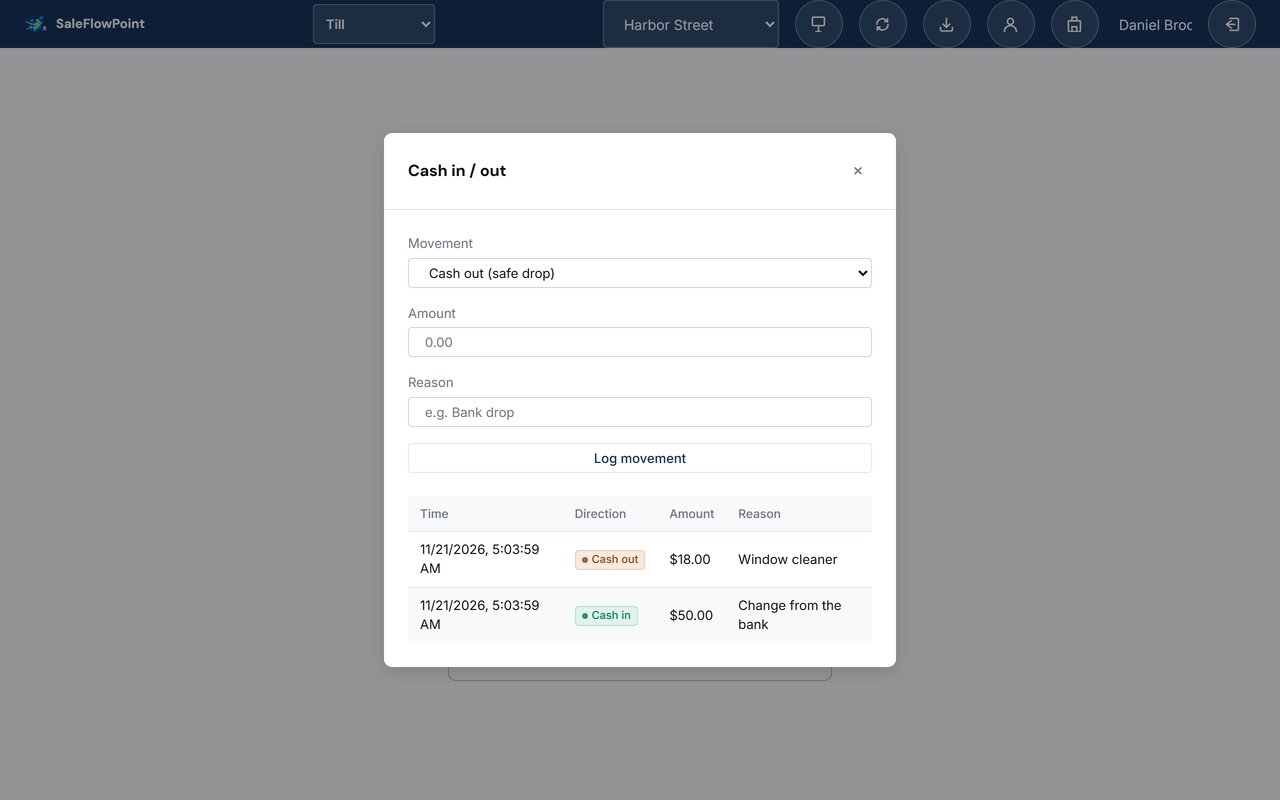
- Every sale, refund and delivery changes the stock count, and each change is kept in a movement history.
- Set a reorder point per product and see a low-stock list, with alerts if you switch them on.
- The slow-moving stock report shows what has not sold, so you can stop reordering it.
- Pack sizes let you buy by the case and still count stock in single units.
- Purchase orders to suppliers can be received in parts, at the cost you paid.
More in inventory management.
When the internet drops
The till keeps a copy of your catalogue on the device. If the connection goes, it keeps taking cash sales and holds them on the till, then sends them when the connection comes back. Card payments, customer accounts and some other actions need a connection.
Cash at the end of the day
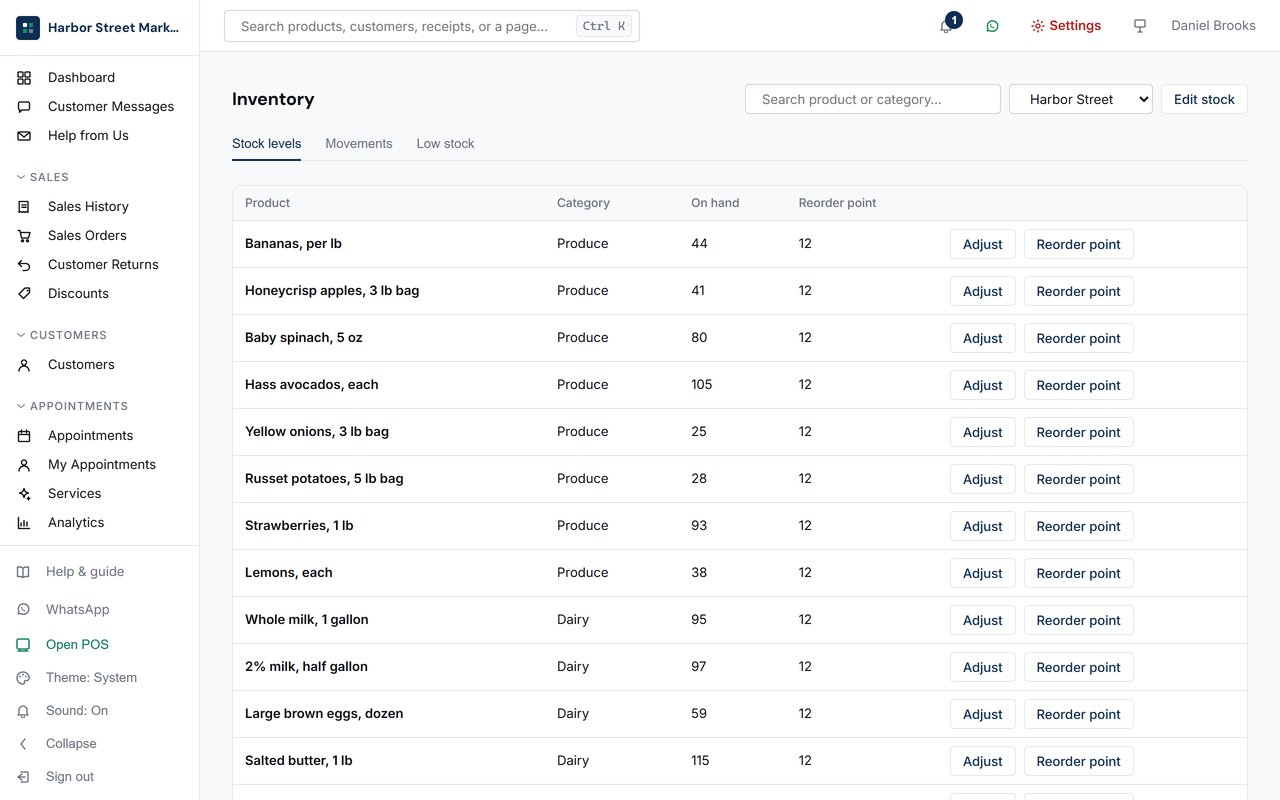
Each shift opens with a cash float. Cash taken out for a supplier or put in for change is recorded, and the X and Z reports show what should be in the drawer. Staff can switch cashier on a shared till with a PIN, so every sale shows who made it.
More than one store
Each branch has its own stock. Move goods between branches with a stock transfer that both sides can see. Staff can be limited to their own branch. More than one branch needs a paid plan: see pricing.
Guides, a video and website templates for grocers
This page is the overview. When you want the detail on one job, these go further, each written for a food shop rather than for retail in general:
- POS for grocery stores and mini-markets: a day at a mini-market till, from the morning float to the reorder list.
- Free POS for a grocery store: what one counter gets on the free plan, and the point where a second till or branch needs a paid plan.
- A grocery website that shows stock without an online shop: how shoppers check what you have before they walk over.
- Website templates for grocery stores: side-by-side looks for grocers, delis and food shops, filled with your own products and prices.
- A WhatsApp order agent for a grocery shop: how an AI agent on the WhatsApp add-on takes order requests in a chat.
- The complete free POS walkthrough (video): every screen in about fifteen minutes, including a sale, a refund and the cash drawer.
Questions
Where should I start on the first day?
Register, import your products from a spreadsheet, give a generated barcode to anything without a maker's barcode, then open a shift with your cash float. The step-by-step setup walks through it.
Do I need special hardware?
No. It runs in a web browser on a computer, tablet or touch screen. A USB barcode scanner works like a keyboard, and receipts print on a narrow receipt printer or as A4.
Can it sell items by weight?
No, there is no scale connection or weighed-item pricing. Items are sold by the unit or pack.
Can I import my product list?
Yes. Import products from a CSV file with a preview, or let the AI-assisted import map the columns of a messy spreadsheet.
Is there a free plan?
Yes. One shop and one till are free with no time limit and no card. The free trial and paid plans add the other modules; see pricing.
Can customers order online?
Your website can show your products with prices, and customers contact you to buy. There is no online checkout or delivery booking.
Related pages
Keep the queue moving and the shelves full
Register your store, import your products and ring up your first sale today.