Connect Your Own System to WhatsApp with an API
Your software sends the messages and receives every reply, while we handle the WhatsApp side
When your own software should talk on WhatsApp
Some businesses already run their own order system, booking tool or customer portal, and want it to send WhatsApp messages by itself: order ready, appointment tomorrow, a reply to a question. Building directly on WhatsApp means handling Meta's sign-up, tokens, webhooks and message formats yourself.
Take Harbor Print Co., an invented print shop in Baltimore with its own order system. When a job is printed, the system should message the customer that it is ready, and any reply should land back in the order.
What API mode does
In SaleFlowPoint, a connected WhatsApp Business number can be switched to API mode. Every message a customer sends is posted to your own web address (a webhook), and your system replies through our send API. There is no AI in API mode: your code decides every reply. You can sign up for WhatsApp only, without the rest of SaleFlowPoint.
- Send every official WhatsApp message type: text, templates, images, video, audio, documents, stickers, locations, contacts, reply buttons, lists and reactions, and reply to a particular message.
- Upload a file and send it, and download the photos and documents customers send you.
- Mark a customer's message as read, so they see blue ticks.
- List conversations and their messages, and the templates approved on your number.
- A public OpenAPI file describes the endpoints, so you can generate a client.
Sending a message
Create an API key in SaleFlowPoint. It is shown once: keep it on your server, never in a browser or an app. Send it in the Authorization header with every request. For Harbor Print Co., telling a customer their order is ready is one request:
- POST /api/v1/wa/messages
- Authorization: Bearer sfp_live_... (your key)
- Idempotency-Key: order-1042-ready
- Body: {"to": "15551234567", "type": "text", "text": "Your order 1042 is ready to collect."}
Free text can be sent for 24 hours after the customer last wrote to you. After that, WhatsApp only allows approved templates, which you send the same way with the template's name, language and values.
Safe retries and the two message ids
Networks fail, and a retry must never message the customer twice. Send an Idempotency-Key header with every send: repeating the same request with the same key returns the first answer and sends nothing new. The same key with a different body is refused.
Every message has two ids. The id is ours, given when you send. The wamid is WhatsApp's, and it is the one that webhooks, delivery statuses, replies, reactions and mark-as-read use. Store both on your order; you can look a message up by either.
Receiving messages by webhook
Each API-mode number posts events to your https address: message.received when a customer writes, message.status when a message you sent is sent, delivered, read or failed, and test.ping from the Send a test event button. Answer with any 2xx within 10 seconds and do the work afterwards.
- Signed: every request carries an X-SFP-Signature header with a timestamp and an HMAC-SHA256 signature of the timestamp and the raw body, made with your signing secret. Check it in constant time and refuse old timestamps, so nobody can fake or replay an event.
- Retried: an event you do not answer is tried again after 1 minute, 5 minutes, 30 minutes, 2 hours, 6 hours and 24 hours, then marked failed, and you can replay it from the delivery log.
- Duplicates: a retry carries the same event id (also in X-SFP-Event-Id), so keep handled ids and drop repeats.
- Order: events can arrive out of order, such as read before delivered. Use the time on the event and never move a status backwards.
What stays on the WhatsApp side
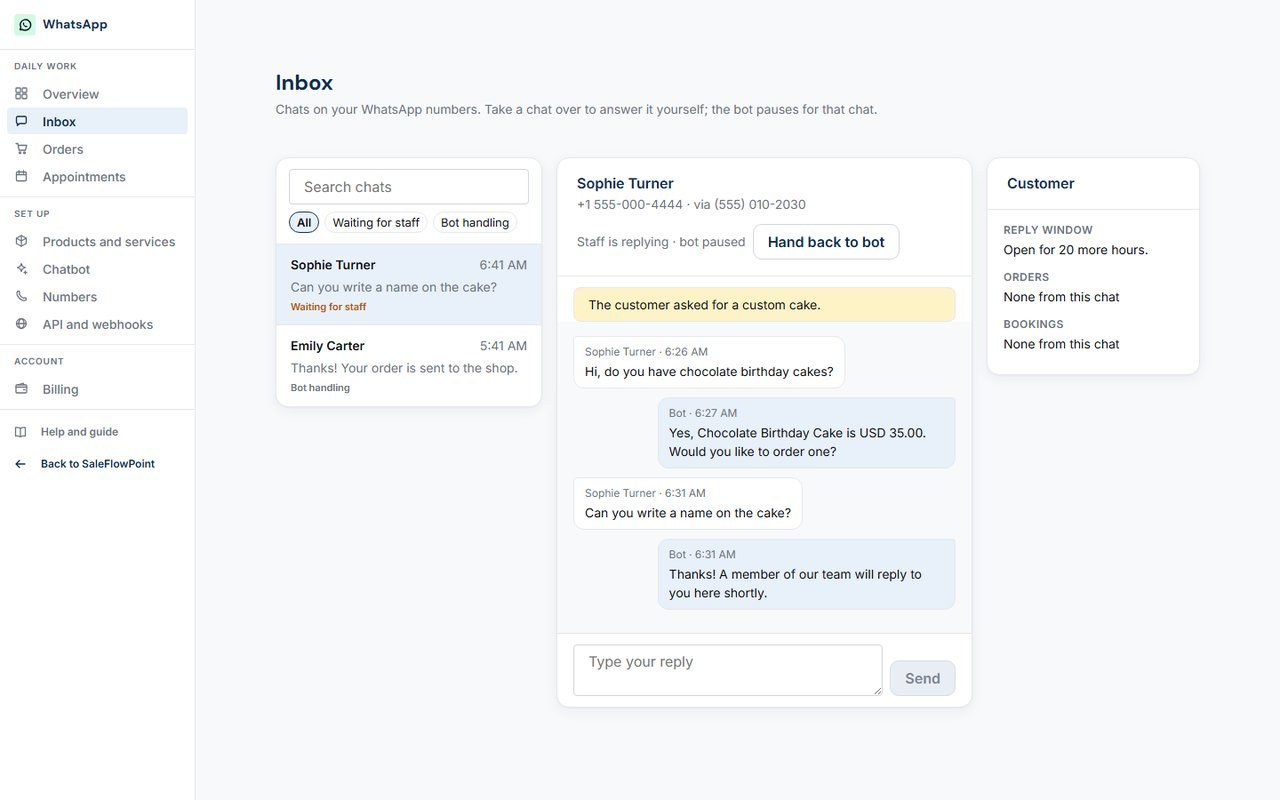
You connect your number once with Meta's sign-up window and can keep using the WhatsApp Business app on your phone. Meta's access tokens are stored encrypted on our side and never reach your code. Messages sent through the API also show in the SaleFlowPoint WhatsApp Inbox.
Trial, price and where to start
Every company gets a 7-day free WhatsApp trial once. API mode costs the same as the AI chatbot per number; the price is on the WhatsApp feature page. Meta bills its own message charges to your WhatsApp account. The full reference, with examples in curl, Node.js, Python and PHP, is at the WhatsApp API developer docs.