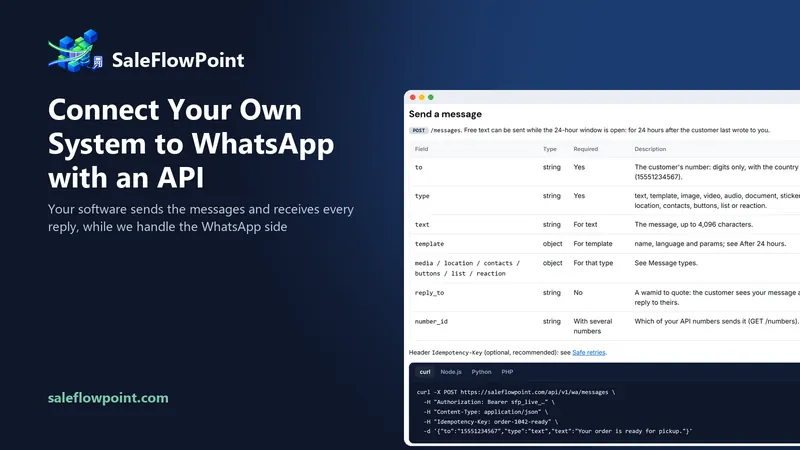
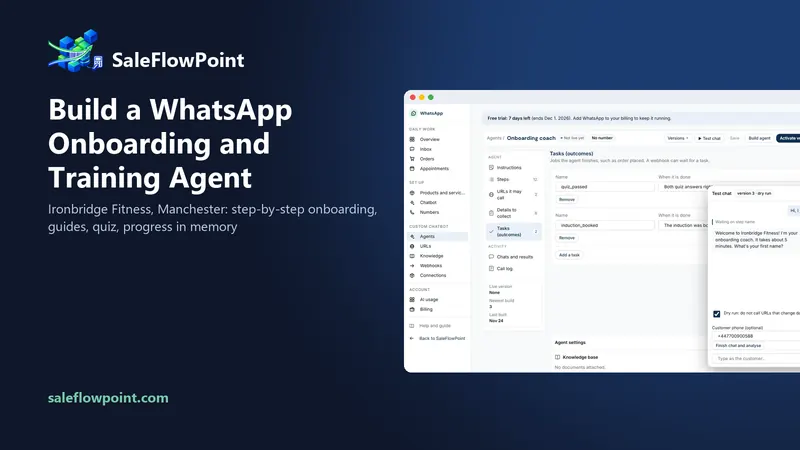
A WhatsApp Chatbot That Uses Your Own System
Order look-ups, stock checks and bookings on WhatsApp, answered from your own software
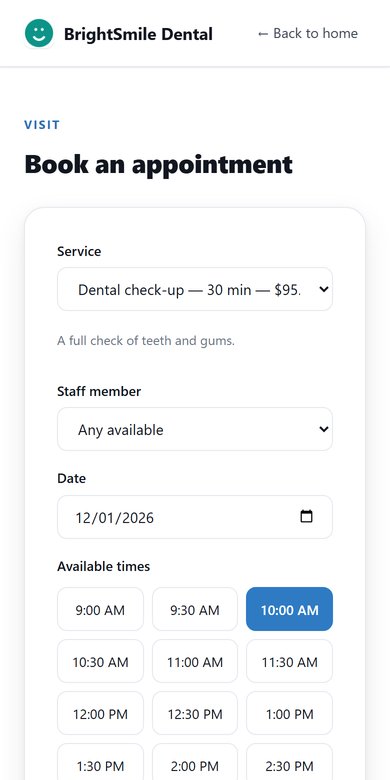
When the answer lives in your own software
Where is my order? Is the standing desk in stock? Can I book a fitting on Thursday? Many businesses already keep the answers in their own system: an order database, a stock tool, a booking calendar. The trouble is that a person has to look each one up and type the reply into WhatsApp.
Take Northgate Office Supply, an invented office-furniture shop in Portland, Oregon, with its own order system. Most of its WhatsApp messages are order-status questions. Each one takes a staff member a couple of minutes, all day long.
What the custom chatbot is
SaleFlowPoint's WhatsApp module has a custom chatbot mode. You describe an agent in plain words: what it is for, how it greets people, what it says when it cannot help, which details to collect, and which addresses (URLs) of your system it may call. It then answers customers fully automatically, using those URLs to look up an order, check stock or create a booking.
- Logins for your system are saved encrypted and are only ever sent to their own address.
- Before calling a URL that changes data, such as creating a booking, the agent asks the customer to say yes.
- It never states a price or a fact that your URLs, your documents or your description did not give. When it does not know, it sends your fallback text instead.
Steps, when the chat should go in order
Some conversations should always follow the same path. Steps are optional: you can lay out a simple list, such as ask for the order number, look it up, tell the customer the status, and end. Each step has arrows that say where to go next: when a detail is saved, when a URL answered, when the customer said yes, or otherwise. On Talk steps you can also add AI decides arrows, which are hints the AI may follow. Without steps, the agent works from your description.
Knowledge: your FAQ, price list and policies
Not every answer comes from a URL. In Knowledge you can add PDF or text files and web pages, such as your FAQ, a price list or your returns policy. An agent can have up to 20 of them, with files up to 5 MB and web pages up to 256 KB. Each is read once by the AI, using the WhatsApp number's AI tokens. Web pages do not update by themselves: press Refresh after you change one.
Customers do not always type. The agent also understands voice notes, photos and PDFs that customers send, and reading them counts on the same AI tokens.
Set up faster, remember more, learn from every chat
You do not have to type every URL by hand. Paste a cURL command or an OpenAPI file and you get drafts to check; recognised keys and passwords are left out and go in an encrypted connection instead. Requests can carry nested data, such as a cart with a list of products. If you use steps, a flow picture shows every step and arrow, and you can drag the boxes into place.
Northgate Office Supply also marks the customer's account number as Remember. When a customer writes again next week, the agent already knows it and skips the question. Remembered details are kept for 90 days after the last chat, and the shop can forget a customer at any time.
- After the chat, the AI fills in fields you choose, such as the issue, the topic or whether it was solved, and shows them on the agent.
- A webhook can send those results, or any event, to your system only when a detail matches, for example only for large orders.
- Search in your documents finds the right passage even when a customer uses other words, such as money back for a refund, or asks a follow-up.
Test before anyone sees it
Pedal and Spoke, an invented bike shop in Leeds, wants its agent to book repair slots. Before going live, the owner uses Test chat: it shows each step the agent took and which documents it used, and a dry run fakes the URLs that change data, so no real booking is made. Nothing is sent to customers.
- Every Build makes a new version. A live version is never changed, and you can roll back to an older one.
- Signed webhooks can tell your system when a chat ended, details were collected, a person was requested, a URL failed, a task was done or the after-chat fields were filled.
- A new company's first agent is checked by SaleFlowPoint before it goes live.
What staff see
Custom chatbot chats appear in the WhatsApp Inbox, read only. Staff cannot take over these chats, so plan for that: if some customers need a person, add a step that hands them to one, and use the person-requested webhook to tell your team.
Trial and going live
During the 7-day trial you can build your agent and try it in the test chat. To answer real customers, the custom chatbot goes live on a paid WhatsApp number. The WhatsApp feature page lists the current price, and the Help guide entry Set up a custom chatbot walks through each screen: Connections, URLs and Agents.