How to Build an AI Sales Agent on Business Central
An AI agent that answers on WhatsApp from your Business Central data, and never makes up a price
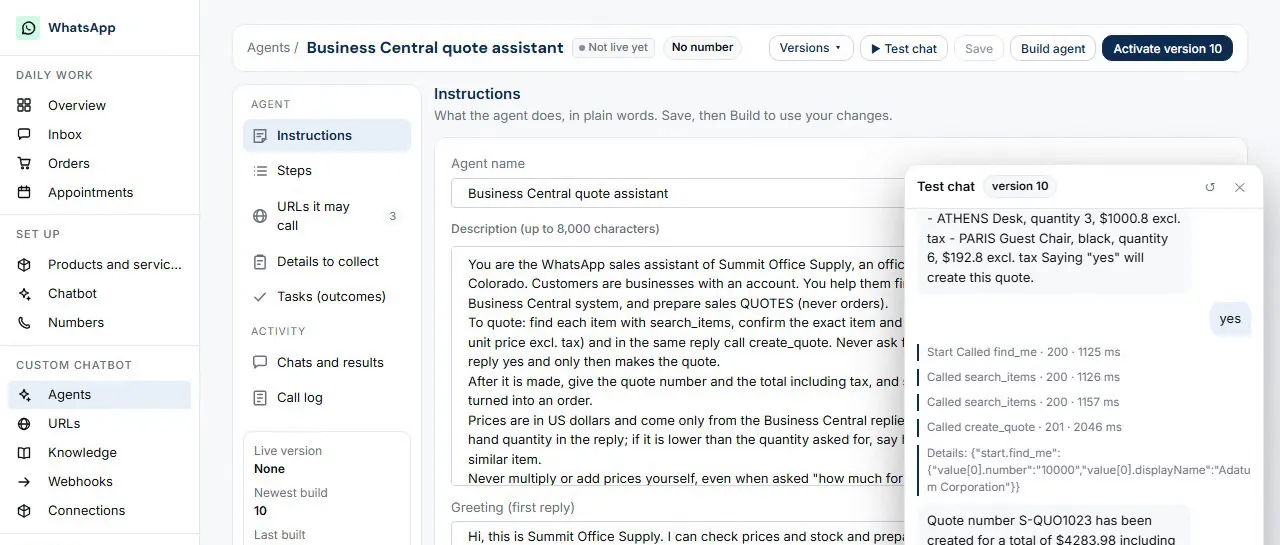
This guide is part of a series on a WhatsApp sales agent for Microsoft Business Central, built with SaleFlowPoint's custom chatbot (Mode 3). Every value below is the one we typed on our own demo account, so you can copy it and change only your own names and ids. The data is Microsoft's CRONUS USA demo company in our own Business Central sandbox, and the shops are invented: Summit Office Supply in Denver (quotes), Brightwater Furniture Co. in Charlotte (orders and order status) and Northgate Workspace in Minneapolis (answers only). Ids are shown as {tenant}, {environment} and {company}; amounts are in US dollars.
What the agent does
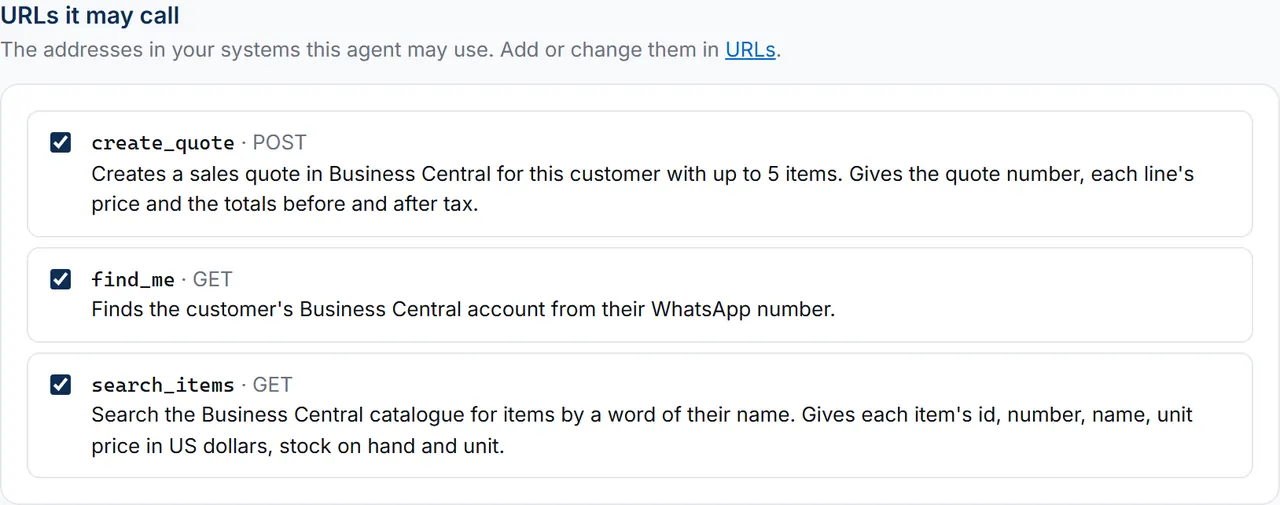
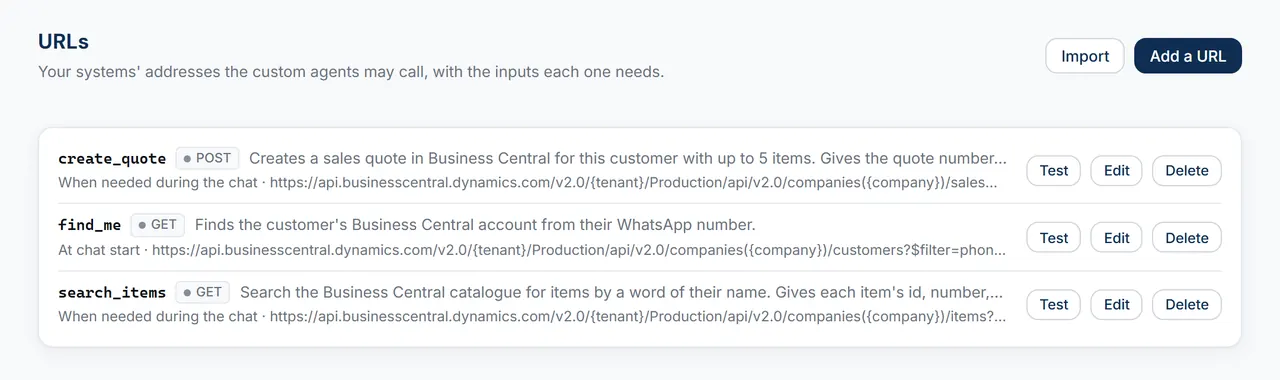
A customer writes on WhatsApp. The agent finds their Business Central account from their number, searches items, gives live prices and stock, and, depending on the agent, makes a sales quote, places a sales order, answers "where is my order", or hands the customer to the team. It uses Microsoft's standard Business Central API v2.0: no extension or custom page.
How it stays safe
- Prices, stock and totals come only from Business Central replies; the description forbids the AI to add or multiply.
- The account always comes from find_me, which is filled by the customer's own WhatsApp number. The AI cannot change it.
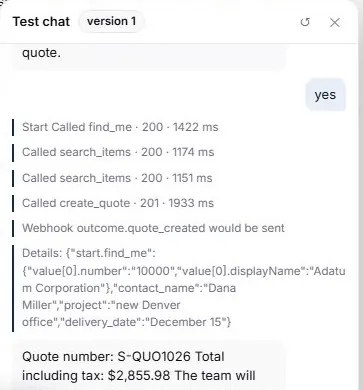
- Anything that writes (create_quote, create_order) has Ask the customer "yes" ticked: SaleFlowPoint asks, and calls Business Central only after yes.
- Inputs inside an OData filter are escaped, so a customer cannot change the query.
- The login is a Microsoft Entra app with only the permission set you give it; the secret is encrypted and goes only to Microsoft.
The three demo agents
- Summit Office Supply, Denver: quotes. URLs find_me, search_items, create_quote. Result: quote S-QUO1026, 2,855.98 including tax.
- Brightwater Furniture Co., Charlotte: orders and order status. URLs find_me, search_items, create_order, my_orders. Result: order S-ORD101024, 1,334.47 including tax, status Draft.
- Northgate Workspace, Minneapolis: answers only. URLs find_me, search_items. Result: LONDON Swivel Chair, blue at 190.10 excl. tax, 500 in stock, then a hand-off to the sales team.
Build it yourself
Each step below shows every field with the exact value we used. Start read-only (Northgate) if you are unsure: it cannot create anything, and it shows how your customers ask.
The whole series
- Overview: what the agent does: "How to Build an AI Sales Agent on Business Central" (this page)
- The whole build on one page: "Connect Business Central to WhatsApp Step by Step"
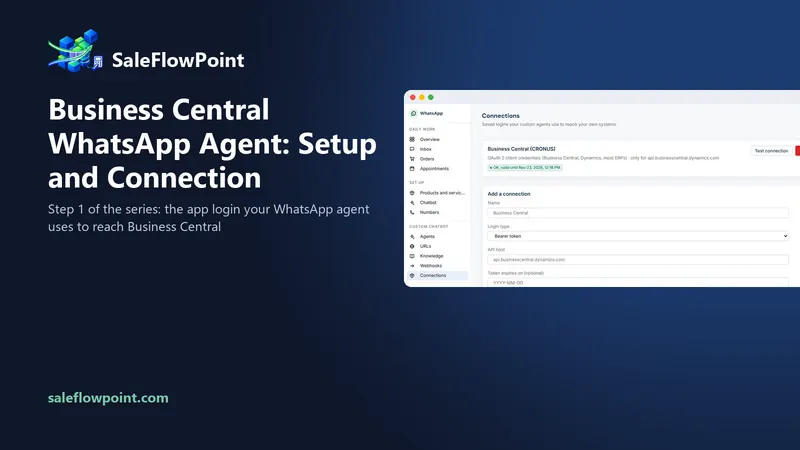
- Step 1: the connection: "Business Central WhatsApp Agent: Setup and Connection"
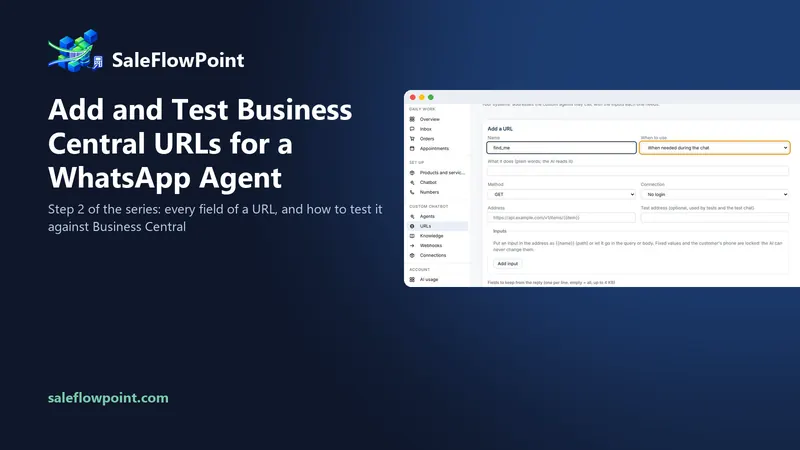
- Step 2: the URLs: "Add and Test Business Central URLs for a WhatsApp Agent"
- Step 3: the knowledge base: "A WhatsApp Agent Knowledge Base for Delivery and Returns"
- Step 4: details, tasks and after-chat results: "WhatsApp Agent Details to Collect and After-Chat Results"
- Step 5: the webhook: "Send WhatsApp Agent Events to Your Systems with Webhooks"
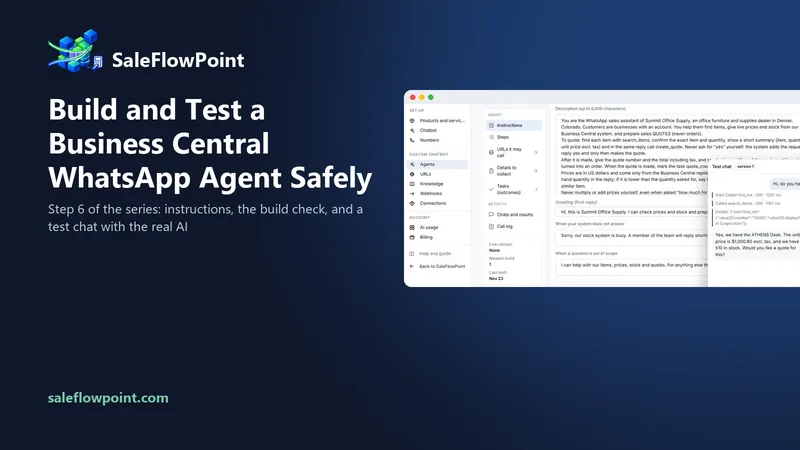
- Step 6: instructions, build and test chat: "Build and Test a Business Central WhatsApp Agent Safely"
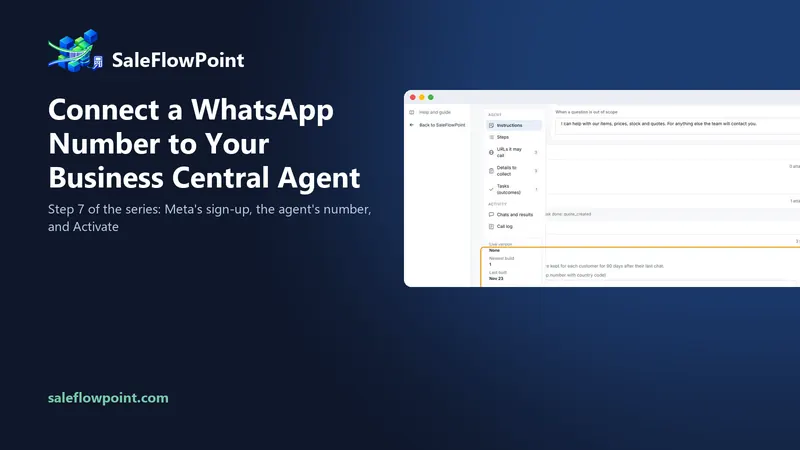
- Step 7: the WhatsApp number: "Connect a WhatsApp Number to Your Business Central Agent"
- A read-only stock and price agent: "Real-Time Stock and Prices in WhatsApp from Business Central"