WhatsApp Agent Details to Collect and After-Chat Results
Step 4 of the series: parameters from the chat, tasks, and results the AI fills in
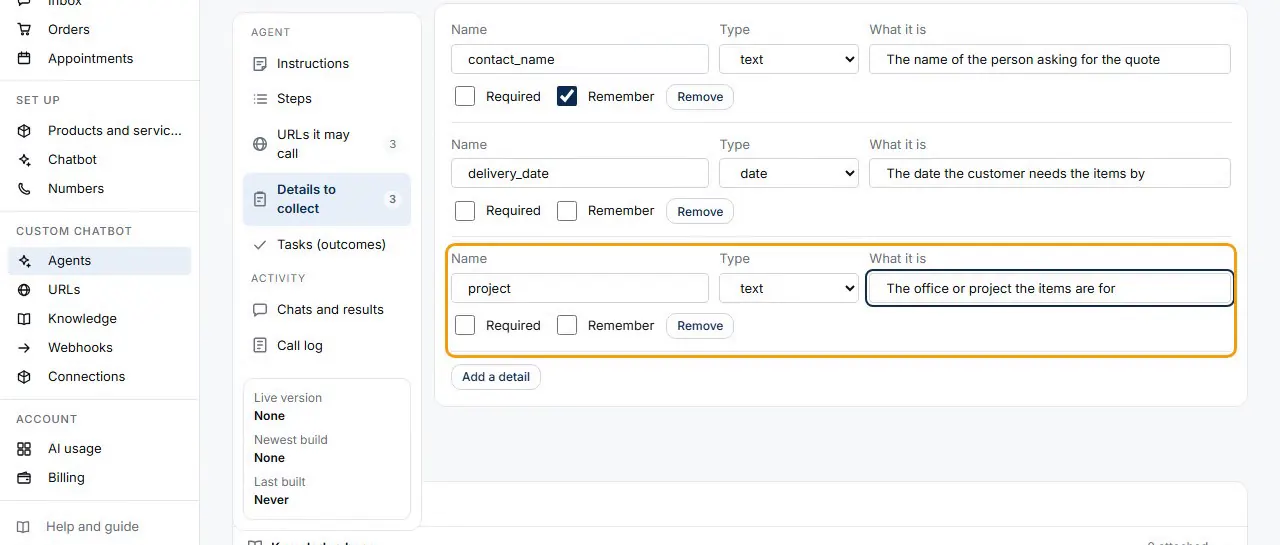
This guide is part of a series on a WhatsApp sales agent for Microsoft Business Central, built with SaleFlowPoint's custom chatbot (Mode 3). Every value below is the one we typed on our own demo account, so you can copy it and change only your own names and ids. The data is Microsoft's CRONUS USA demo company in our own Business Central sandbox, and the shops are invented: Summit Office Supply in Denver (quotes), Brightwater Furniture Co. in Charlotte (orders and order status) and Northgate Workspace in Minneapolis (answers only). Ids are shown as {tenant}, {environment} and {company}; amounts are in US dollars.
Create the agent
Open WhatsApp, then Agents, press Create agent and type the name (Summit: Business Central quote assistant). The full instructions are in step 6; here we set what the agent picks up during the chat.
Details to collect
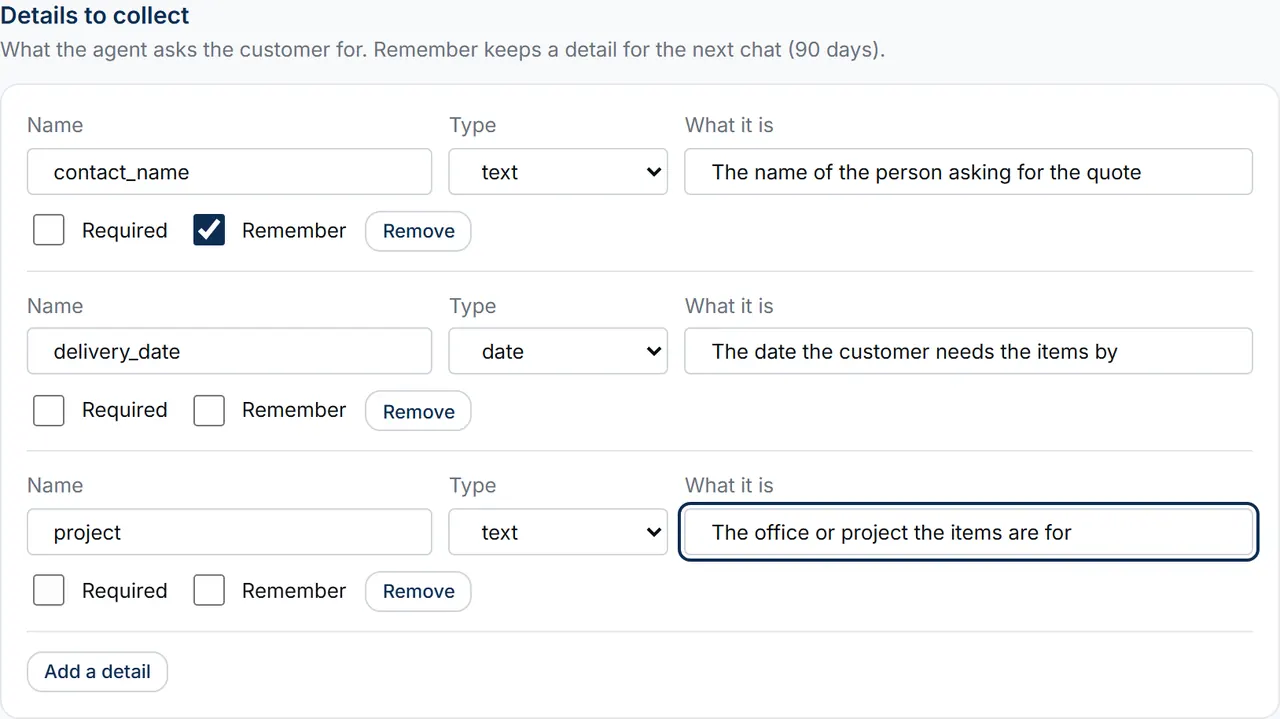
Details are values the AI extracts from what the customer writes, like parameters. They are saved with the chat, can be used in URLs and are sent in webhooks. Required ones are asked for; Remember keeps a detail for this customer for the next chat (90 days). In the agent, open Details to collect and press Add a detail for each row:
Summit Office Supply:
- contact_name: Type text; Required no; Remember yes; What it is The name of the person asking for the quote
- delivery_date: Type date; Required no; Remember no; What it is The date the customer needs the items by
- project: Type text; Required no; Remember no; What it is The office or project the items are for
Brightwater Furniture Co.:
- contact_name: Type text; Required no; Remember yes; What it is The name of the person placing the order
- delivery_date: Type date; Required no; Remember no; What it is The date the customer wants the delivery
- delivery_note: Type text; Required no; Remember no; What it is Delivery instructions, for example a loading dock or a floor
Northgate Workspace:
- contact_name: Type text; Required no; Remember yes; What it is The name of the person asking
- company_name: Type text; Required no; Remember no; What it is The customer's company
- wanted_items: Type text; Required no; Remember no; What it is The items and quantities the customer wants to buy
Tasks (outcomes)
A task is a job the agent finishes. The agent marks it done in the chat and a webhook can wait for it (step 5). Open Tasks (outcomes) and press Add a task:
Summit:      quote_created  When it is done: A sales quote was created in Business Central
Brightwater: order_placed   When it is done: A sales order was placed in Business Central
Northgate:   sales_lead     When it is done: The customer wants to buy; the sales team should contact them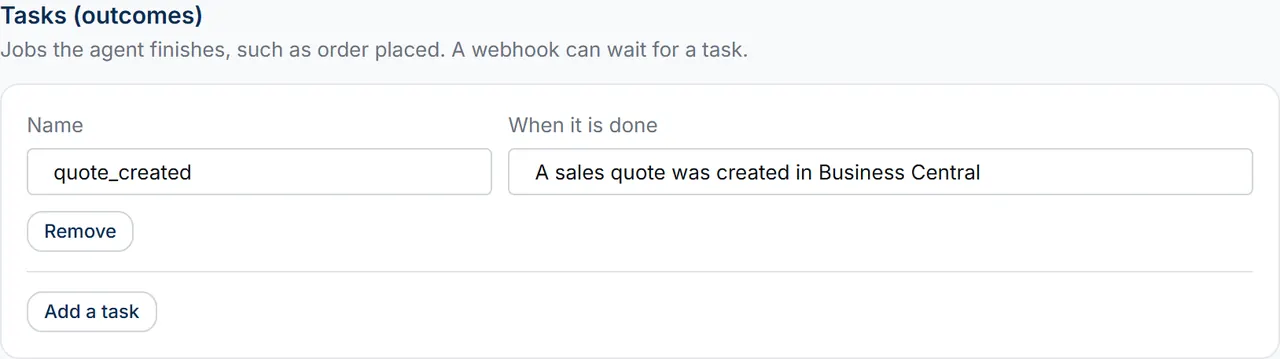
After the chat
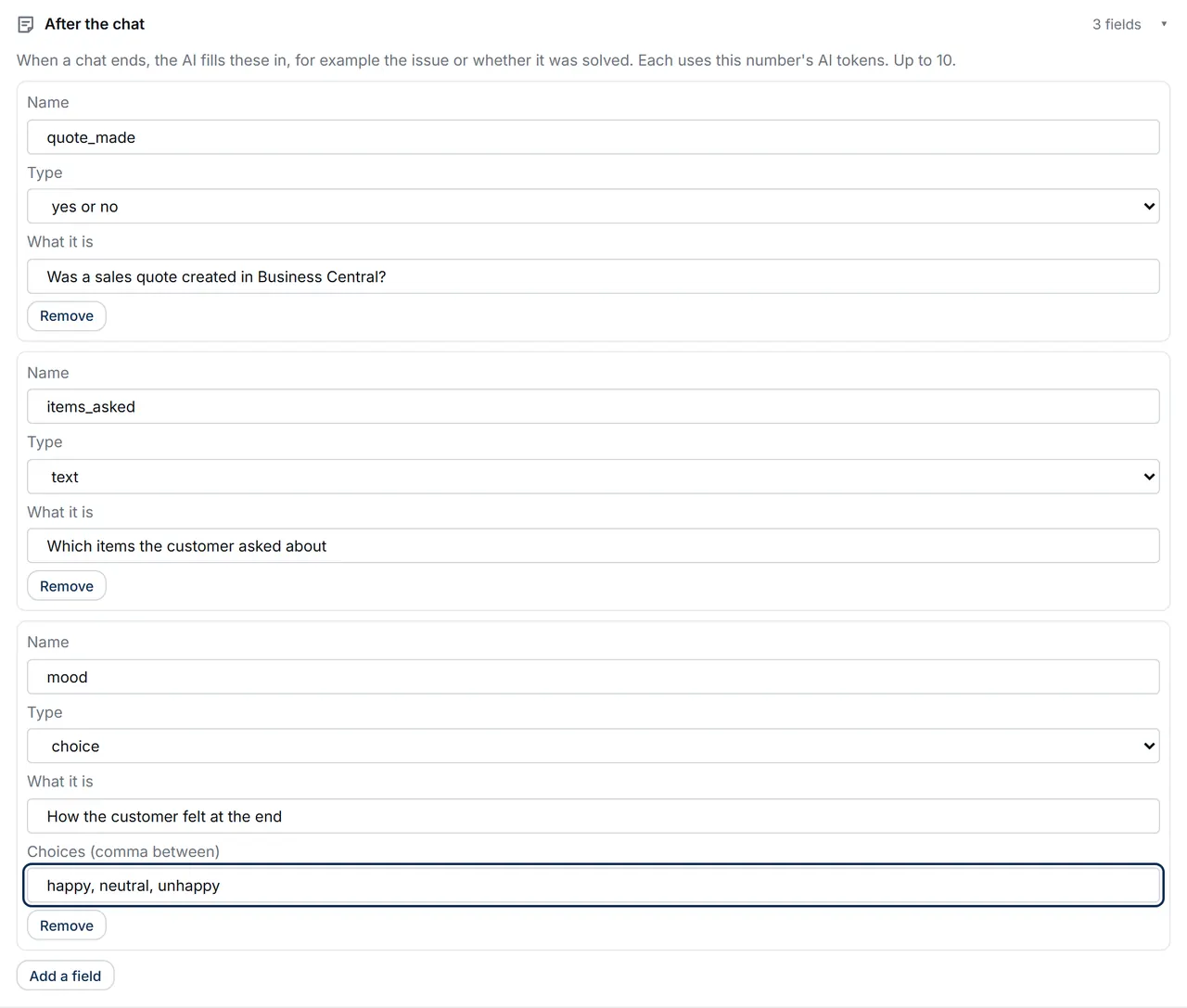
After-chat fields are filled by the AI when a chat ends, for example "was a deal made". You see them under Chats and results and they can go to a webhook, so the team can follow up without reading every chat. Each uses a few AI tokens; up to 10. In Agent settings open After the chat and press Add a field:
Summit Office Supply:
- quote_made: Type yes or no; What it is Was a sales quote created in Business Central?
- items_asked: Type text; What it is Which items the customer asked about
- mood: Type choice; What it is How the customer felt at the end; Choices happy, neutral, unhappy
Brightwater Furniture Co.:
- order_placed: Type yes or no; What it is Was a sales order placed in Business Central?
- asked_status: Type yes or no; What it is Did the customer ask where an order is?
- items_asked: Type text; What it is Which items the customer asked about
Northgate Workspace:
- wants_to_buy: Type yes or no; What it is Does the customer want to buy something?
- items_asked: Type text; What it is Which items the customer asked about
- follow_up: Type choice; What it is How the team should follow up; Choices call, email, none
Press Save. Changes are used only after Build (step 6). Test chats are not analysed, so Chats and results fills only with real WhatsApp chats.
Next step
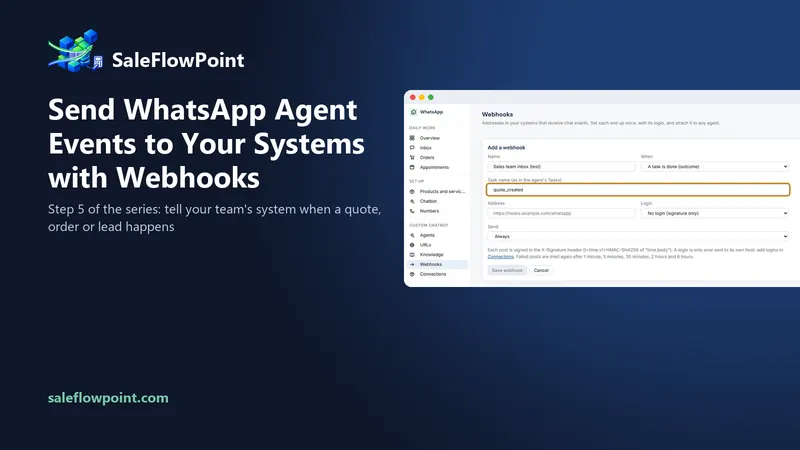
Step 5: the webhook: "Send WhatsApp Agent Events to Your Systems with Webhooks"
The whole series
- Overview: what the agent does: "How to Build an AI Sales Agent on Business Central"
- The whole build on one page: "Connect Business Central to WhatsApp Step by Step"
- Step 1: the connection: "Business Central WhatsApp Agent: Setup and Connection"
- Step 2: the URLs: "Add and Test Business Central URLs for a WhatsApp Agent"
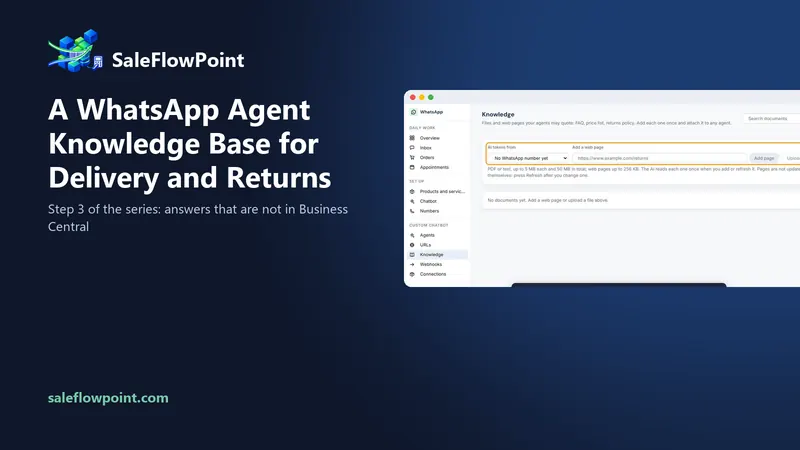
- Step 3: the knowledge base: "A WhatsApp Agent Knowledge Base for Delivery and Returns"
- Step 4: details, tasks and after-chat results: "WhatsApp Agent Details to Collect and After-Chat Results" (this page)
- Step 5: the webhook: "Send WhatsApp Agent Events to Your Systems with Webhooks"
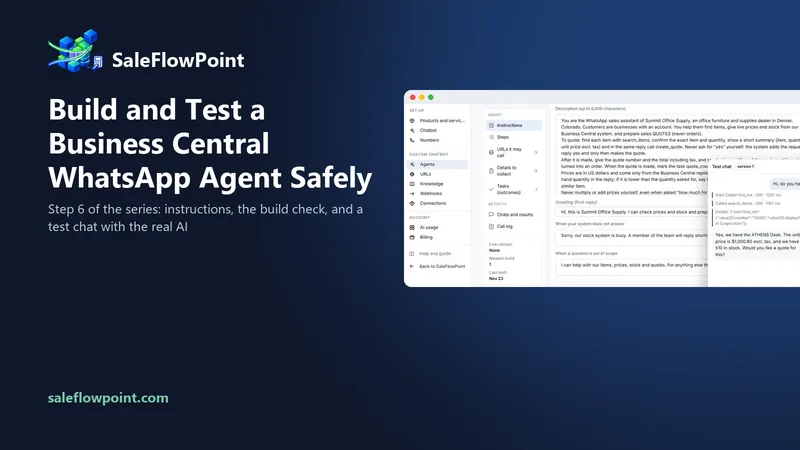
- Step 6: instructions, build and test chat: "Build and Test a Business Central WhatsApp Agent Safely"
- Step 7: the WhatsApp number: "Connect a WhatsApp Number to Your Business Central Agent"
- A read-only stock and price agent: "Real-Time Stock and Prices in WhatsApp from Business Central"