A WhatsApp Agent Knowledge Base for Delivery and Returns
Step 3 of the series: answers that are not in Business Central
This guide is part of a series on a WhatsApp sales agent for Microsoft Business Central, built with SaleFlowPoint's custom chatbot (Mode 3). Every value below is the one we typed on our own demo account, so you can copy it and change only your own names and ids. The data is Microsoft's CRONUS USA demo company in our own Business Central sandbox, and the shops are invented: Summit Office Supply in Denver (quotes), Brightwater Furniture Co. in Charlotte (orders and order status) and Northgate Workspace in Minneapolis (answers only). Ids are shown as {tenant}, {environment} and {company}; amounts are in US dollars.
Why a knowledge document
Customers also ask things Business Central does not hold: delivery areas, delivery times, returns and payment terms. Write them in a short text file or PDF; the agent answers from it and the test chat shows which document it used.
The document we used
Save this as policies.txt (one per company; Brightwater and Northgate below):
Summit Office Supply - customer policies
Delivery: free in the Denver metro area on quotes over 500 US dollars; elsewhere in Colorado 75 US dollars.
Delivery time: 3 to 5 business days for items in stock.
Returns: 30 days, unused and in the original box; a 15% restocking fee on furniture.
Payment terms: net 30 for account customers; quotes are valid for 30 days.Brightwater Furniture Co. - customer policies
Delivery: Charlotte area free on orders over 1,000 US dollars; the rest of North Carolina and South Carolina 95 US dollars.
Delivery time: 5 to 7 business days; white-glove setup on request.
Returns: 14 days for unused items; custom orders cannot be returned.
Payment terms: net 30 for account customers; a 50% deposit on custom orders.Northgate Workspace - customer policies
Showroom: open Monday to Saturday, 9 to 6, in Minneapolis.
Delivery: Twin Cities 60 US dollars; elsewhere in Minnesota 120 US dollars.
Returns: 30 days with the receipt; floor models are final sale.
Payment terms: card or net 30 for approved business accounts.Add it in SaleFlowPoint
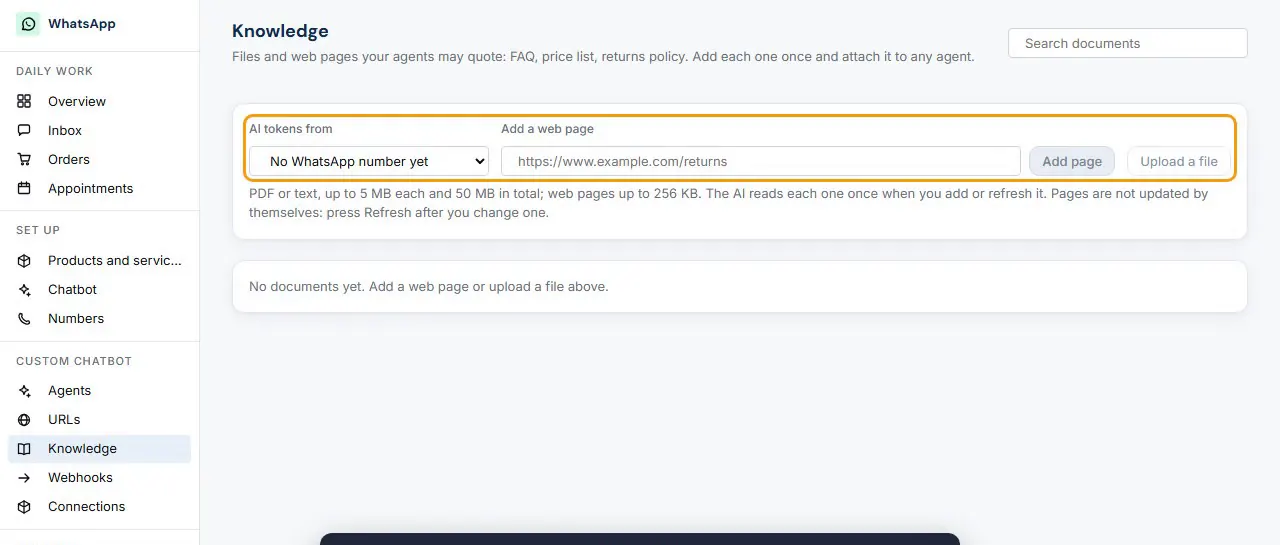
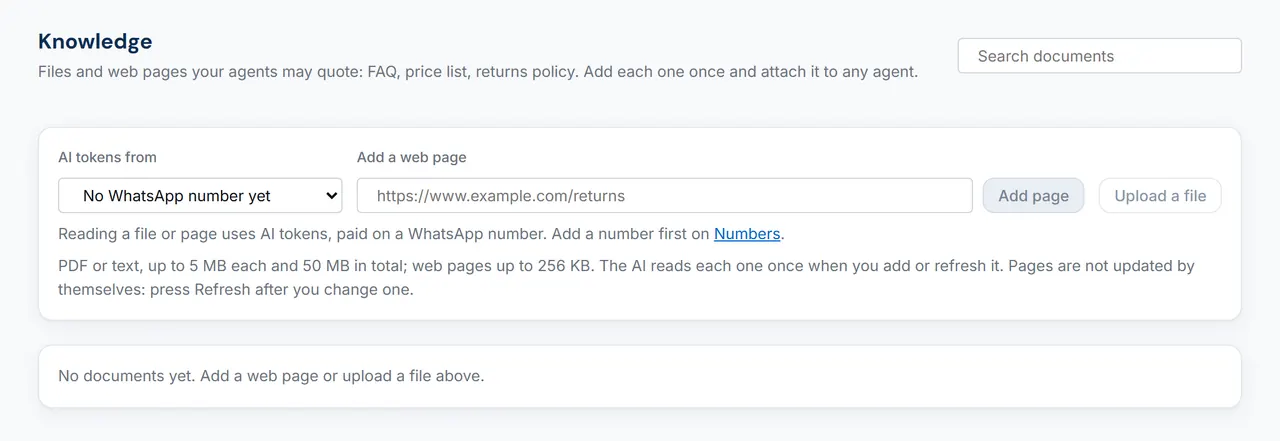
- 1. Open WhatsApp, then Knowledge.
- 2. AI tokens from: choose the WhatsApp number that pays for reading the file (the AI reads it once and keeps the useful facts).
- 3. Press Upload a file and choose policies.txt (PDF or text, up to 5 MB each and 50 MB in total), or type a web page address such as https://www.example.com/returns and press Add page (up to 256 KB).
- 4. Wait a few seconds until it shows Ready.
- 5. In the agent, under Agent settings > Knowledge base, press Attach from Knowledge and pick it. One document can be attached to several agents.
Test it
In the test chat (step 6) ask: "Do you deliver to Boulder, and how long does it take?" The agent should answer 75 US dollars and 3 to 5 business days, and the grey trace line names policies.txt. A page you change later is not re-read by itself: press Refresh on it.
Next step
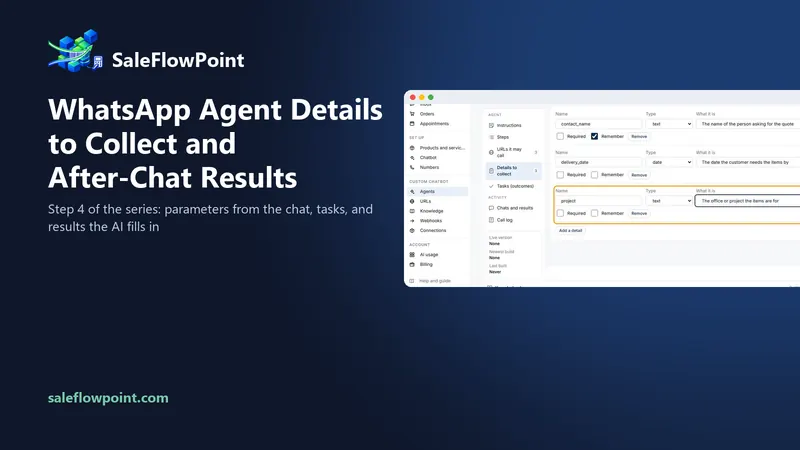
Step 4: details, tasks and after-chat results: "WhatsApp Agent Details to Collect and After-Chat Results"
The whole series
- Overview: what the agent does: "How to Build an AI Sales Agent on Business Central"
- The whole build on one page: "Connect Business Central to WhatsApp Step by Step"
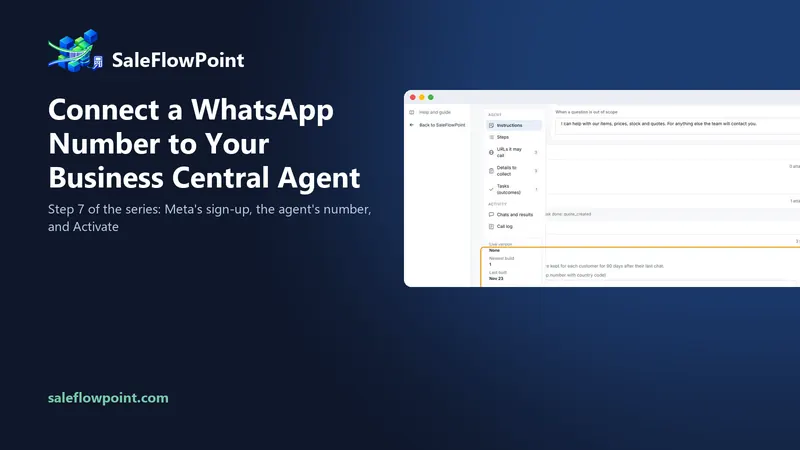
- Step 1: the connection: "Business Central WhatsApp Agent: Setup and Connection"
- Step 2: the URLs: "Add and Test Business Central URLs for a WhatsApp Agent"
- Step 3: the knowledge base: "A WhatsApp Agent Knowledge Base for Delivery and Returns" (this page)
- Step 4: details, tasks and after-chat results: "WhatsApp Agent Details to Collect and After-Chat Results"
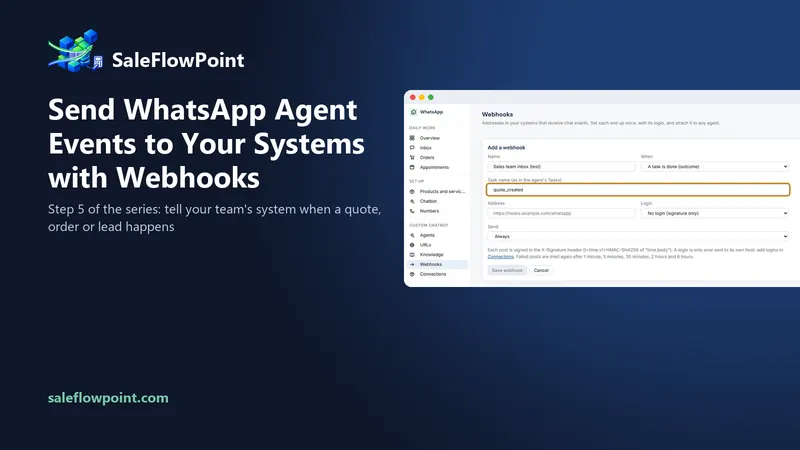
- Step 5: the webhook: "Send WhatsApp Agent Events to Your Systems with Webhooks"
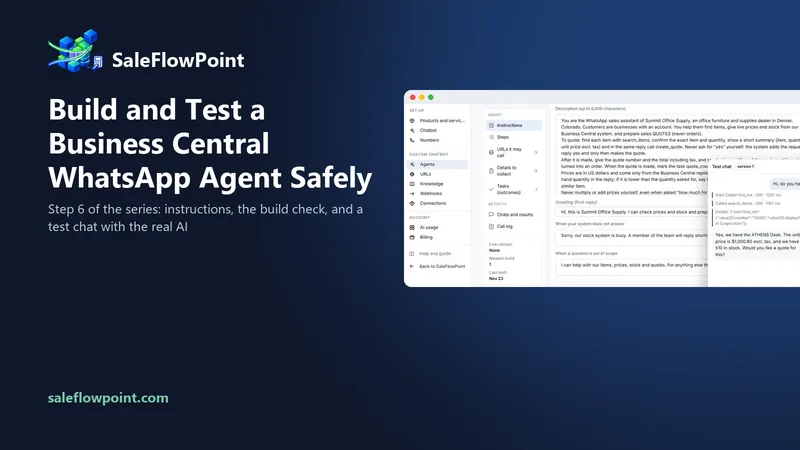
- Step 6: instructions, build and test chat: "Build and Test a Business Central WhatsApp Agent Safely"
- Step 7: the WhatsApp number: "Connect a WhatsApp Number to Your Business Central Agent"
- A read-only stock and price agent: "Real-Time Stock and Prices in WhatsApp from Business Central"