WhatsApp
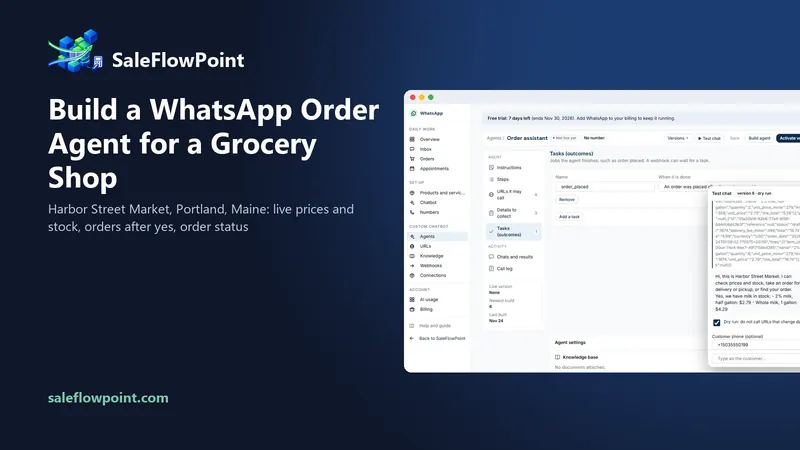
Build a WhatsApp Order Agent for a Grocery Shop
Build a WhatsApp agent that finds products with live prices and stock, takes delivery or pickup orders after a yes and answers where is my order. Step by step.


Blog
Practical articles on the till, stock, online booking and your shop's website, written for owners who would rather be serving customers.
Build a WhatsApp agent that finds products with live prices and stock, takes delivery or pickup orders after a yes and answers where is my order. Step by step.
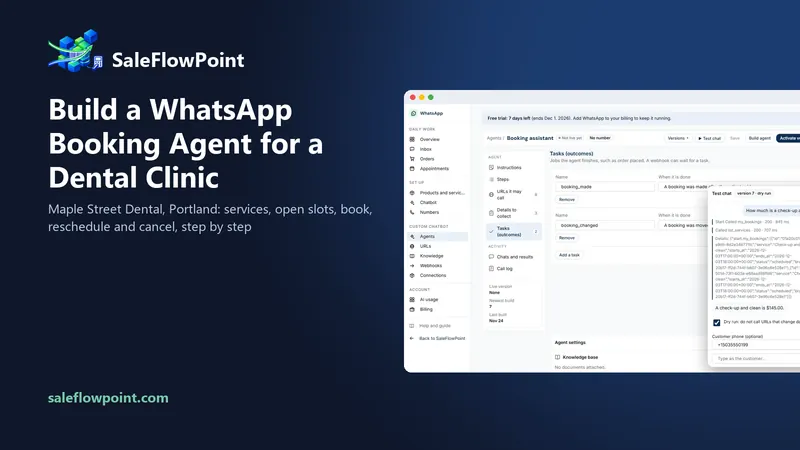
Build a WhatsApp agent that lists services and prices, finds open times, books, moves and cancels visits after the patient says yes. Every value is included.
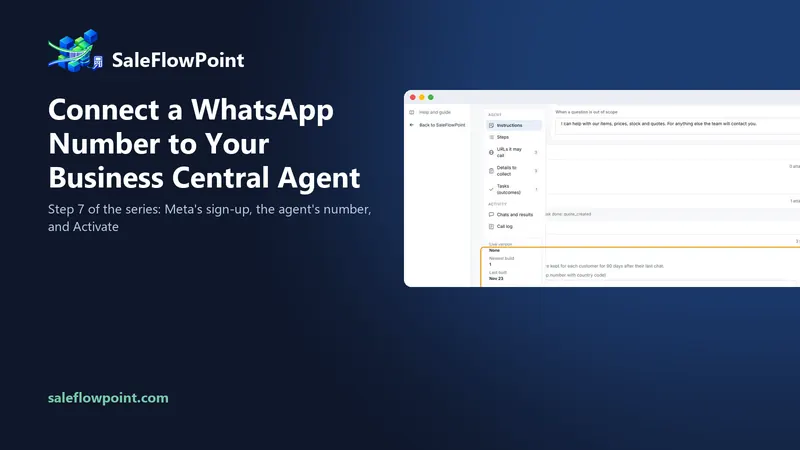
Connect your WhatsApp Business number through Meta's sign-up, pick it in the agent, then activate a version so new chats use your Business Central agent.
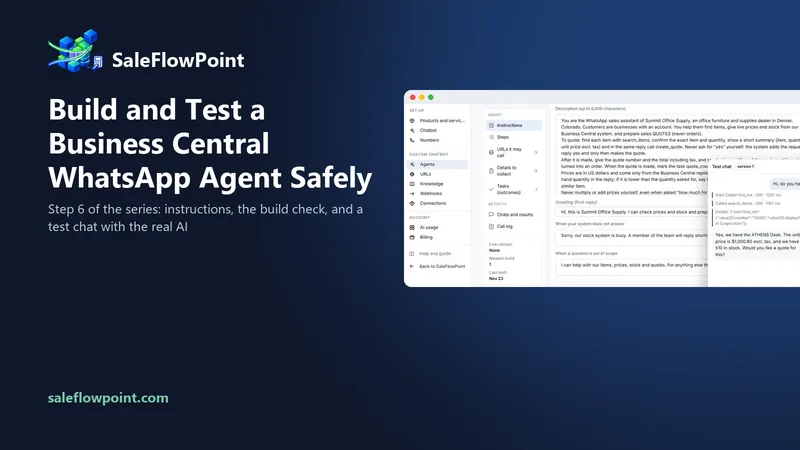
Write the agent's instructions, build it, read the AI-check warnings, then use the test chat to check prices from Business Central and the customer's yes step.
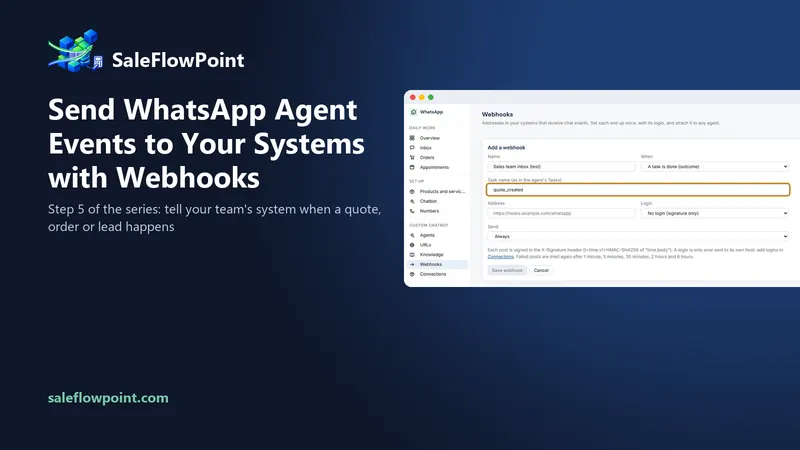
Post agent events to your CRM or automation: pick the event, test with webhook.site, copy the signing secret once and check the delivery log after live chats.
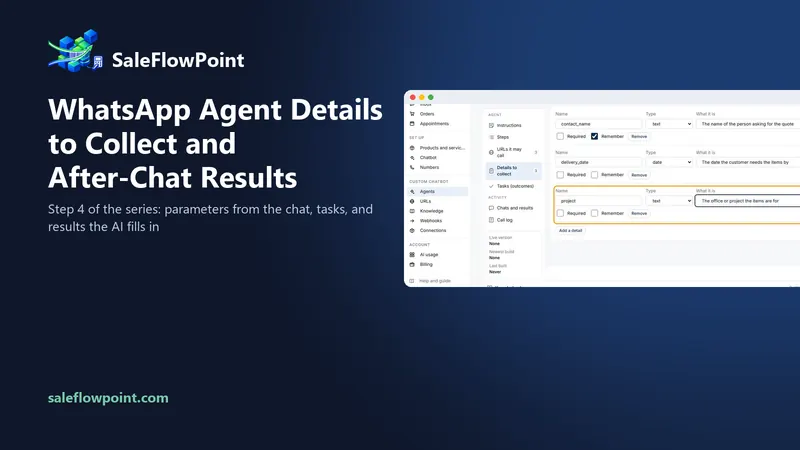
Set the details your WhatsApp agent picks up from a chat, such as a name or a delivery date, add tasks, and get after-chat results without reading every chat.
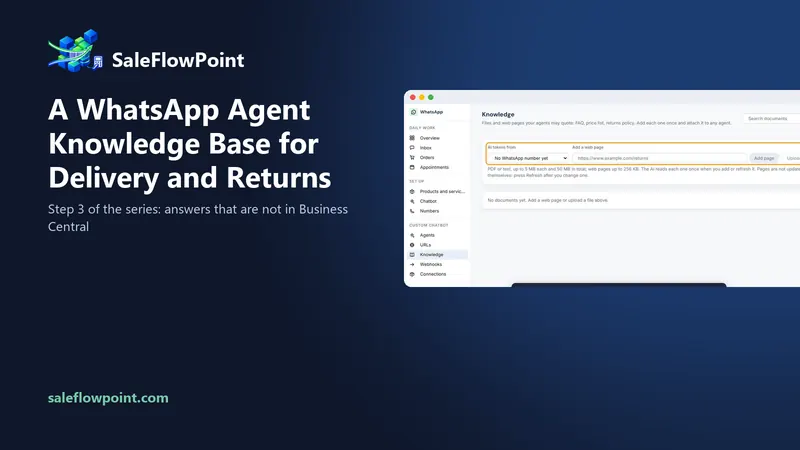
Write a short policy on delivery, returns and payment terms, add it under Knowledge, attach it to your agent, and see why reading a file needs a number.
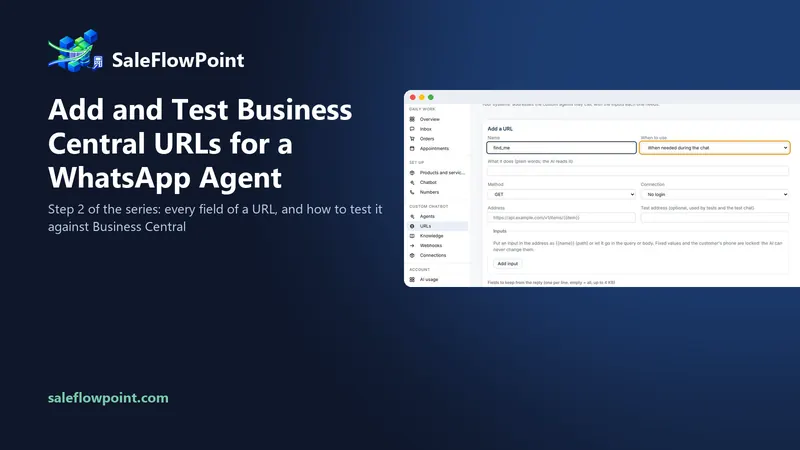
Add find_me, search_items and create_quote or create_order field by field: phone input, digits-only format, OData escaping, fields to keep and the yes step.
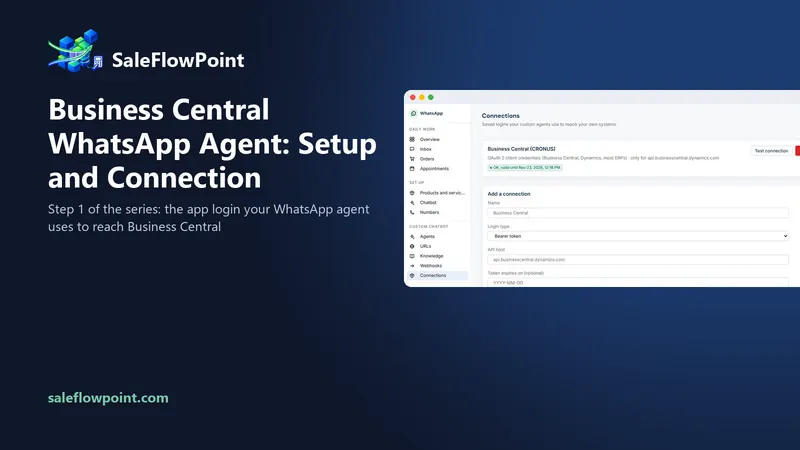
Register a Microsoft Entra app, grant API.ReadWrite.All, add it in Business Central, then save the login in SaleFlowPoint and keep the client secret in date.
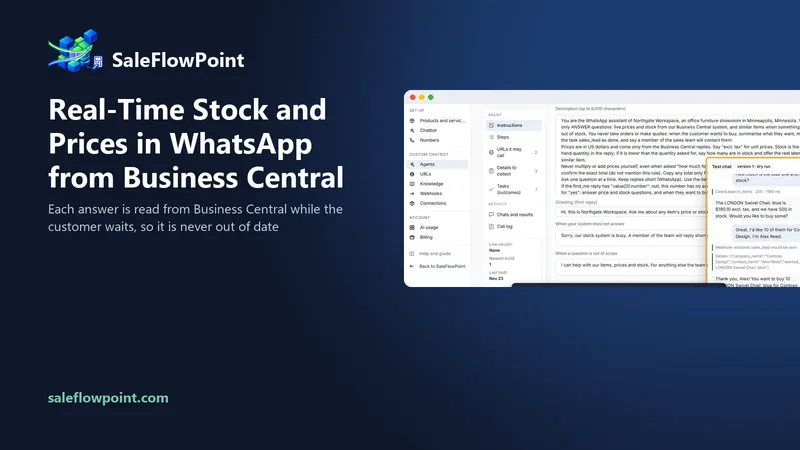
How a WhatsApp AI agent finds Business Central items, copes with case and apostrophes, answers when stock is short, and takes every price and total from BC.
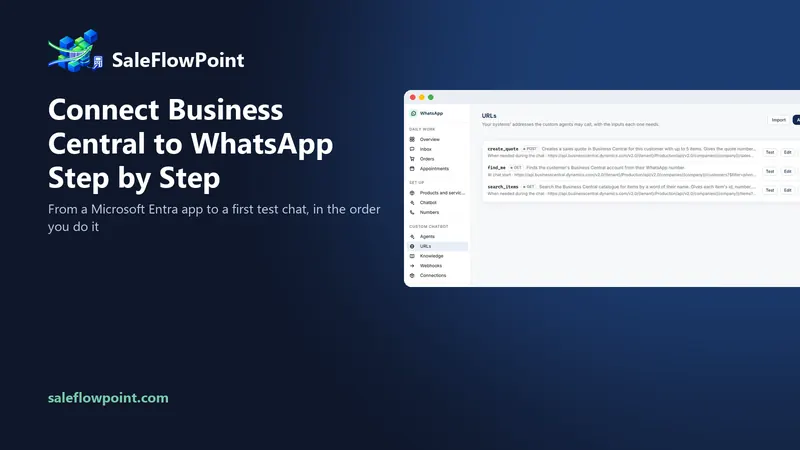
Set up a Microsoft Entra app, give it Business Central API access, add it inside Business Central, then create the Connection and URLs for a WhatsApp AI agent.
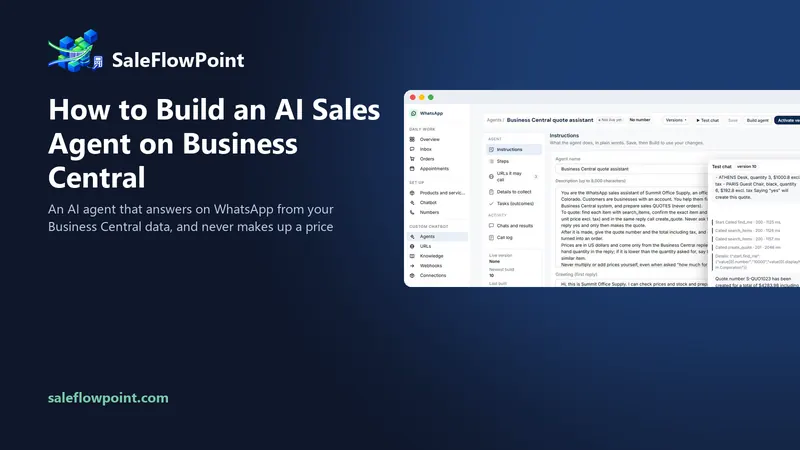
Customers ask for prices, stock, quotes and orders on WhatsApp, answered from Business Central, with the customer's yes before any write and no made-up prices.
One shop and one till free, with no time limit and no card to sign up.